NVIDIA DGX B200 User Guide
(continued from previous page)
"Boot0010"
]
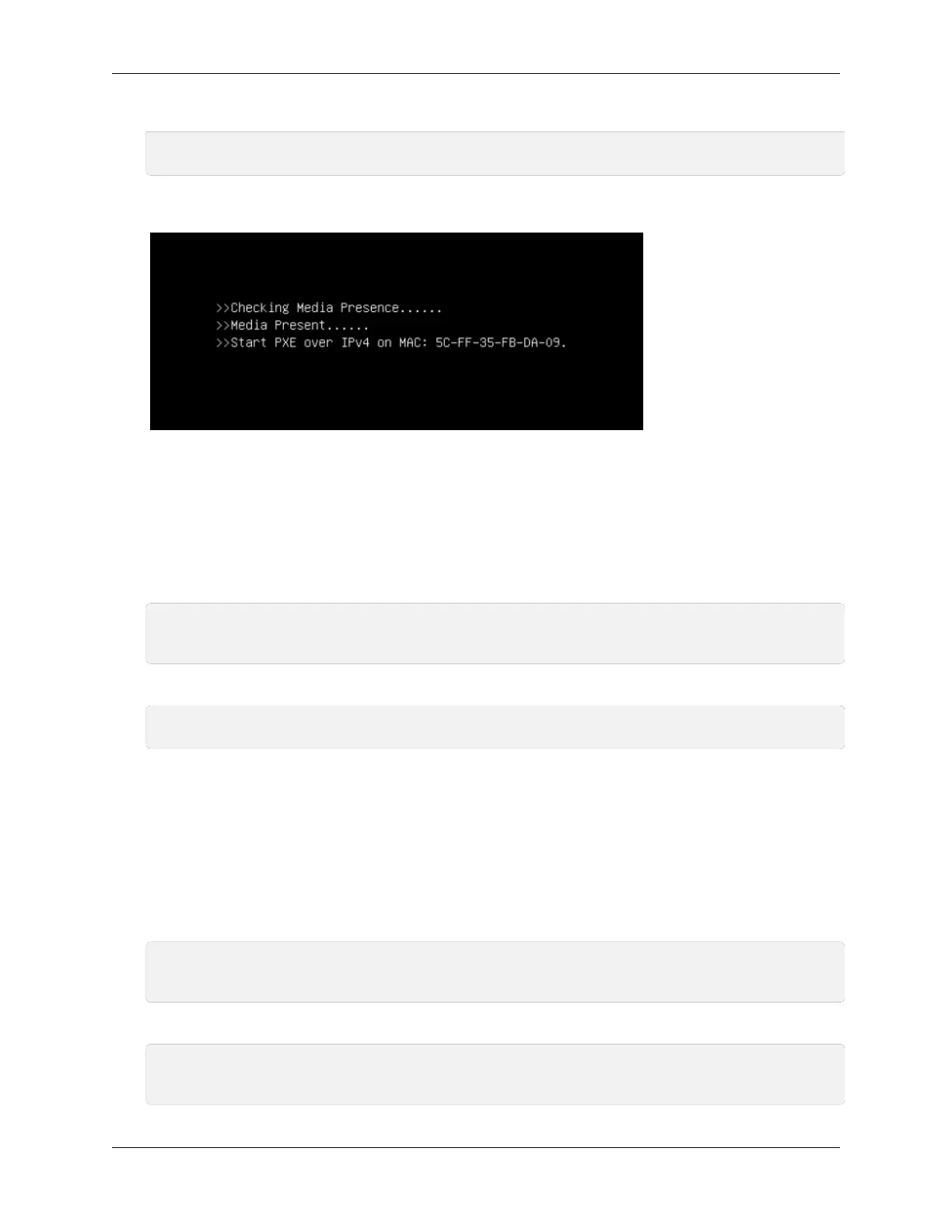
Upon reboot, the system should attempt to boot from the network using the correct network
interface:
This boot order change will remain until the next boot order update, which can be done by resetting
the SBIOS or running this procedure again.
9.3.5. Telemetry
▶ GPU tray sensors
curl -k -u <bmc-user>:<password> --location --request GET 'https:∕∕<bmc-ip-
,→address>∕redfish∕v1∕TelemetryService∕MetricReportDefinitions∕HGX_
,
→
PlatformEnvironmentMetrics_0'
▶ DGX platform sensors
curl -k -u <bmc-user>:<password> --location --request GET 'https:∕∕<bmc-ip-
,→address>∕redfish∕v1∕Chassis∕DGX∕Sensors'
The endpoint returns 75 members at a time. To page through the results, use the URI in
the Members@odata.nextLink eld. For example, ∕redfish∕v1∕Chassis∕DGX∕Sensors?
$skip=75.
9.3.6. Chassis
▶ Chassis Restart (IPMI chassis power cycle)
curl -k -u <bmc-user>:<password> --request POST --location 'https:∕∕<bmc-ip-
,→address>∕redfish∕v1∕Systems∕DGX∕Actions∕ComputerSystem.Reset' --header 'Content-
,→Type: application∕json' --data '{"ResetType": "ForceRestart"}'
▶ Chassis Start (IPMI chassis power on)
curl -k -u <bmc-user>:<password> --request POST --location 'https:∕∕<bmc-ip-
,→address>∕redfish∕v1∕Systems∕DGX∕Actions∕ComputerSystem.Reset' --header 'Content-
,→Type: application∕json' --data '{"ResetType": "On"}'
9.3. Redsh Examples 71















 To Next Page