Power Cable and Cable Retainer
In some switch models, the product's package includes cable retainers. It is highly
recommended to use them in order to secure the power cables in place.
When installing retainers for the PSUs of the SN3420 switch systems, please adhere to
the following instructions:
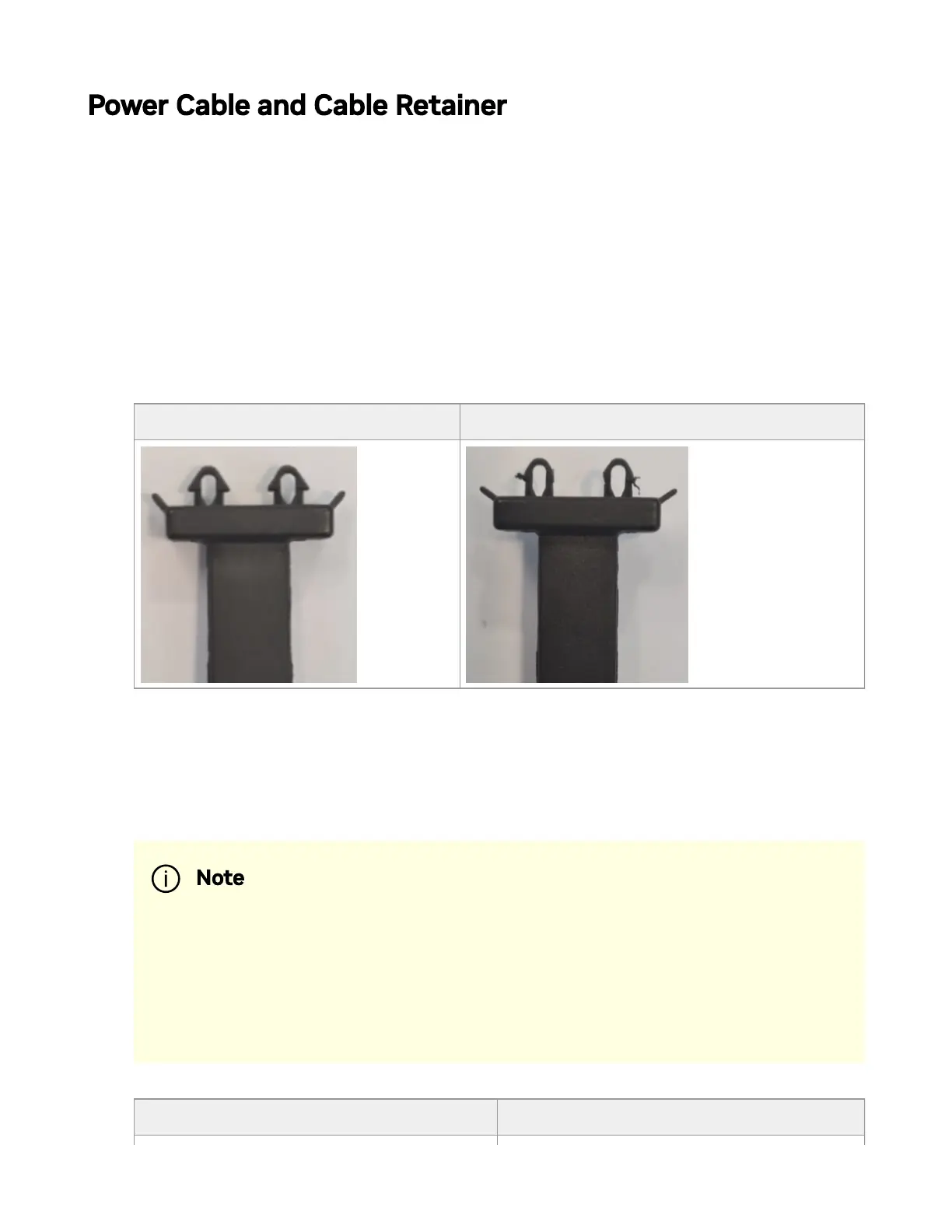
1. Verify the integrity of the retainer assembly, as demonstrated in the below table:-
The snaps' push-pins must have visible edges with no broken or torn parts.
- The shoulders' pins should be in-tact and must not be bent inwards.
Proper Condition Improper Condition
2. It is advised to place the PSU on a at, stable surface. While you secure the PSU in
place, use two thumbs to insert the retainer's two snaps into the designated holes
located near the AC inlet. Make sure that the retainer's plastic loop is facing
upwards, as demonstrated in the below table.
Correct Insertion Incorrect Insertion
Note
For demonstration purposes, the images in this document show
C2P (Connector-to-Power) airow PSUs with red latches, yet the
instructions apply to P2C (Power-to-Connector) PSUs with blue
latches as well.



 To Next Page