The power cords should be standard 3-wire AC power cords including a safety ground and
rated for 15A or higher.
1. Plug in the rst power cable.
2. Plug in the second power cable.
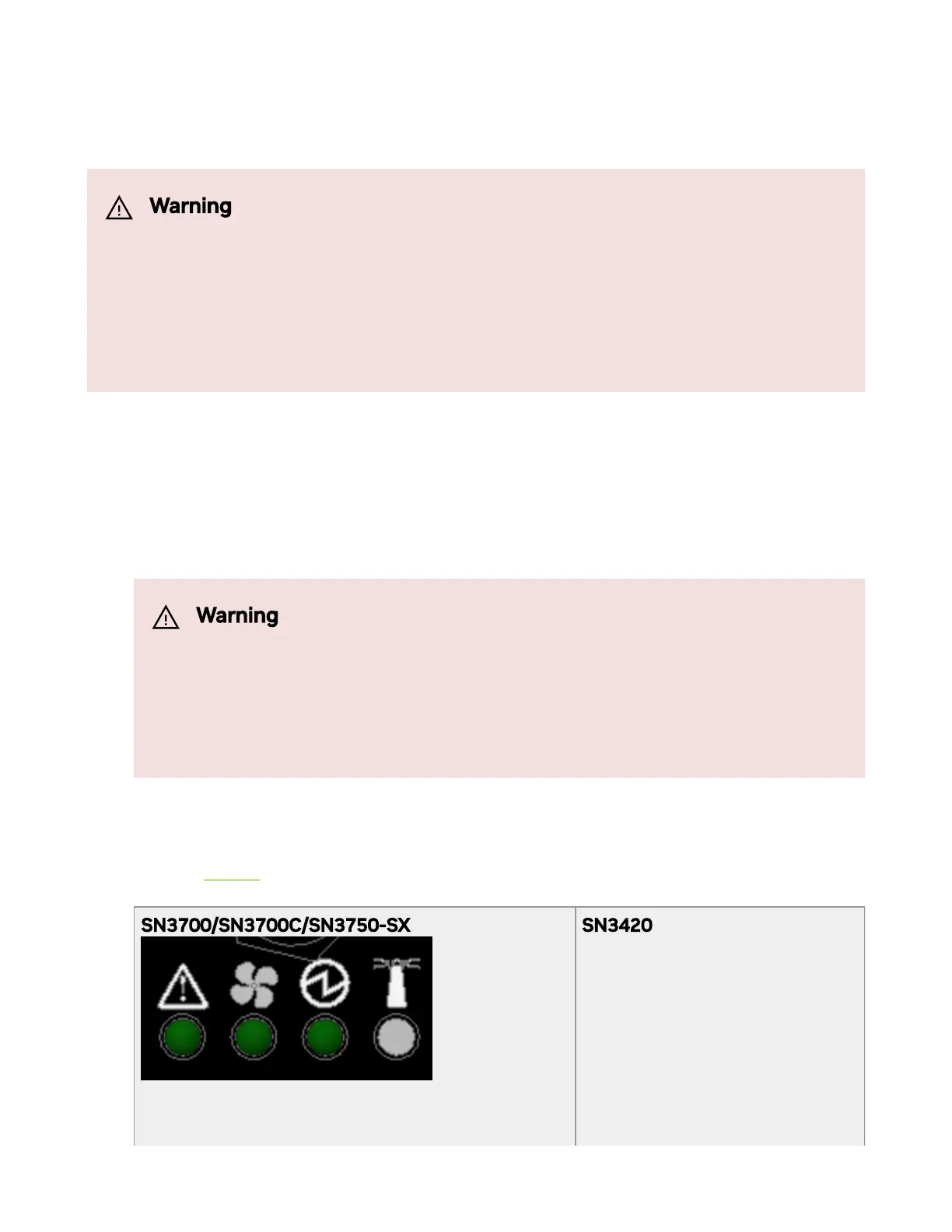
3. Wait for the System Status LED to turn green.
4. Check the System Status LEDs and conrm that all of the LEDs show status lights
consistent with normal operation as shown in the gure below. For more information,
refer to “LEDs”.
SN3700/SN3700C/SN3750-SX SN3420
Warning
The system platform will automatically power on when AC power is
applied. There is no power system. Check all boards, power supplies,
and fan tray modules for proper insertion before plugging in a power
cable.
Warning
It may take up to ve minutes to turn on the system. If the
System Status LED shows amber after ve minutes, unplug the
system and call your NVIDIA representative for assistance.



 To Next Page