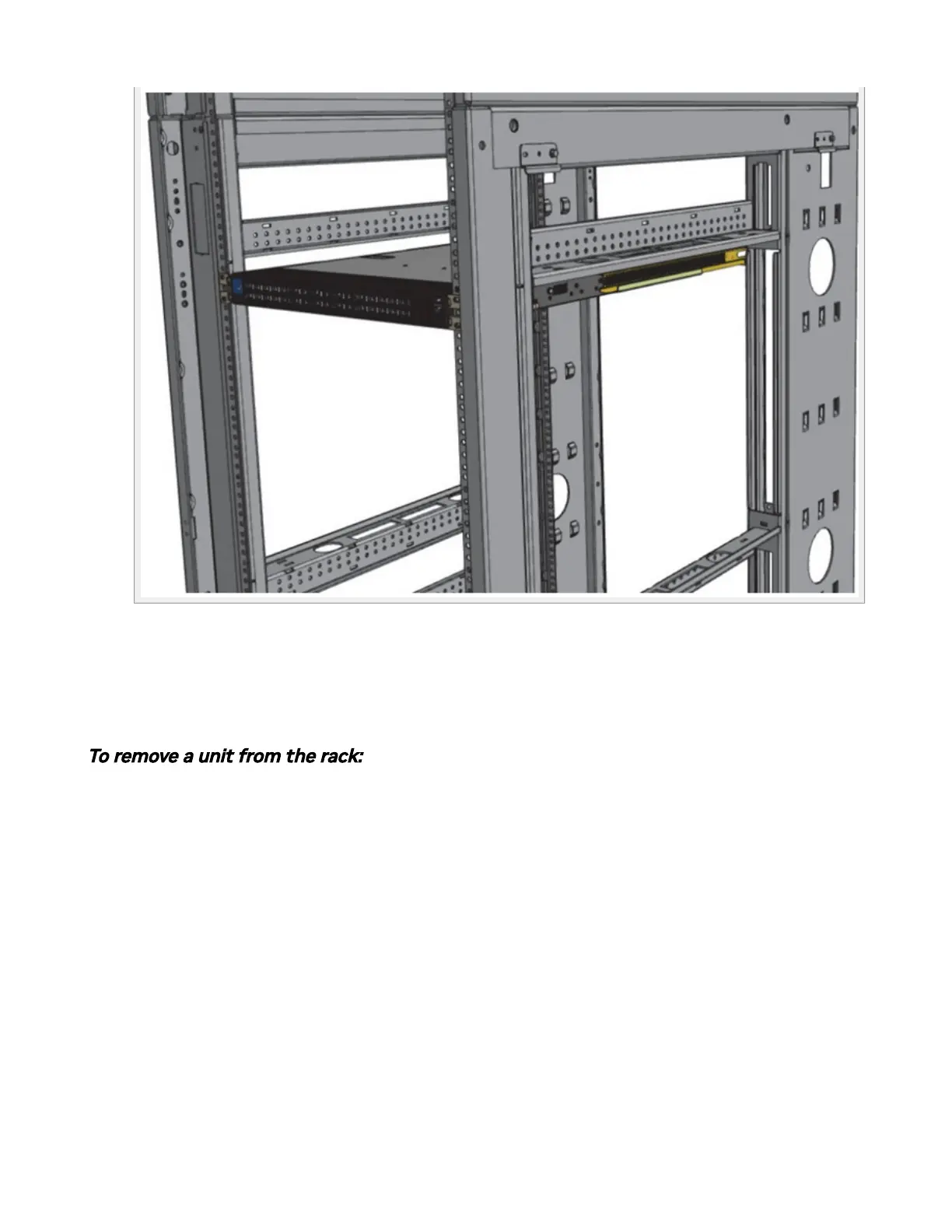
7. When fully inserted, x the switch by tightening the 8 screws (E) inserted in Step 5
and Step 6 with a torque of 4.5±0.5.
Removing the System from the Rack
To remove a unit from the rack:
1. Turn o the system and disconnect it from peripherals and from the electrical
outlet.
While your installation partner is supporting the system’s weight:
2. Loosen the screws attaching the rack mount ears (C) to the rack. Do not remove
them yet.
3. Loosen the screws attaching the rack mount blades (B) to the rack, and pull the
blades towards you, while your partner is holding the system.
4. Extract the loosened screws from Step 2 and dismount the system from the rack.
5. Remove the rails and brackets from the chassis by unscrewing 4 screws.



 To Next Page