Instruction Manual CyberScan pH 11 / 110
18
5.2 Manual Temperature Compensation
IMPORTANT: For manual compensation, you must disconnect the temperature
probe. The [ATC] annunciator will disappear from the LCD.
1. Switch the meter on. Press the MODE key to
select pH mode.
2. Press the CAL/MEAS key to enter pH
calibration mode. The CAL indicator will appear
above the primary display.
3. While in pH calibration mode, press the MODE
key to enter temperature calibration mode. The
primary display act as the adjustable
temperature setting and the secondary display
shows the default temperature value of 25°C or
indicates the last set temperature setting.
4. Check the temperature of your sample using an
accurate thermometer.
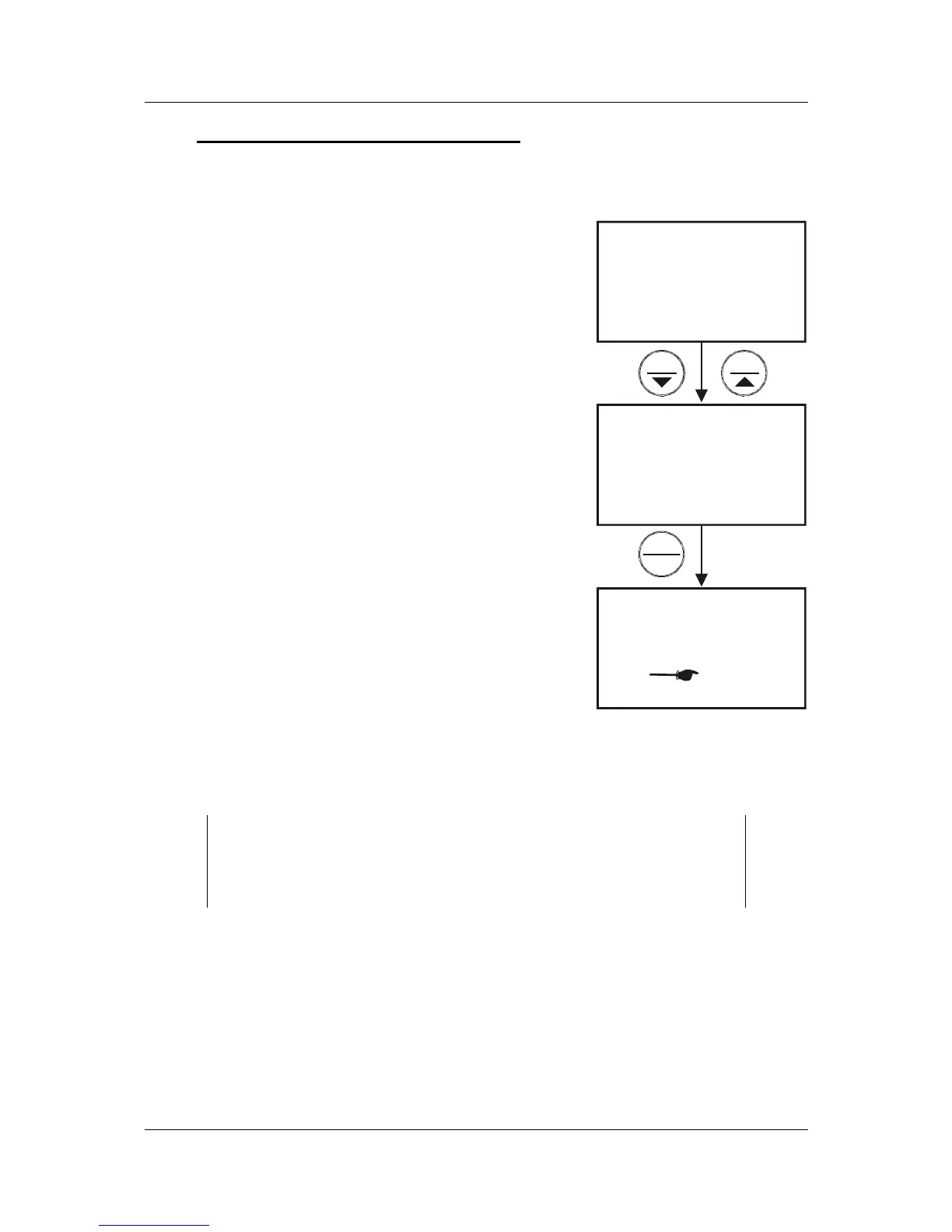
5. Press the MI/▲ or MR/▼ keys to set the
temperature to the measured value from step 4.
6. Press HOLD/ENTER key to confirm the
selected temperature and to return to the pH
measurement mode.
7. The meter will now compensate pH readings for
the manually set temperature.
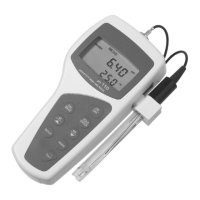
See Figure on right.
NOTES:
To exit this program without confirming the manual temperature
compensation value, DO NOT press ENTER in step 6. Press
CAL/MEAS instead.
MEAS
pH
°C
7.05
30.0
CAL
°C
25.0
25.0
°C
30.0
25.0
CAL
READY
MIMR
ENTER
HOLD
Figure 16: Manual
tem


 To Next Page