Instruction Manual CyberScan pH 11 / 110
32
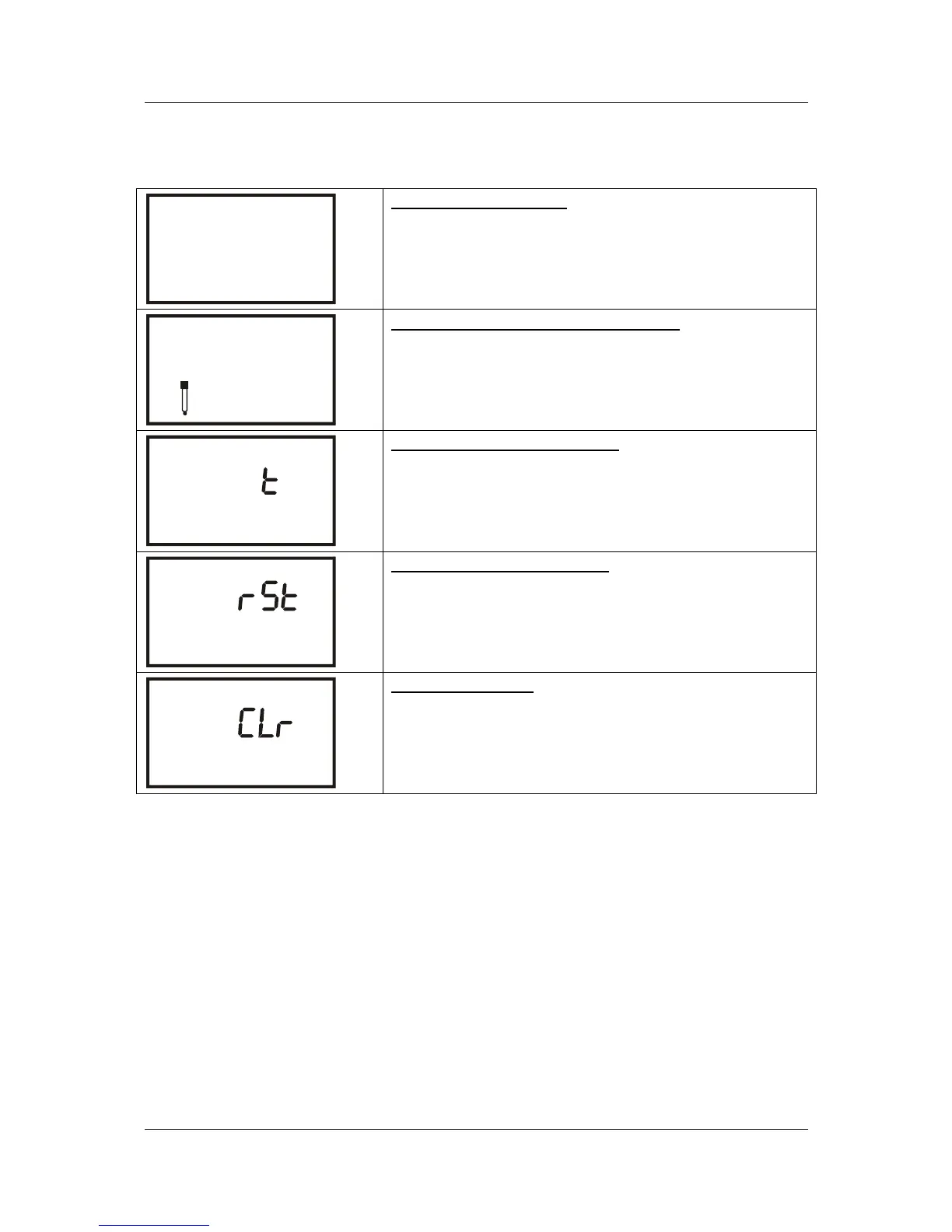
9.1.2 mV Setup mode
SETUP
P 1.0
COF
P1.0: Unit Configuration
P1.1 Ready indicator (On, Off or Auto Hold)
P1.4 Select °C or °F temperature units (pH 110 only)
SETUP
ELE
P 3.0
P3.0: View Electrode Data (pH 110 only)
P3.1 Electrode offset in mV (pH 110 only)
SETUP
P 4.0
A
0
P4.0: Select Auto Power On/Off
P4.0 Select auto power on or off
SETUP
P 5.0
P5.0: Reset to Factory Default
P5.1 Reset Relative mV calibrated data
P5.2 User reset back to factory default values
MEM
SETUP
P 6.0
P6.0: Memory Clear
P6.0 Clear all stored readings


 To Next Page