Instruction Manual CyberScan pH 11 / 110
36
9.2.3 P1.3 Select Number of pH Calibration Points
Program P1.3 lets you select the number of calibration points that appear in pH
calibration mode: 2, 3, 4, or 5 (or 6 with DIN buffer option). This lets the meter scroll
through the calibration points more quickly if you regularly calibrate at less than 5
points.
From measurement mode:
1. Press SETUP key to enter Set Up mode.
2. Press the MI/▲ or MR/▼ keys to scroll through
subgroups until you view parameter P1.0.
3. Press the HOLD/ENTER key three times to
select parameter 1.3.
4. Press the MI/▲ or MR/▼ keys to select 2, 3, 4,
or 5 point pH calibration (up to 6 points for DIN
calibration set with pH 110 meter).
5. Press the HOLD/ENTER key to confirm
selection and to return to the subgroup menu.
Press CAL/MEAS key to return to measurement
mode.
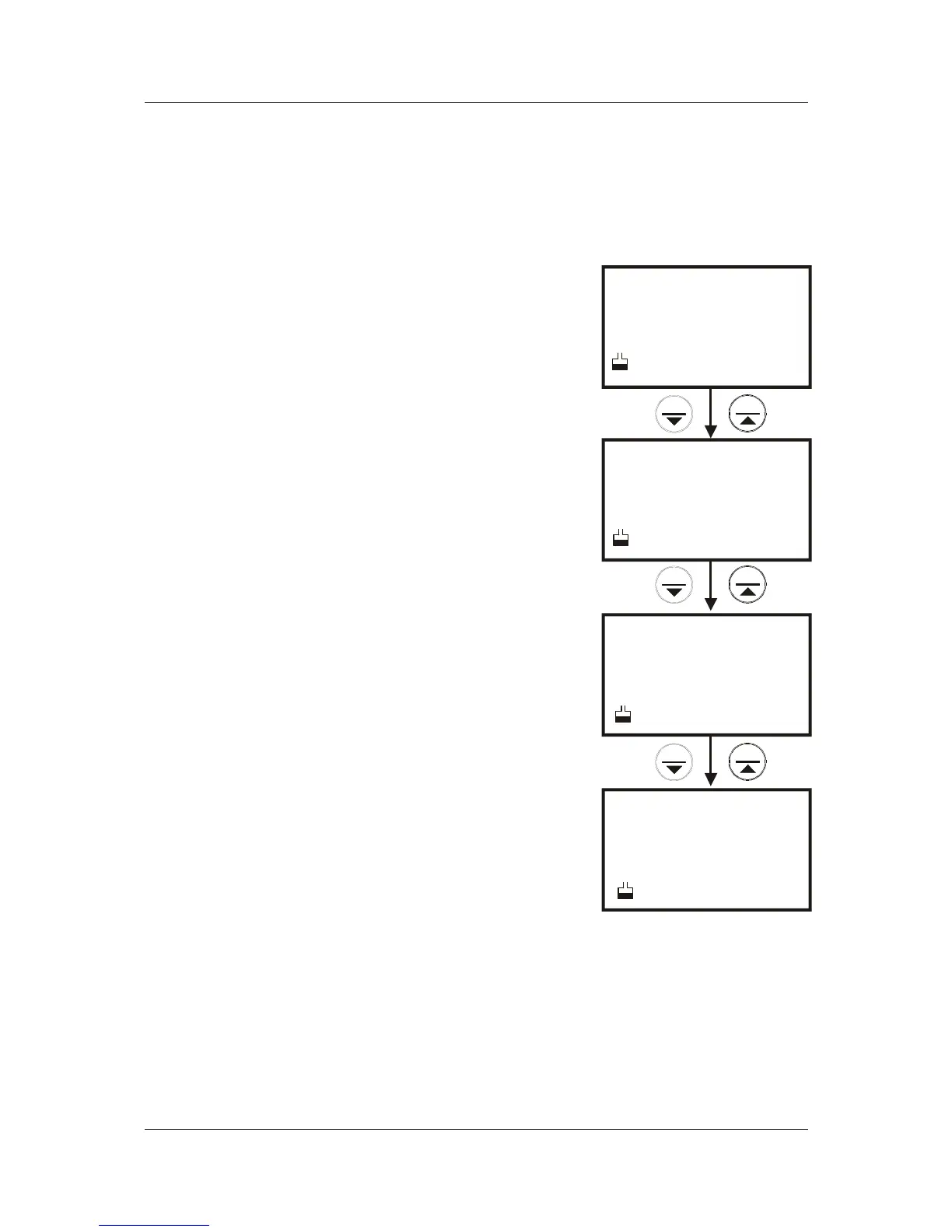
See Figure 32.
Figure 32: P1.3 - Select
number of calibration


 To Next Page