26 Océ 7050/7051 User Manual
9
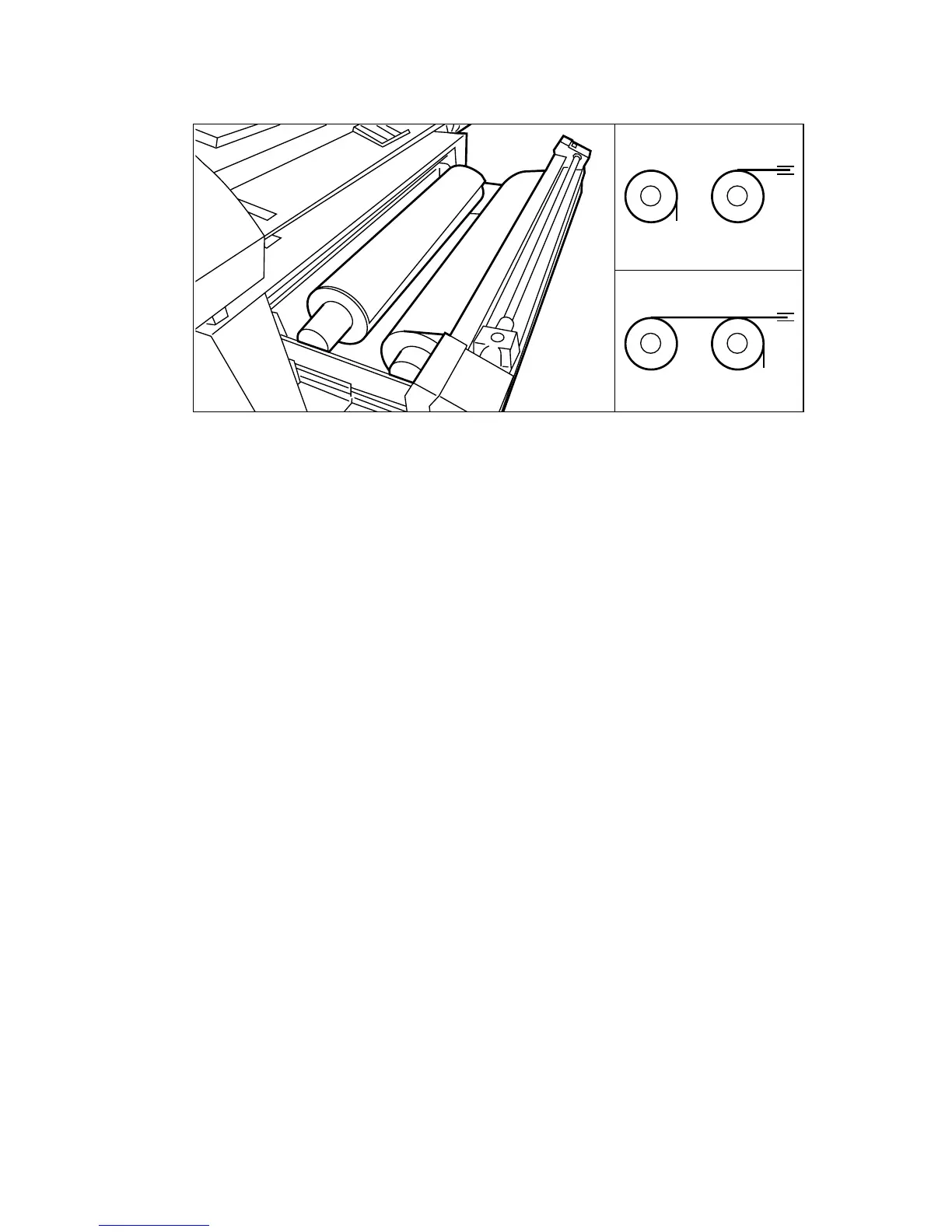
Reposition the roll holder with the copy material in the drawer. (see figure 16)
10
Make sure that the cutter is moved entirely to the left or the right side
[16] Repositioning the roll
11
Feed the copy material into the feeder with one hand and turn the roll feeding
knob with the other hand in the direction of the arrow.
Note:
Make sure that the copy material is fed into the feeder in a straight
way.
Note:
You can use the front or the back roll to feed the material.
12
Hold the copy material with one hand, and move the cutter with your other
hand entirely to the left or right side to cut the surplus of material.
13
Close the drawer.
+ +
+ +



 To Next Page