RemarksAction
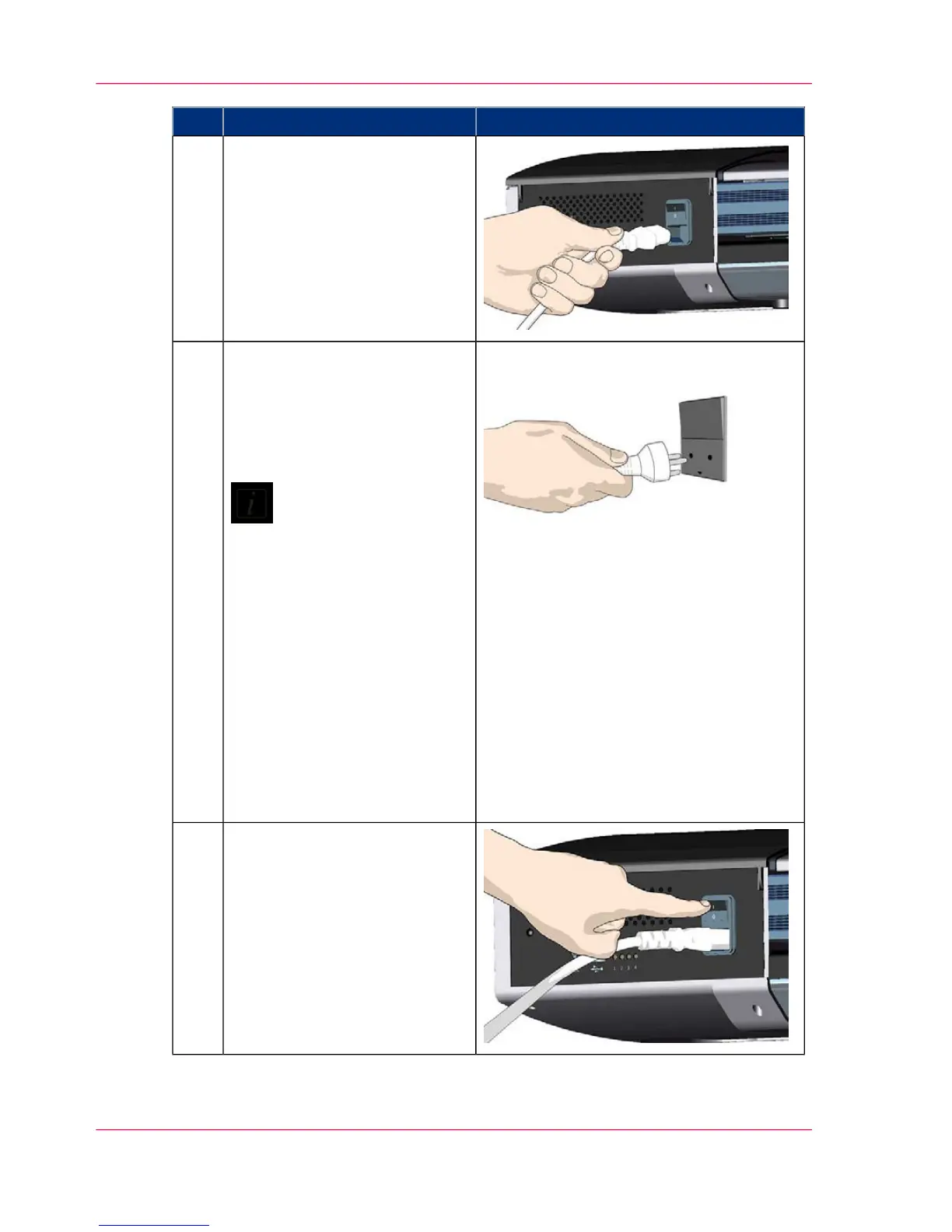
Connect the power cable to the
scanner.
Connect the scanner power cable
to the scanner's main power
connection socket.
The main power connection
socket is at the scanner's back-
side.
11
Connect power to the wall out-
let.
Connect the other end of the
scanner power cable to the power
outlet.
Note:
The scanner is equipped
with a three-wire (pin)
grounding type plug. If
you cannot insert the
plug into your outlet,
contact your electrician
to replace the plug or
outlet to ensure a
grounded power connec-
tion. Do not try to de-
feat or ignore the pur-
pose of the grounding-
type plug.
12
Switch on the scanner.
Switch on the main power
switch at the back of the scanner.
13
Chapter 3 - Installation18
Installation



 To Next Page