3: Operation
225-00000-000-11-201604 27
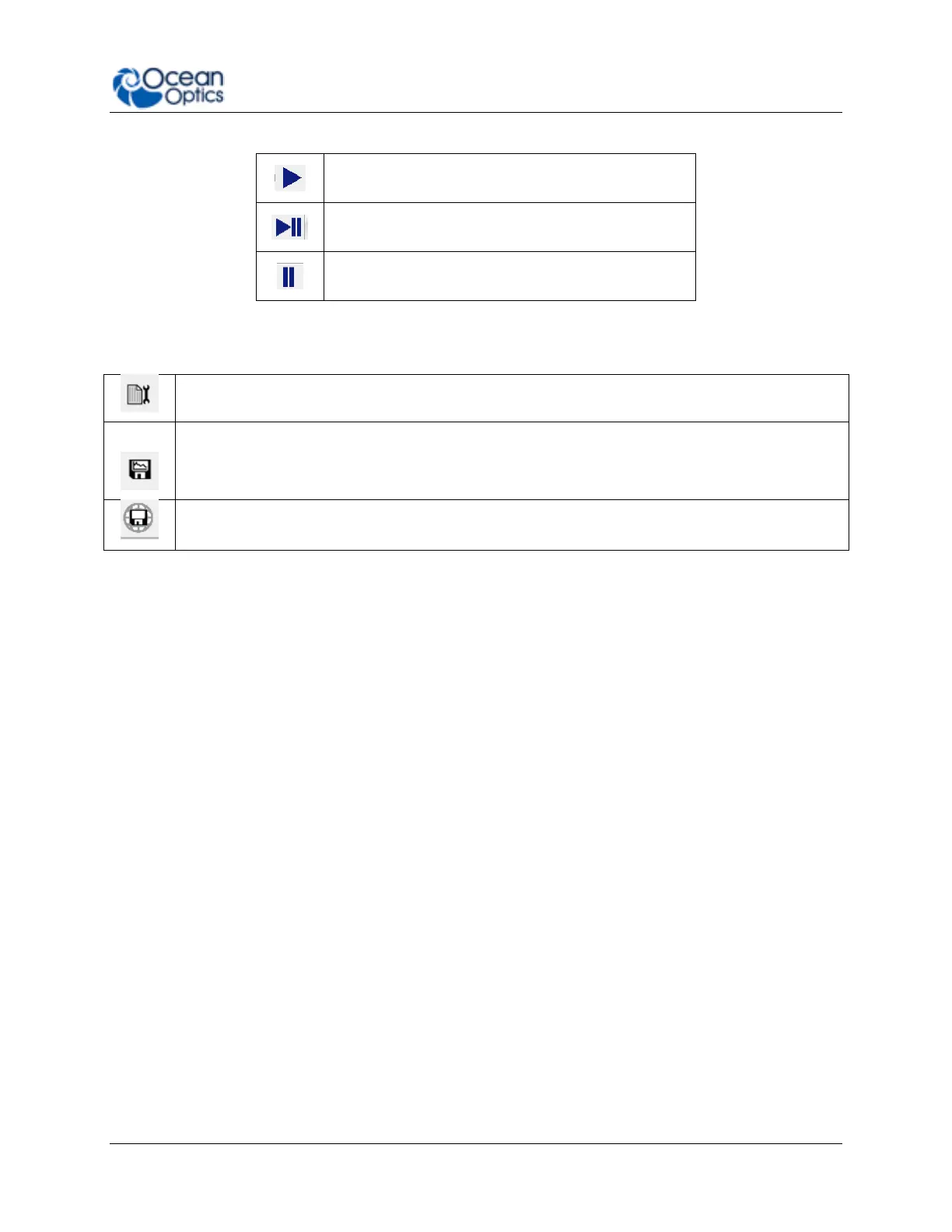
Take a single acquisition and then pause
Save Data
Configure Saving, set saving parameters and file type, file directory and file naming convention.
Once selected, the file directory will persist until changed.
Start saving data. Turns red when save is active. If saving data continuously, click when red to
stop saving. Will only activate saving for acquisitions attached to that particular view.
Global Save. Activates all configured saves across all views. Use to save data from multiple
devices at the same time.
By default OceanView will save data as a single “snapshot” acquisition. By configuring the save
you can set the save behavior to fit your measurement needs, from single snap shots to a
continuous stream of data over time.
Saved Data Panel
The saved data panel lets you see your data as it is saved and preview data. It also makes it
simple to add overlays of saved data to your screen.



 To Next Page