2: Installation and Setup
225-00000-000-11-201604 13
Hardware Features
Flame LEDs
The Flame features two indicator lights that operate as shown below:
Note that LEDs can be turned off in OceanView or by using a firmware command.
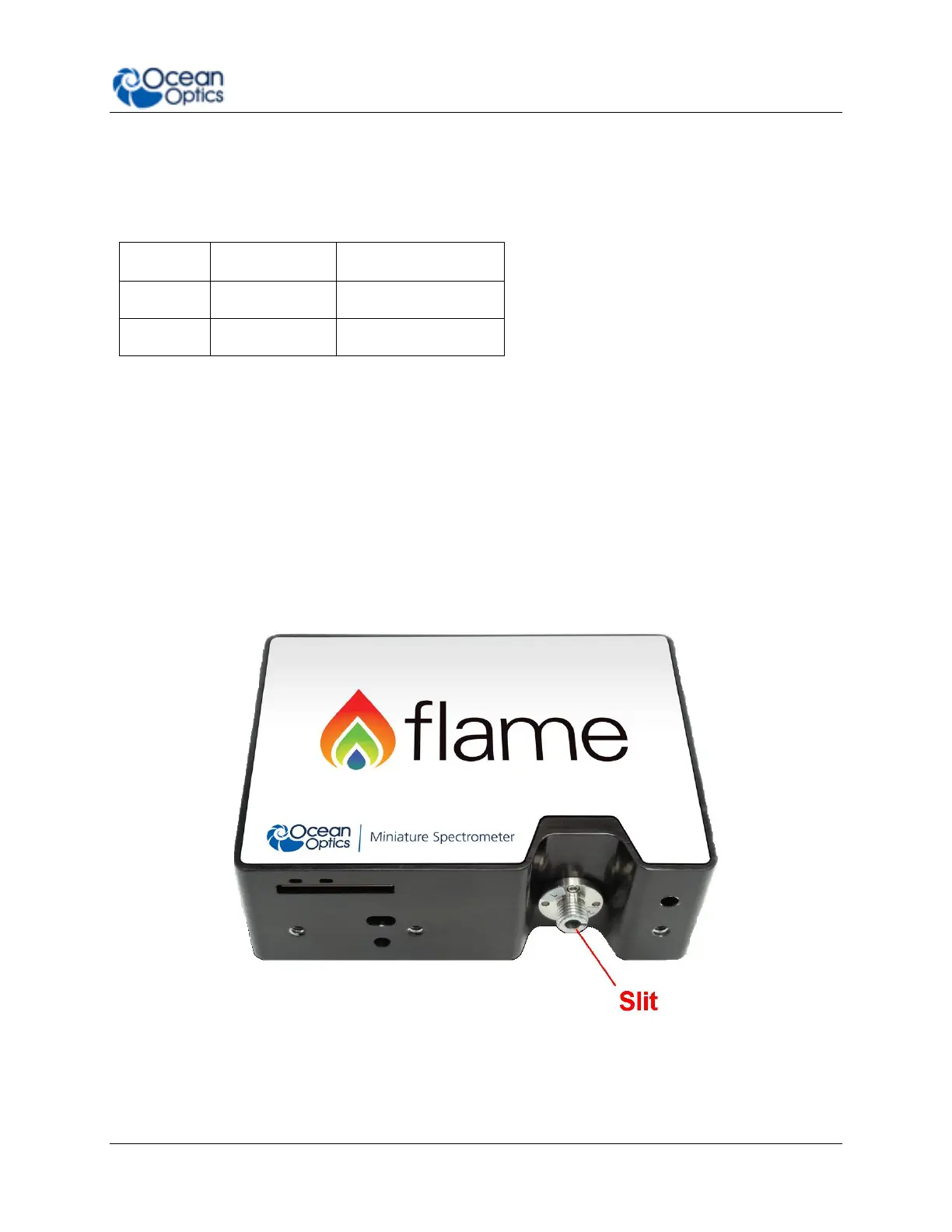
Change the Slit
The Flame allows you to change your spectrometer’s slit to match your application
requirements. Note that a filter must be ordered for each slit (if your application requires a
filter). There’s no need to calibrate your spectrometer when changing the slit, just install and
start measuring!
► Procedure
1. Find the SMA connector. If a fiber is attached, remove it.
2. Use the Allen key to remove the 2 the screws attaching the slit to the spectrometer.
3. Pull the slit out of the spectrometer.



 To Next Page