2: Installation
Control Description
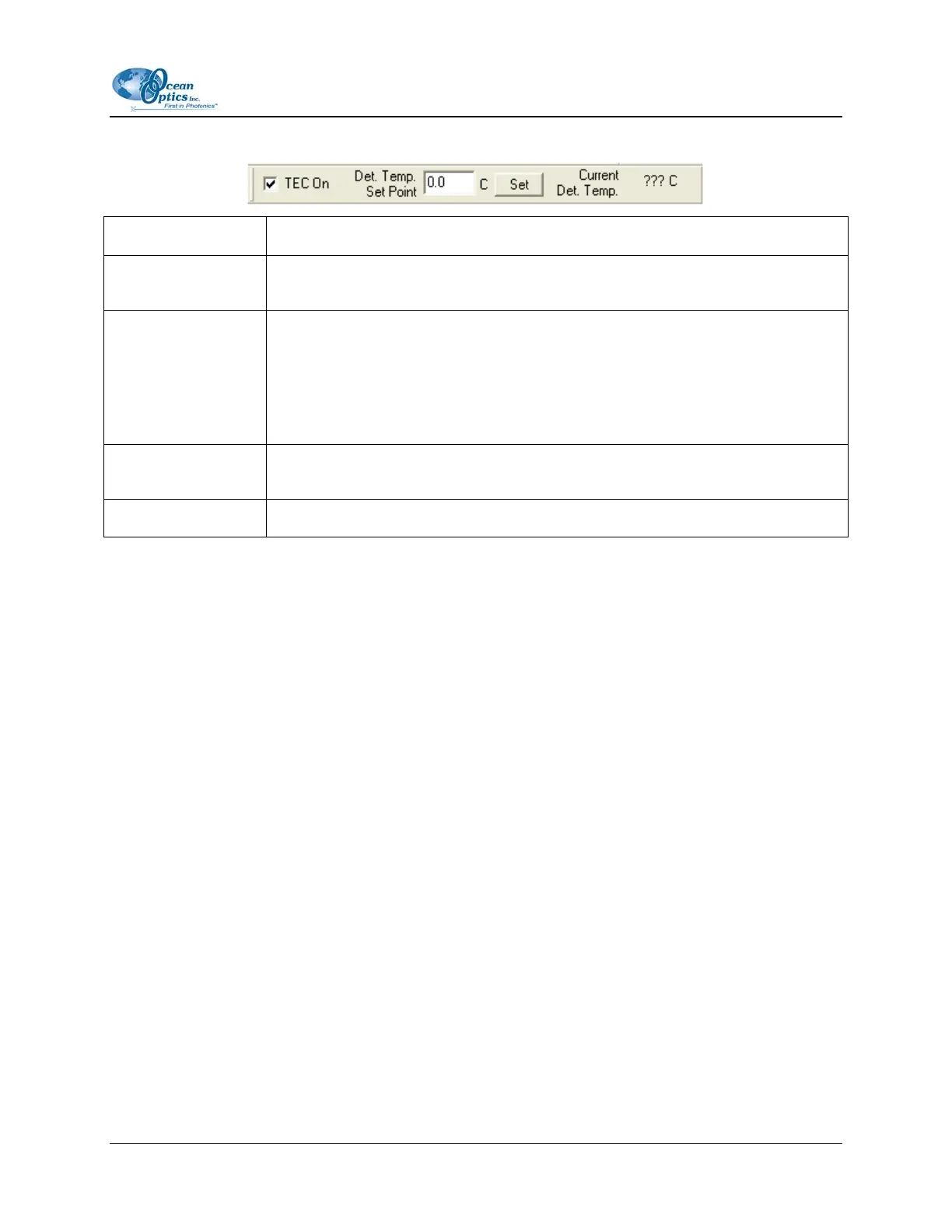
TEC On Check this box to enable (recommended setting for laboratory conditions) or
uncheck to disable the thermoelectric cooler.
Det. Temp. Set Point Enter the target temperature of the NIR Spectrometer detector as follows:
• NIR512: Minimum is –10 ºC, Recommended is –5 ºC
• NIR256: Minimum is –15 ºC, Recommended is –10 ºC
The TEC and fans will operate until the detector reaches this temperature.
Apply Click this button to apply the changes made in this toolbar to the NIR
Spectrometer.
Current Det. Temp. Displays the current temperature of the detector in the NIR Spectrometer.
197-00000-512-02-0305 11



 To Next Page