16
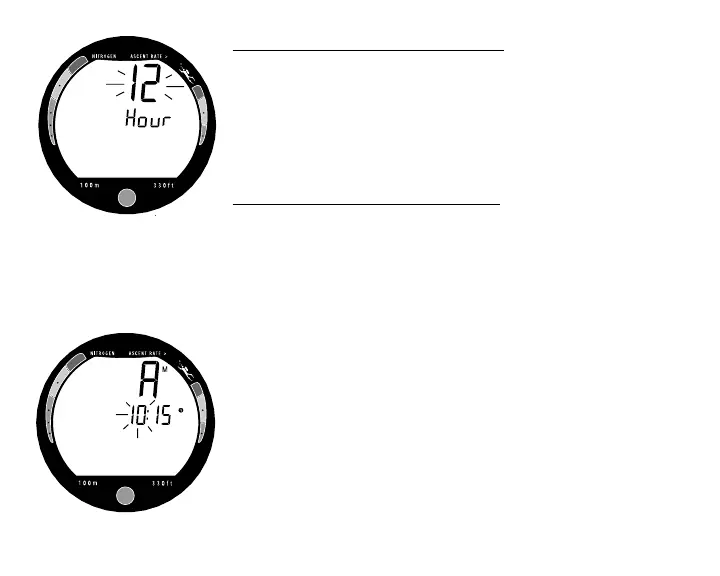
To change the setting for Hour Format (Fig. 11) -
• Press the Button momentarily and release to toggle be-
tween 12 and 24.
• Press and Hold the Button for 2 seconds to save the set-
ting, release when Am (or Pm) and the Time of Day ap-
pear with the Hour value flashing.
To change the setting for Time of Day (Fig. 12) -
• Repeatedly press the Button momentarily and release it
until the correct value for Hour appears (1: to 12:, or 0:
to 23:). Do Not Hold the Button depressed.
• Press and Hold the Button for 2 seconds to save the set-
ting, release when the Minute value flashes.
• Repeatedly press the Button momentarily and release it
until the correct value for Minute appears (:00 to :59).
Do Not Hold the Button depressed.
• Press and Hold the Button for 2 seconds to save the set-
ting, release when ACT, H2O, and ON (or OFF) appear
with ON (or OFF) flashing.
Fig. 12 - Set Time of Day
Fig. 11 - Set Hour Format



 To Next Page