17
VERSA
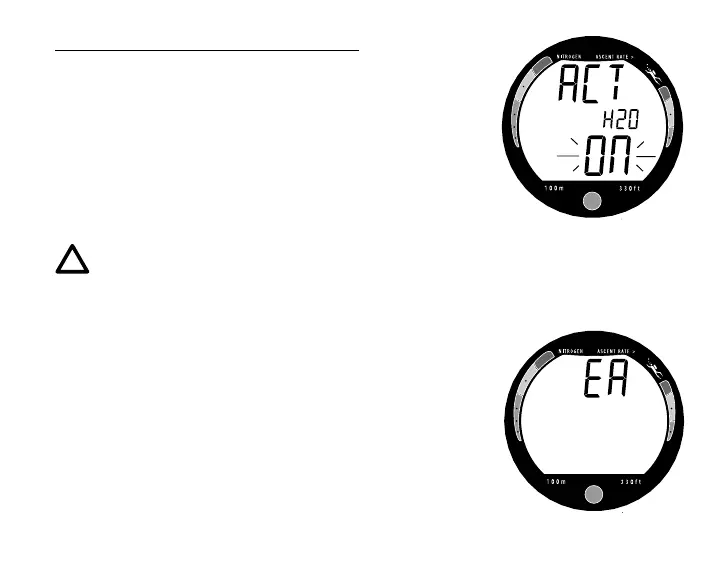
To change the setting for Water Activation (Fig. 13) -
• Press the Button momentarily and release to toggle be-
tween ON and OFF.
• Press and Hold the Button for 4 seconds to save the set-
ting, release when Am (or Pm) and the Time of Day ap-
pear with the colon flashing.
• During the 4 seconds, EA will appear (Fig. 14) and be
bypassed.
NOTE: EA signifies External Access Mode which is
used only by the factory for calibration and testing of
the module. It does not have any user related func-
tion.
Fig. 13 - Set Water Activation
Fig. 14 - EA Mode



 To Next Page