ENG
25
User and settings manual
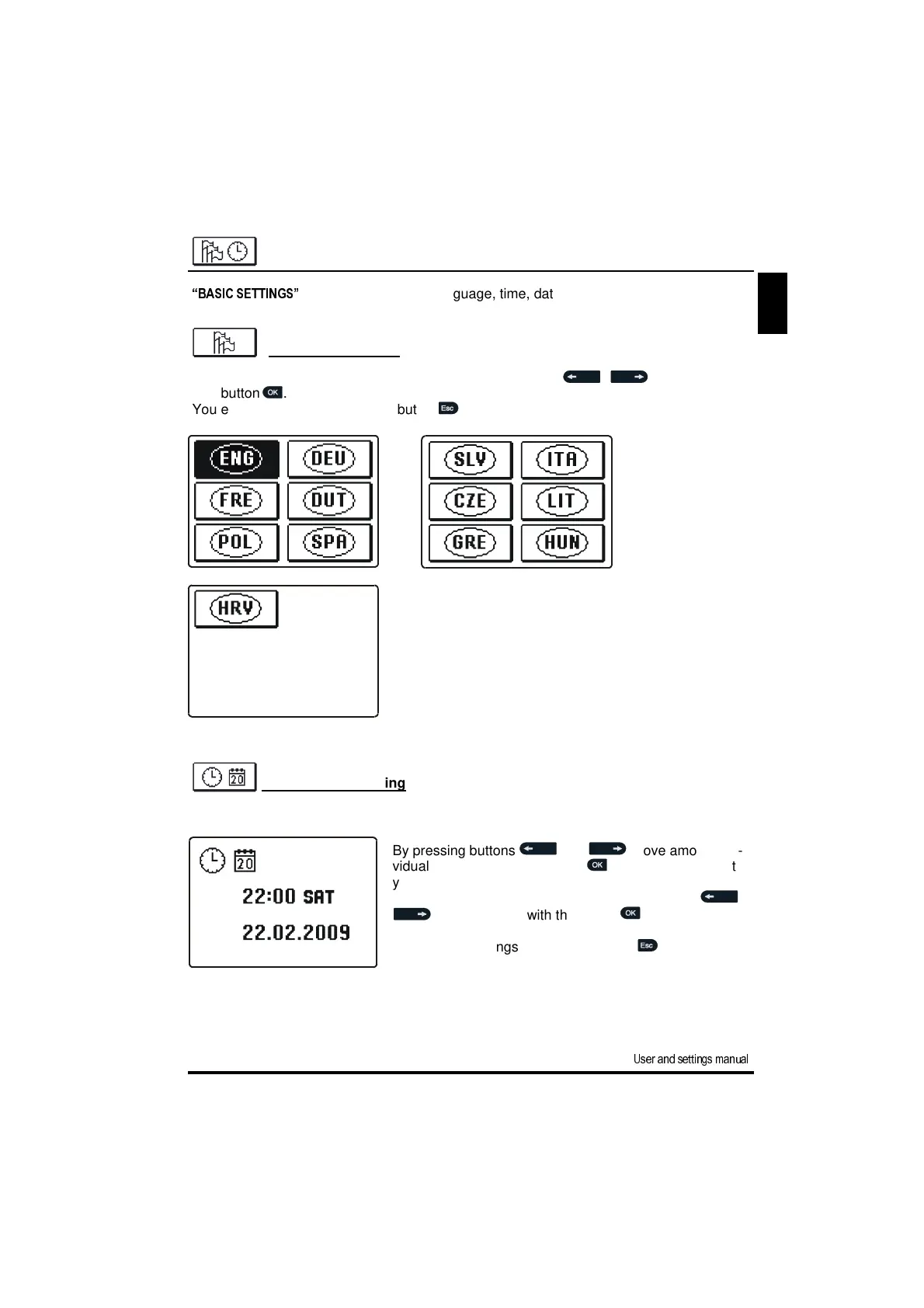
By pressing buttons and move among indi-
vidual data. By pressing button you select data that
you want to change.
When data flashes, change it by pressing buttons ,
and confirm it with the button .
You exit the settings by pressing button .
Time and date setting
You set the exact time and date in the following manner:
“BASIC SETTINGS”
menu is intended for language, time, date and display settings.
Language selection
The required user language is selected by pressing buttons , and confirmed
with button .
You exit the settings by pressing button .
BASIC SETTINGS


 To Next Page