ENG
13
User and settings manual
INITIAL CONTROLLER SETUP
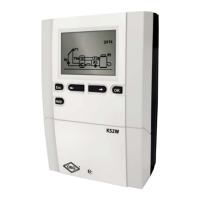
KSW-E, KSW and KS2W differential controllers are equipped with an innovative solution,
which allows initial setup of the controller in only two steps.
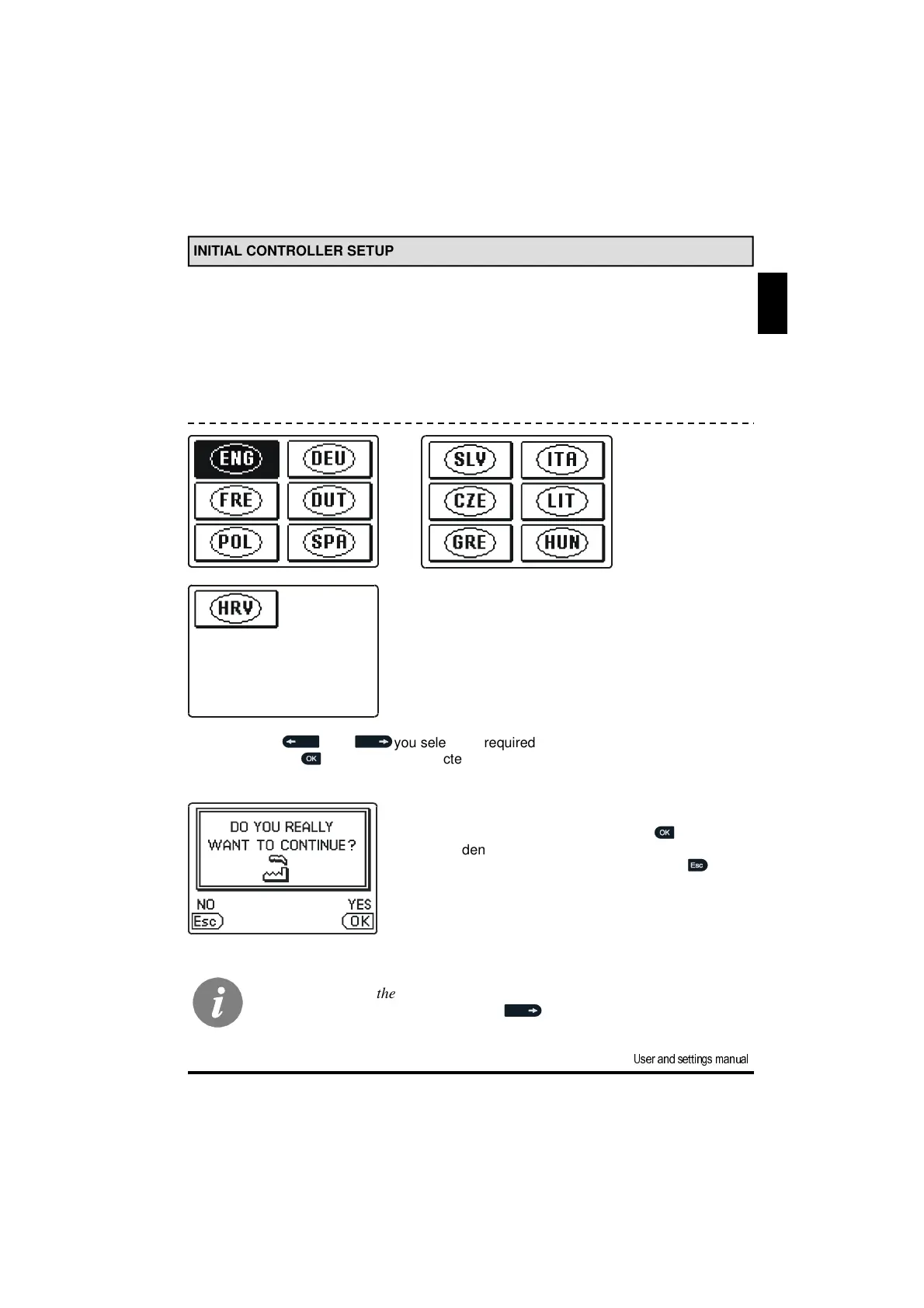
When you connect the controller to the power supply for the first time, the software ver-
sion and company logo are shown. Next, the first step appears on the screen.
Using buttons and you select the required language.
Press the button to confirm the selected language.
After selecting the language, the controller requires con-
firmation of the selection by pressing the button.
If you accidentally selected the wrong language, go
back to reset the language by pressing button .
If you cannot find the required language on the first screen, move to the fol-
lowing screens by pressing the button .
STEP 1


 To Next Page