ENG
39
Service settings manual
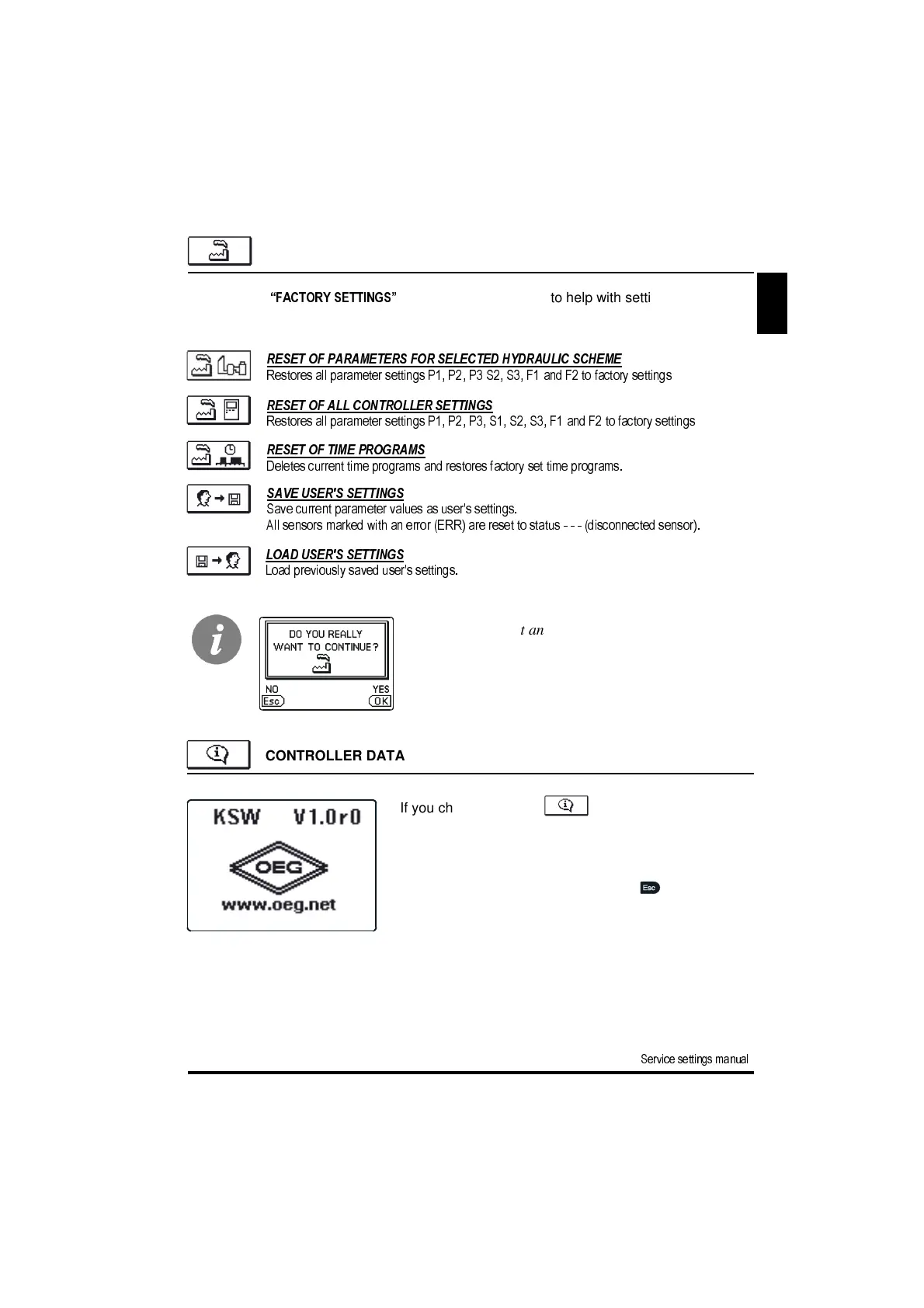
CONTROLLER DATA
If you choose this icon in the menu a new
screen opens which shows controller data.
There is a marking of the controller type and software
equipment version.
Exit the screen by pressing the button .
Before carrying out any of above commands the con-
troller demands confirmation of the selected command.
FACTORY SETTINGS
In the menu
“FACTORY SETTINGS”
there are software tools to help with setting the control-
ler.
SAVE USER'S SETTINGS
Save current parameter values as user's settings.
All sensors marked with an error (ERR) are reset to status - - - (disconnected sensor).
LOAD USER'S SETTINGS
Load previously saved user's settings.
RESET OF PARAMETERS FOR SELECTED HYDRAULIC SCHEME
Restores all parameter settings P1, P2, P3 S2, S3, F1 and F2 to factory settings
.
RESET OF TIME PROGRAMS
Deletes current time programs and restores factory set time programs.
RESET OF ALL CONTROLLER SETTINGS
Restores all parameter settings P1, P2, P3, S1, S2, S3, F1 and F2 to factory settings
.


 To Next Page