ENG
15
User and settings manual
USER SETTINGS
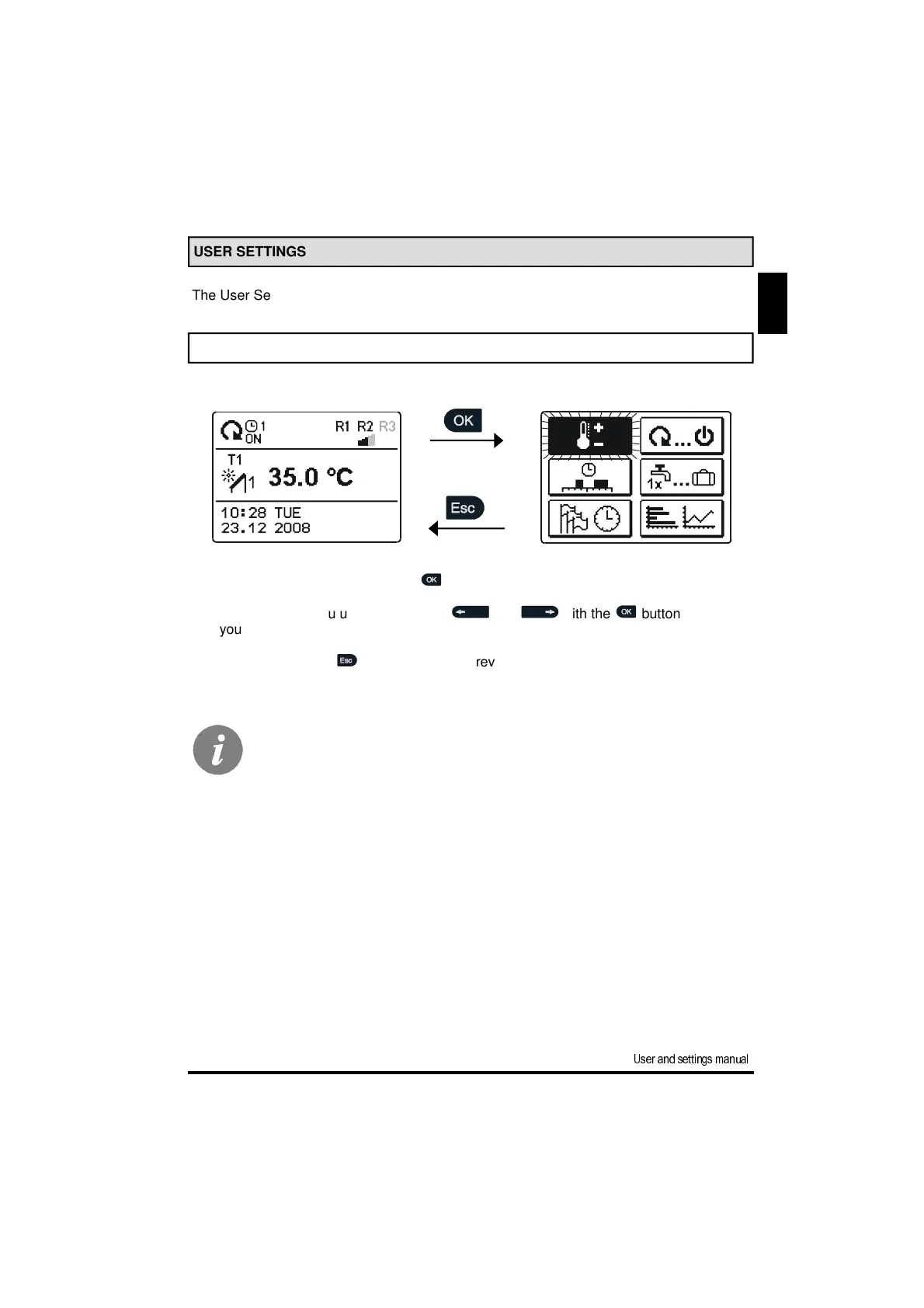
The User Settings menu is simplified with the help of graphic symbols.
MENU ENTRY AND NAVIGATION
To enter the menu, press the button .
Move around the menu using the buttons and ,with the button you con-
firm your selection.
By pressing the button you return to the previous screen.
If no button is pressed for several seconds, the screen illumination goes out.
In such case pressing any button switches on backlight illumination.



 To Next Page