EN-34 EXPLORER BALANCES
Reference Weight Adjustment (Reference Adjust)
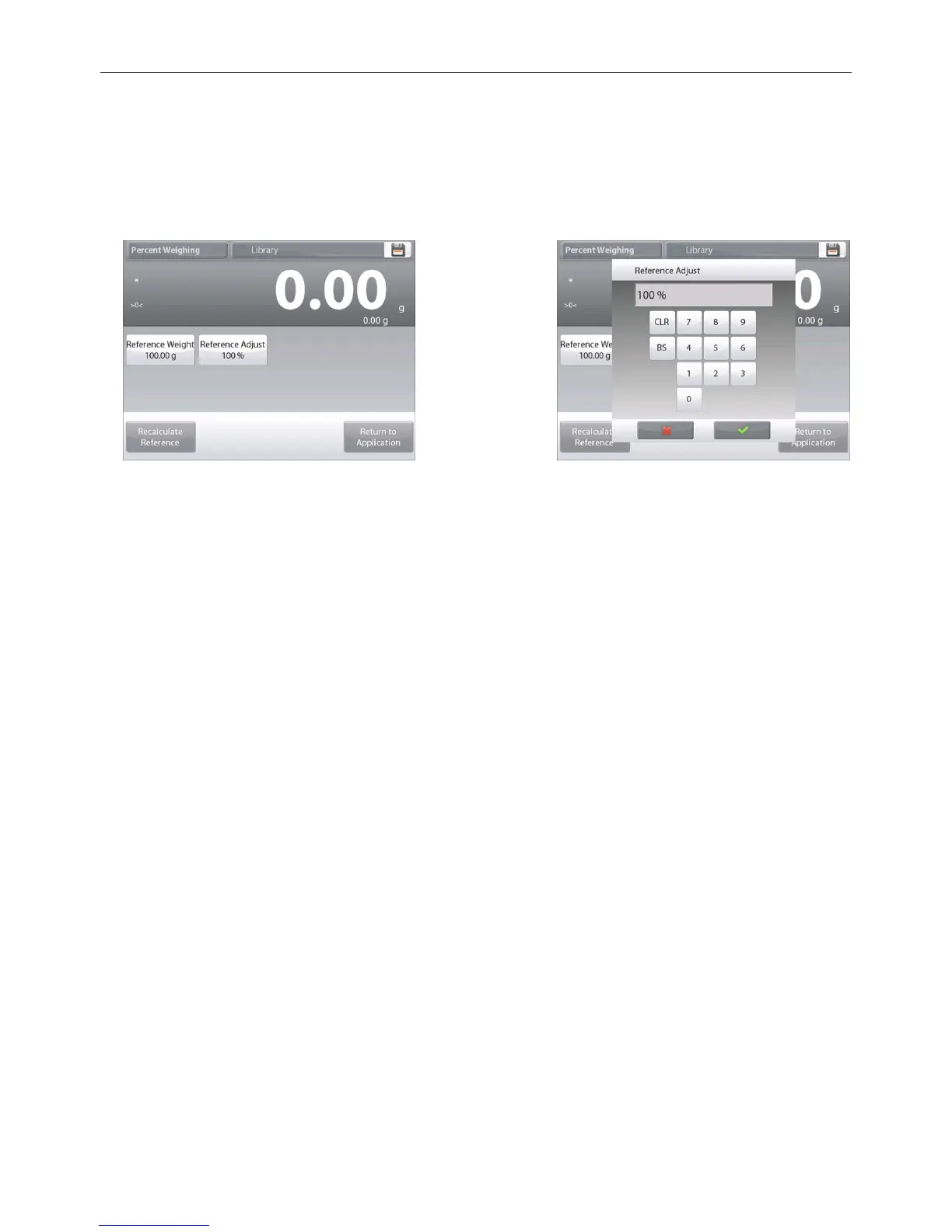
The Reference Weight adjustment can be 1 to 1000 percent.
Examples: 100% means the sample is displayed as compared to 100% of the Reference Weight.
25% means the sample is displayed as compared to 25% of the Reference Weight.
The Edit Settings screen shows current Reference Adjust value. To change it, touch Reference Adjust button.
The display returns to the previous screen with the new value highlighted momentarily.
To return to the Percent weighing home screen, touch
Return to Application
.













 To Next Page