EN-66 EXPLORER BALANCES
4.9.2 Application Setup
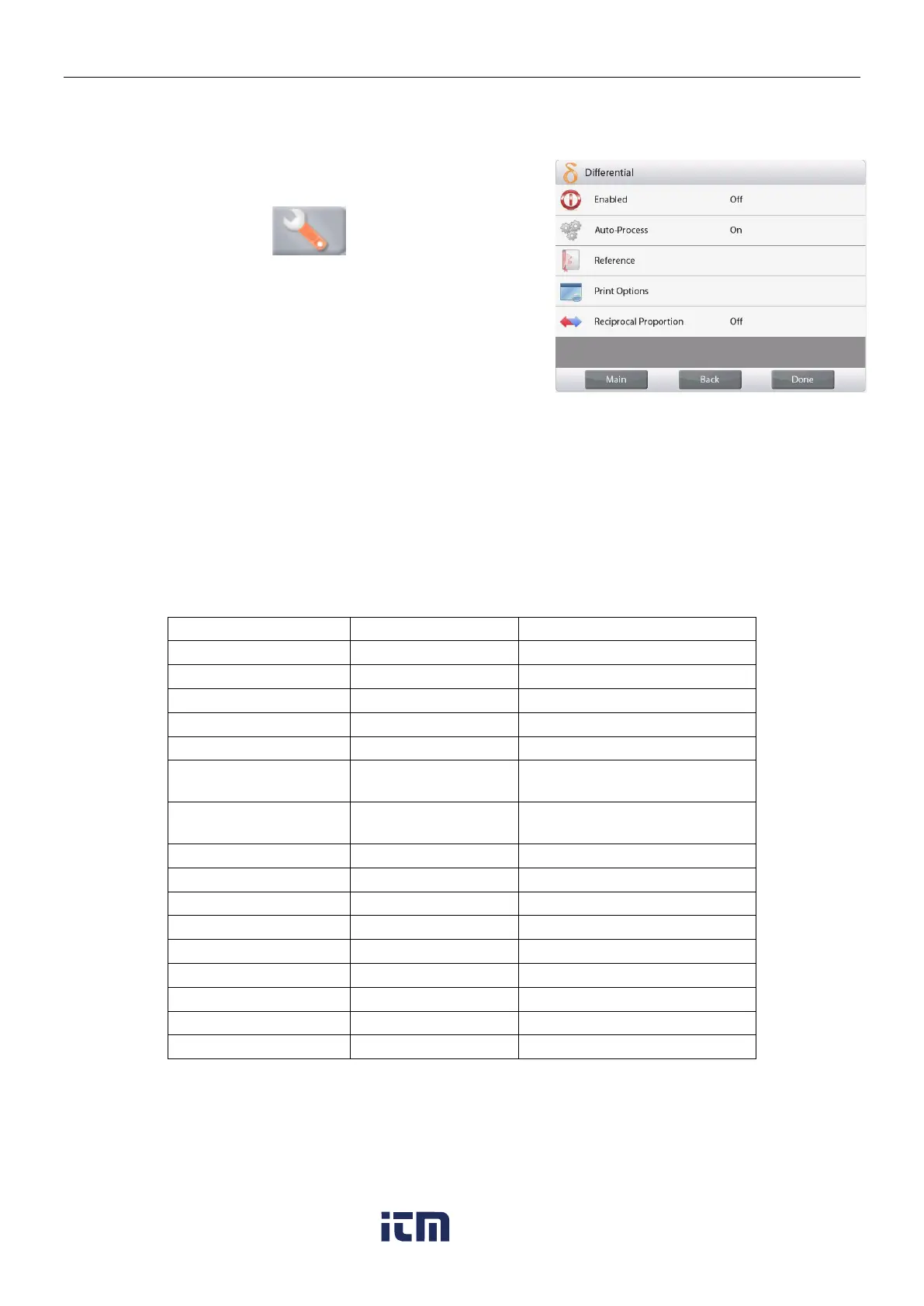
The Application can be customized for various user preferences.
Touch the
Setup
icon (wrench) to enter
Application Setup
from the home screen.
The
Setup
Menu appears.
Select the list item to view or change the setting as desired.
To return to the Application home screen, touch
Done
.
Reciprocal Proportion
When it is turned on, Diff.(wt.) and Diff.(%) will be counted as
the following:
Diff (wt) = Initial weight – Final weight
Diff (%) = (Initial weight – Final weight) / Initial weight
When it is turned off, the result will be counted by Final weight
minus Initial weight.
The Differential Weighing Application Setups (defaults in Bold)
The initial weight is displayed
The final weight is displayed
Displays the Difference to initial
in weight
Displays the Difference to initial
in percent
Gross weight is displayed
w ww . . co m
information@itm.com1.800.561.8187













 To Next Page