Ethernet Interface EN-7
ETHERNET CONFIGURATION
To set the Ethernet parameters per web.
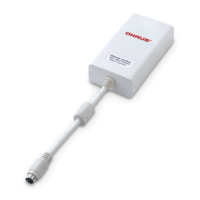
1. Make sure the Ethernet Interface Kit is installed properly and network cable is
connected to a computer (PC).
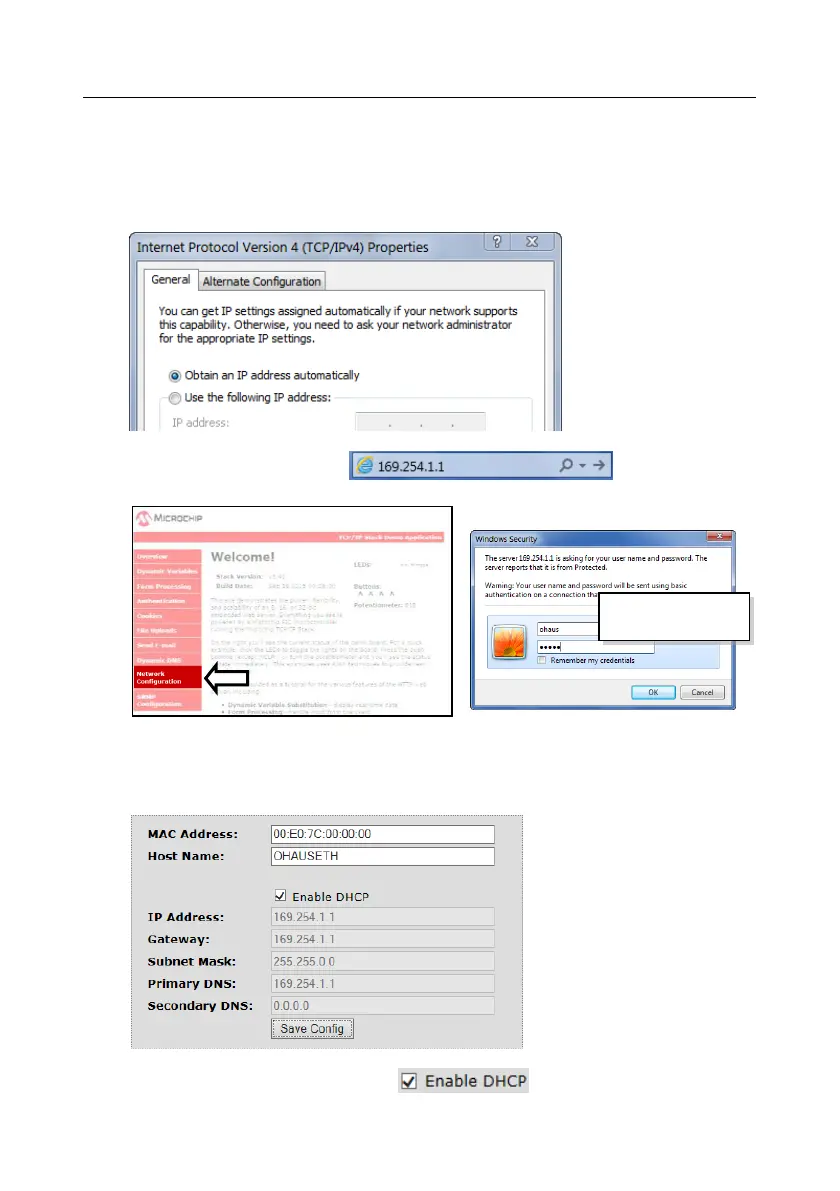
2. Set the PC to obtain an IP address automatically as shown below.
3. Open the IE Browser and enter the default IP address of the Ethernet
Interface Kit "169.254.1.1" ( ), the browser will
show below page:
4. Click the "Network Configuration" on the left side, and input the user &
password. Then click "OK" to proceed.
5. Input the Ethernet parameters in the following page, click “Save Config“ to
save the changes.
Note:
To use DHCP, enable the DHCP:
User: ohaus
Password: ohaus





 To Next Page