EasyManua.ls Logo

OHAUS SCOUT - User Manual

OHAUS SCOUT
13 pages
Print Icon
To Next Page IconTo Next Page
Loading...
Scout
TM
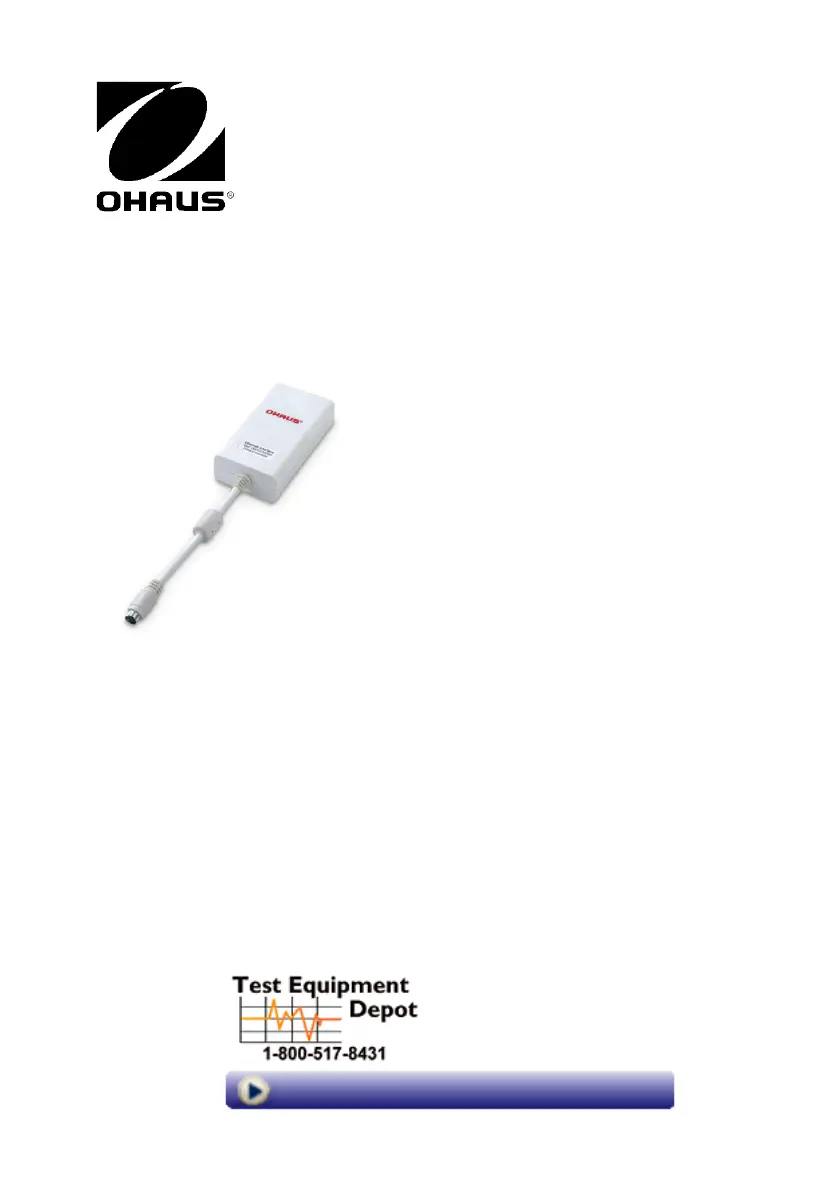
Ethernet Interface
INSTRUCTION MANUAL
99 Washington Street
Melrose, MA 02176
Phone 781-665-1400
Toll Free 1-800-517-8431
Visit us at www.TestEquipmentDepot.com

Other manuals for OHAUS SCOUT

Questions and Answers

  • S
    Sean TorresAug 17, 2025
    What to do if OHAUS Scales cannot calibrate?
    • E
      Eric DawsonAug 17, 2025
      If your OHAUS Scales are failing to calibrate, consider the following: * **Calibration Masses:** Ensure you are using the correct calibration masses. * **Transducer Connection:** Verify that the transducer is properly connected. * **Transducer Defect:** A defective transducer may prevent calibration; consider replacing it. * **PC Board Defect:** A defective PC board may also be the reason.
  • V
    Veronica LevyAug 19, 2025
    How to fix 'Low BAT' display on OHAUS Scales?
    • K
      Kristin CarrollAug 19, 2025
      If your OHAUS Scales are displaying a 'Low BAT' message, here's what you can do: * **Battery Replacement:** The battery may be weak and needs replacing. * **AC Adapter:** The AC adapter could be defective, requiring replacement. * **PC Board:** In some instances, a defective PC board may be the cause.
  • C
    Cassandra LeonardAug 22, 2025
    How to troubleshoot no display on OHAUS Scales?
    • S
      Suzanne HessAug 22, 2025
      If your OHAUS Scales display is not working, here are a few things to check: * **Power:** Ensure the AC adapter is properly connected. * **Power Jack:** The power jack might be defective and need replacement. * **Battery:** If the battery is weak, replace it. Also, check the battery connector for poor contact; clean or replace it if necessary. * **PC Board:** In some cases, the PC board may be defective and require replacement.
  • M
    Marcus PetersAug 25, 2025
    Why are the readings on my OHAUS Scales inaccurate?
    • B
      Billy ZamoraAug 26, 2025
      Inaccurate readings on your OHAUS Scales can stem from several causes: * **Calibration:** Improper span or linearity calibration can lead to inaccuracies. Perform the calibration procedure. * **Rezeroing:** Ensure the scales are rezeroed before each weighing. Press the ReZero On button with no weight on the platform, then weigh. * **Transducer:** A defective transducer may cause incorrect readings, and it would need replacement. * **PC Board:** A defective PC board may also be the reason.
  • E
    Emily JamesAug 27, 2025
    Why are the readings fluctuating on my OHAUS Scales?
    • M
      Michelle WrightAug 28, 2025
      Fluctuating readings on your OHAUS Scales can be attributed to: * **Environment:** An unstable environment can cause fluctuations. Check the area for vibrations, leveling issues, and drafts. * **Debris:** Debris inside the balance can interfere with readings; disassemble and clean if necessary. * **PC Board:** A defective PC board may be the cause and require replacement. * **Transducer:** A defective transducer may also cause the issue.
  • D
    danielle87Aug 30, 2025
    Why do OHAUS Scales always display zero?
    • R
      rwilsonAug 30, 2025
      If your OHAUS Scales are stuck displaying zero, here are possible reasons: * **Power Surge:** A power surge might have occurred; perform linearity and span calibration. * **Down Stop:** The down stop may be improperly set; adjust it per specifications. * **Transducer Connection:** The transducer might not be connected; plug it in. * **Transducer Defect:** The transducer could be defective and need replacement. * **PC Board:** A defective PC board may also be the reason.
  • M
    matthew23Sep 2, 2025
    What does an error signal on OHAUS Scales mean?
    • A
      Alan BrownSep 2, 2025
      An error signal on your OHAUS Scales could indicate: * **Calibration Issues:** The balance may be improperly calibrated; calibrate the balance. * **Overload:** The scales may be overloaded; inspect and correct the load. * **Transducer:** A defective transducer might be the cause, needing replacement. * **PC Board:** The PC board could be defective and require replacement.
  • M
    Melanie DiazSep 5, 2025
    Why is the display drifting on my OHAUS Scales?
    • J
      Judy HammondSep 5, 2025
      A drifting display on your OHAUS Scales can occur due to: * **Warm-up Time:** The balance may not have warmed up sufficiently; allow the balance to stabilize. * **Transducer:** A defective transducer might be the cause and needs replacing. * **PC Board:** The PC Board could be defective.
  • H
    Heather BentonSep 7, 2025
    Why do OHAUS Scales display underweight readings?
    • J
      Jennifer StaffordSep 8, 2025
      If your OHAUS Scales are displaying underweight readings, consider the following: * **Calibration:** Improper span or linearity calibration may be the cause; perform the calibration procedure. * **Transducer:** A defective transducer may lead to underweight readings and require replacement. * **PC board:** A defective PC board may also be the reason. * **Down Stop:** The down stop may be improperly set; set it per specifications.
  • H
    Heather ThomasSep 12, 2025
    Why do OHAUS Scales stay in segment check?
    • R
      Robert BatesSep 12, 2025
      If your OHAUS Scales remain in segment check, it could be due to: * **Weak Battery:** Replace the battery. * **PC Board:** The PC Board may be defective and require replacement.

Summary

Introduction and Setup

Introduction

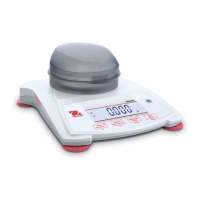
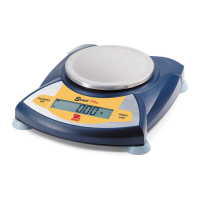
Overview of the Ethernet Interface Kit's compatibility with Ohaus Scout series products.

Interface Installation

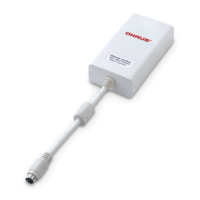
Instructions for physically connecting the Ethernet interface module to the balance.

Setup and Configuration

Configuring Ethernet and printing parameters on the balance after installation.

Setup Definitions and Options

Explanation of various menu settings for printing and Ethernet communication.

Ethernet Connection Details

Details the preset IP address and port number for the Ethernet interface.

Operation and Output Formats

Operating Modes

Describes how the balance operates with the Ethernet interface installed.

Output String Formats

Defines the structure of default print output strings for non-check weighing applications.

Check Weighing Output Strings

Defines print output strings specifically for check weighing applications.

Scout Pro Print Format 1

Specifies print output strings for specific Scout Pro models.

Scout Pro Print Format 2

Specifies print output strings for specific Scout Pro models.

POS System Print Format 3

Defines print output strings for certain Point of Sale (POS) systems.

Commands and Configuration

Interface Commands

Lists case-sensitive interface commands and their corresponding functions for balance control.

Ethernet Configuration Guide

Step-by-step guide for setting Ethernet parameters via a web interface.

Compliance and Disposal

Related Accessories

Information on obtaining Ohaus printers and other accessories.

Regulatory Compliance

Details FCC compliance and measures to mitigate radio frequency interference.

Product Disposal Information

Guidance on proper disposal of the device according to WEEE regulations.

OHAUS SCOUT Specifications

General IconGeneral
ModelSCOUT
CalibrationExternal Calibration
TypePortable Balance
Pan SizeVaries by model (e.g., 93 mm, 120 mm, 145 mm, 170 mm x 140 mm)
DisplayLCD
PowerAC adapter or 4 AA batteries
Units of MeasurementGram, Kilogram, Pound, Ounce, Troy Ounce, Carat, Grain
InterfaceRS232
Platform SizeVaries by model
Operating Temperature10°C to 40°C
Humidity10% - 85% relative humidity, non-condensing
Readability0.01g to 1g depending on model

Related product manuals