22
Chapter 4
| Startup Wizard | Navigation
4
Startup Wizard
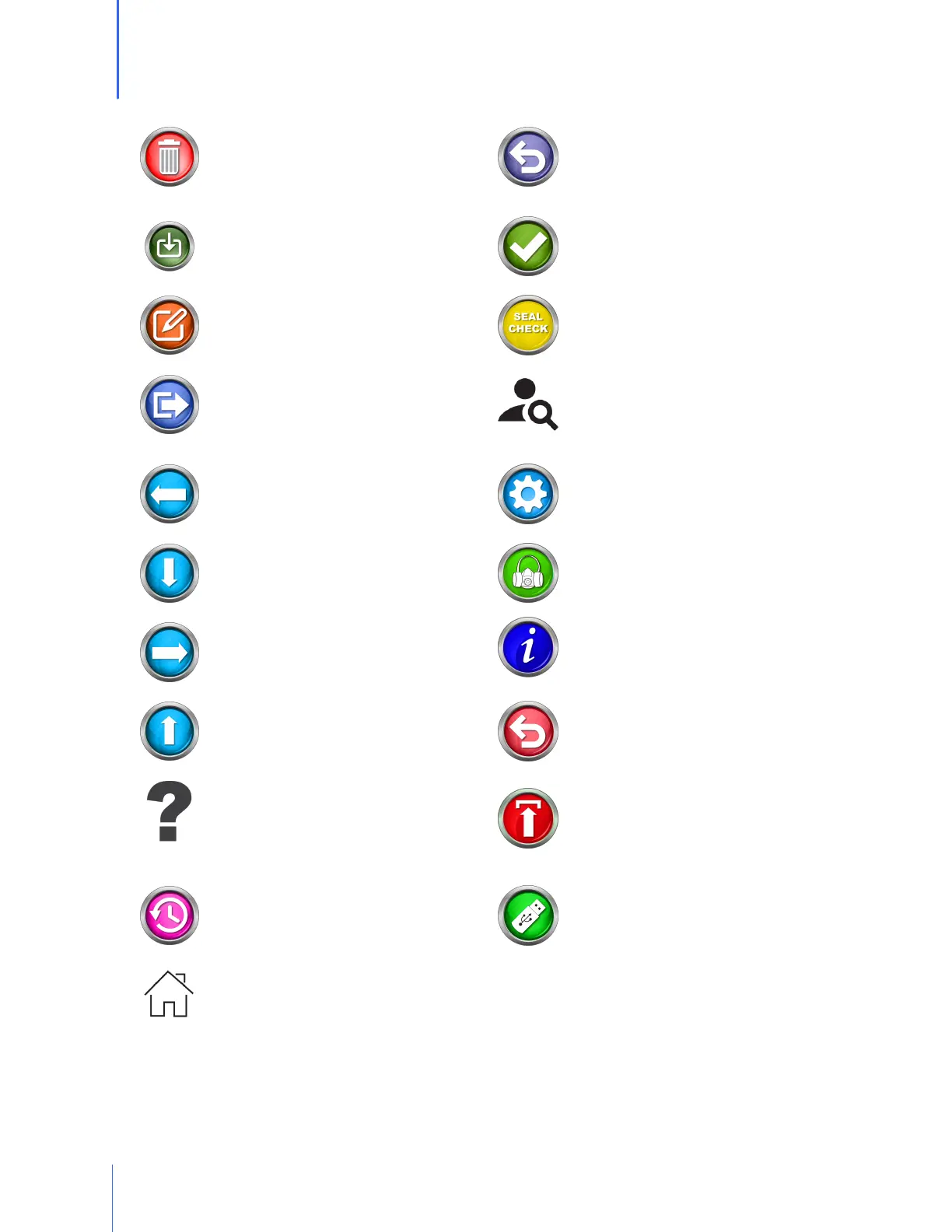
DELETE – is used to remove an item
from a list
RETRY – When a test step is interrupted,
this allows the test subject to retry that
step
DOWNLOAD – For loading people into
the QuantiFit2 from the OHD Logic
software
SAVE – The green checkmark will save
the information entered on the screen
EDIT – allows the operator to change
information for the selected item
SEAL CHECK – Allows the test subject to
perform a user seal check
EXIT – Leave the current screen, menu,
or wizard
SEARCH – A field available on the People
screen that allows a search to quickly
and easily find the desired test subject
GO BACK – The back button will allow
the operator to return to the previous
screen
SETTINGS – Enters the screen with
options for changing settings on the
QuantiFit2
GO DOWN – To move down through a
list
SETUP RESPIRATORS – Add, edit or
delete respirators
GO FORWARD – This button will guide
the operator to the next screen in the
sequence
SYSTEM INFORMATION – with
information including software version,
serial number, calibration due date, etc.
GO UP – This button will guide the
operator to move up in a list
SYSTEM RESET – Allows the operator to
reset settings to factory default
HELP – Dynamic help according to the
screen being viewed
UPDATE SOFTWARE – Used when an
update is available and saved on a USB
drive
HISTORY – will allow the operator to
see recorded information regarding the
selected person
USB SAVE – Save report or information
to a USB drive plugged into the
QuantiFit2
HOME - Will bring the operator back to
the Home screen


 To Next Page