EasyManua.ls Logo

Ohmeda Biox 3700 - Page 79

Default Icon
130 pages
Print Icon
To Next Page IconTo Next Page
To Previous Page IconTo Previous Page
Loading...
1118-301
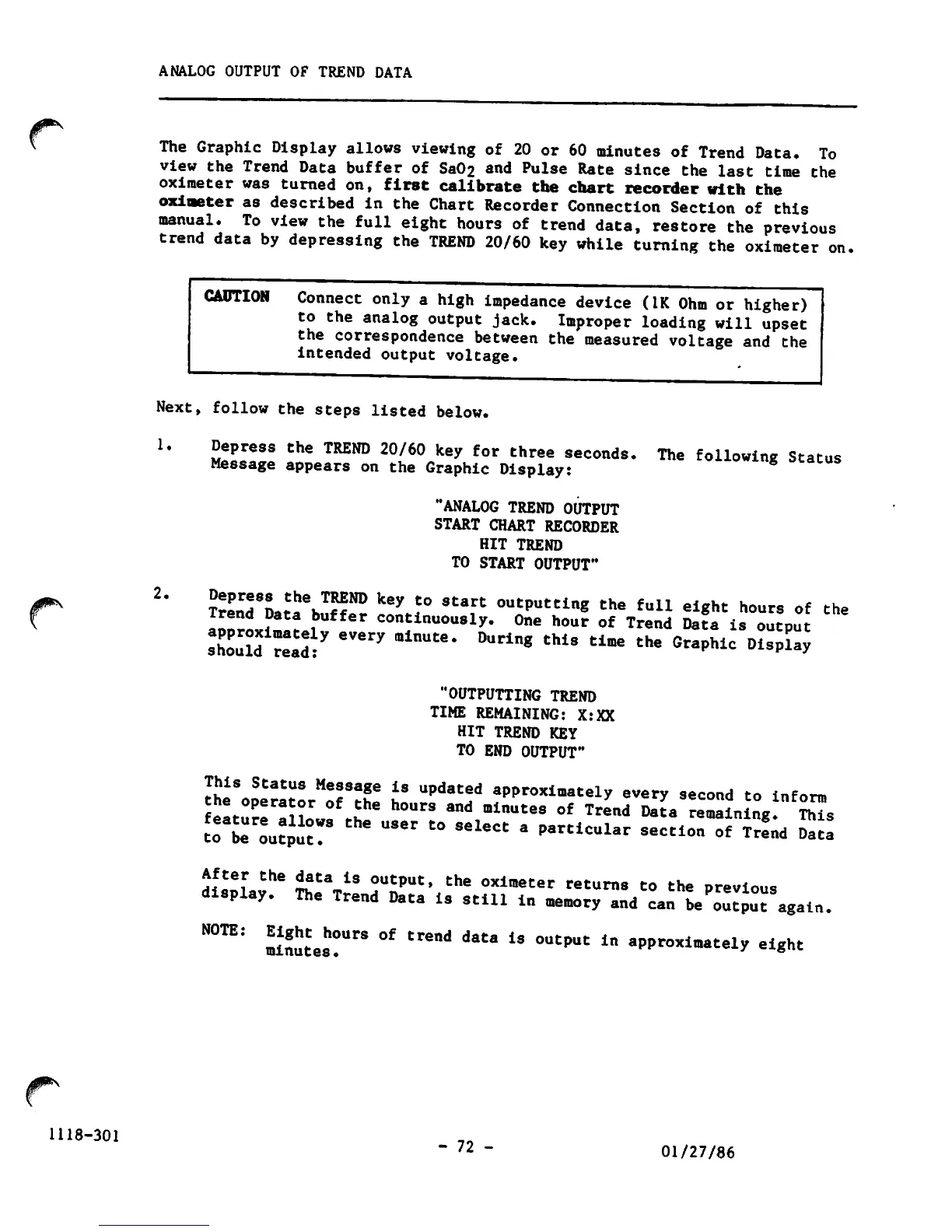
ANALOG
OUTPUT
OF
TREND
DATA
The
Graphic
Display
allows
viewing
of
20
or
60
minutes
of
Trend
Data.
To
view
the
Trend
Data
buffer
of
Sa02
and
Pulse
Rate
since
the
last
time
the
oximeter
was
turned
on,
first
calibrate
the
chart
recorder
with
the
oximeter
as
described
in
the
Chart
Recorder
Connection
Section
of
this
manual.
To
view
the
full
eight
hours
of
trend
data,
restore
the
previous
trend
data
by
depressing
the
TREND
20/60
key
while
turning
the
oximeter
on.
CAUTION
Connect
only
a
high
impedance
device
(IK
Ohm
or
higher)
to
the
analog
output
jack.
Improper
loading
will
upset
the
correspondence
between
the
measured
voltage
and
the
intended
output
voltage.
Next,
follow
the
steps
listed
below.
1.
2.
Ztlllll
thS
TREN°
20/J°
k6y
f°r
three
sec°*<ls.
The
following
Status
Message
appears
on
the
Graphic
Display:
"ANALOG TREND OUTPUT
START CHART RECORDER
HIT
TREND
TO START OUTPUT"
?rLrd8LT:heKT^ND
k6y
t0
Start
ouCPu"ing
the
full
eight
hours
of
the
a^orli^Jf
COI\tinuously-
°«e
hour
of
Trend
Data
is
output
should
Telf*
6Very
mlnUte-
°Uring
thiS
tlme
the
Gr*Phic
DisPl*y
"OUTPUTTING TREND
TIME REMAINING: X:XX
HIT
TREND
KEY
TO
END
OUTPUT"
the1SopSeratorMorth!
no
"**"?
fPproximately
every
second
to
inform
f»lf?Zl
i?
t
h°UrS
and
minutes
of
Trend
Data
remaining.
This
to^t^r
the
US6r
t0
S6leCt
3
P3rClCUlar
Secti-
of
Tre^d
£.
AilS
tHe
^ta,iS
outPut»
the
oximeter
returns
to
the
previous
display.
The
Trend
Data
is
still
in
memory
and
can
be'output
again.
N0TE:
minutest
°'
'****
*"'
iS
°UtpUt
ln
aPPr°*imately
eight
- 72 -
01/27/86

Other manuals for Ohmeda Biox 3700

Related product manuals