EasyManua.ls Logo

Ohmeda Biox 3700 - Auto-Dump Mode

Default Icon
130 pages
Print Icon
To Next Page IconTo Next Page
To Previous Page IconTo Previous Page
Loading...
f^
JfPN
1118-301
COMPUTER INTERFACE
with0^
B!°X
3m°°
°Ximetey
haS
the
caPabilitv
of
two-way
communication
with
terminals.
Most
controls
can
be
operated
remotely
by
using
an
RS-232C
input
device
There
are
four
modes
of
operation:
Auto-Dump
Mode,
Trend-Dump
Mode,
Slave
Mode
and
Control
Mode.
*
°i,ive
AUTO-DUMP
MODE
This
is
the
default
mode,
present
when
the
oximeter
is
turned
on.
The
data
Is
output
to
either
a
printer
or
terminal
every
two
seconds.
The
message
looks
like
the
following:
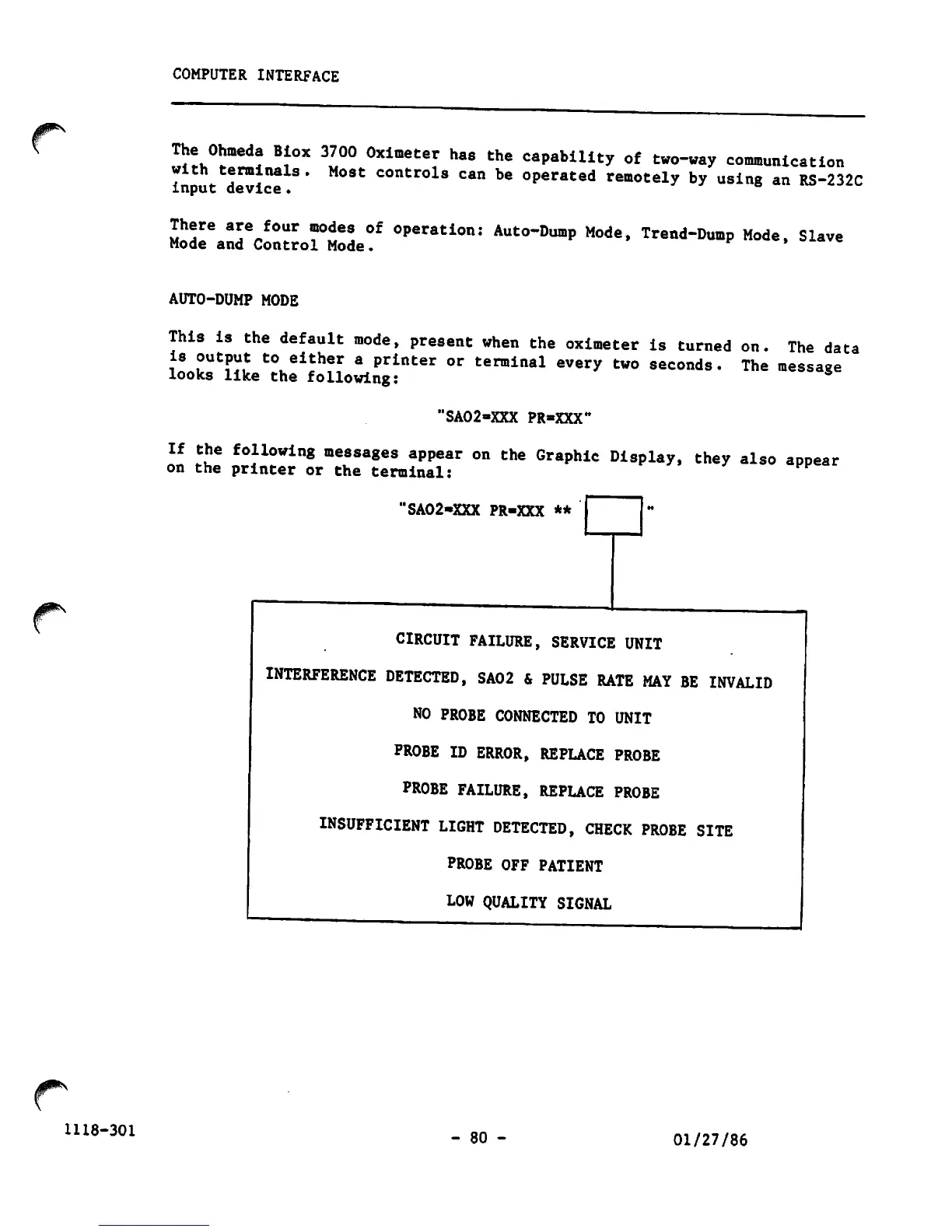
5
"SA02-XXX PR»XXX"
If
the
following
messages
appear
on
the
Graphic
Display,
they
also
appear
on
the
printer
or
the
terminal:
'SA02-XXX PR-XXX **
CIRCUIT
FAILURE,
SERVICE
UNIT
INTERFERENCE
DETECTED,
SA02
&
PULSE
RATE
MAY
BE
INVALID
NO
PROBE
CONNECTED
TO
UNIT
PROBE
ID
ERROR,
REPLACE
PROBE
PROBE
FAILURE,
REPLACE
PROBE
INSUFFICIENT
LIGHT
DETECTED,
CHECK
PROBE
SITE
PROBE OFF PATIENT
LOW QUALITY SIGNAL
-
80
-
01/27/86

Other manuals for Ohmeda Biox 3700

Related product manuals