EasyManua.ls Logo

Ohmeda Biox 3700 - Computer Interface

Default Icon
130 pages
Print Icon
To Next Page IconTo Next Page
To Previous Page IconTo Previous Page
Loading...
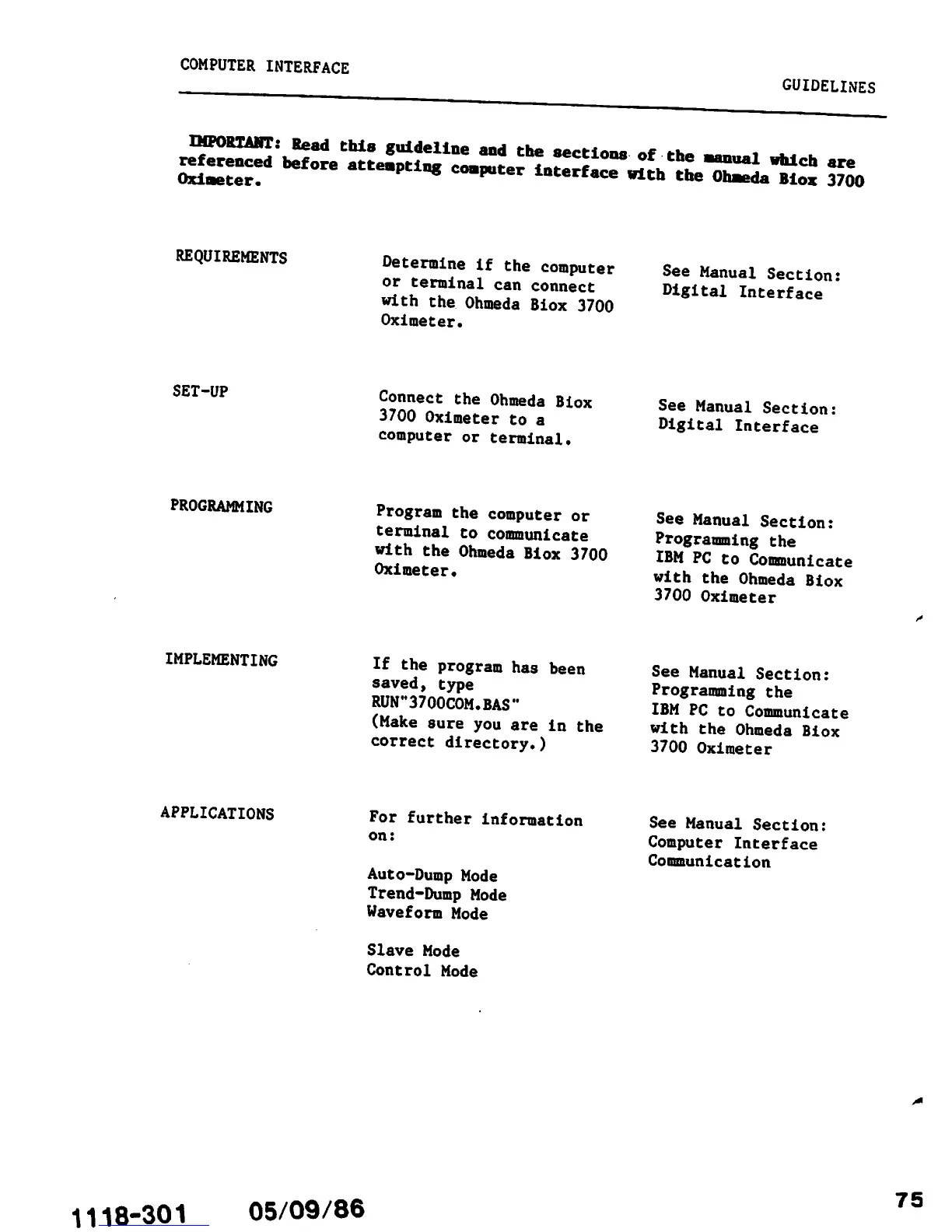
COMPUTER INTERFACE
GUIDELINES
re^e^,^
of
the
manual
M
are
Oximeter.
"tempting
computer
interface
with
the
Olaeda
Biox
3700
REQUIREMENTS
SET-UP
PROGRAMMING
IMPLEMENTING
APPLICATIONS
Determine
if
the
computer
or
terminal
can
connect
with
the
Ohmeda
Biox
3700
Oximeter.
Connect
the
Ohmeda
Biox
3700
Oximeter
to
a
computer
or
terminal.
Program
the
computer
or
terminal
to
communicate
with
the
Ohmeda
Biox
3700
Oximeter.
If
the
program
has
been
saved,
type
RUN"3700COM.BAS"
(Make
sure
you
are
in
the
correct
directory.)
For further information
on:
Auto-Dump Mode
Trend-Dump
Mode
Waveform
Mode
Slave
Mode
Control
Mode
1118-301
05/09/86
See
Manual
Section:
Digital
Interface
See Manual Section:
Digital Interface
See Manual
Section:
Programming
the
IBM PC to
Communicate
with the Ohmeda Biox
3700 Oximeter
See Manual Section:
Programming
the
IBM PC to Communicate
with the Ohmeda Biox
3700 Oximeter
See Manual Section:
Computer Interface
Communication
75

Other manuals for Ohmeda Biox 3700

Related product manuals