EasyManua.ls Logo

Ohmeda Biox 3700 - Page 86

Default Icon
130 pages
Print Icon
To Next Page IconTo Next Page
To Previous Page IconTo Previous Page
Loading...
COMPUTER
INTERFACE
PROGRAMMING
Programming
the
IBM
PC
to
Communicate
with
the
Ohmeda
Biox
3700
Oximeter
Ohmeda
provides
this
section
as
a
sample
for
general
information
only.
Ohmeda
is
not
responsible
for
any
changes
IBM
makes
to
their
product.
This
section
describes
how
to
program
an
IBM
PC
to
communicate
with
an
Ohmeda
Biox
3700
Oximeter.
Before
proceeding
with
this
section,
ensure
that
the
Ohmeda
Biox
3700
Oximeter
is
connected
to
the
IBM
PC
as
described
in
the
Digital
Interface
Section
of
this
manual.
Before
programming
the
IBM
PC
to
communicate
with
the
Ohmeda
Biox
3700
Oximeter,
an
understanding
of
some
key
aspects
about
how
the
IBM
PC
works
is
suggested.
The
time
spent
becoming
familiar
with
the
IBM
PC
will
more
than repay itself later
on.
In
order
to
program
the
IBM
PC,
an
understanding
of
these
concepts
and
commands
are
suggested.
Refer
to
documentation
supplied
with
the
IBM
PC
for this information.
1118-301
Caps
Lock
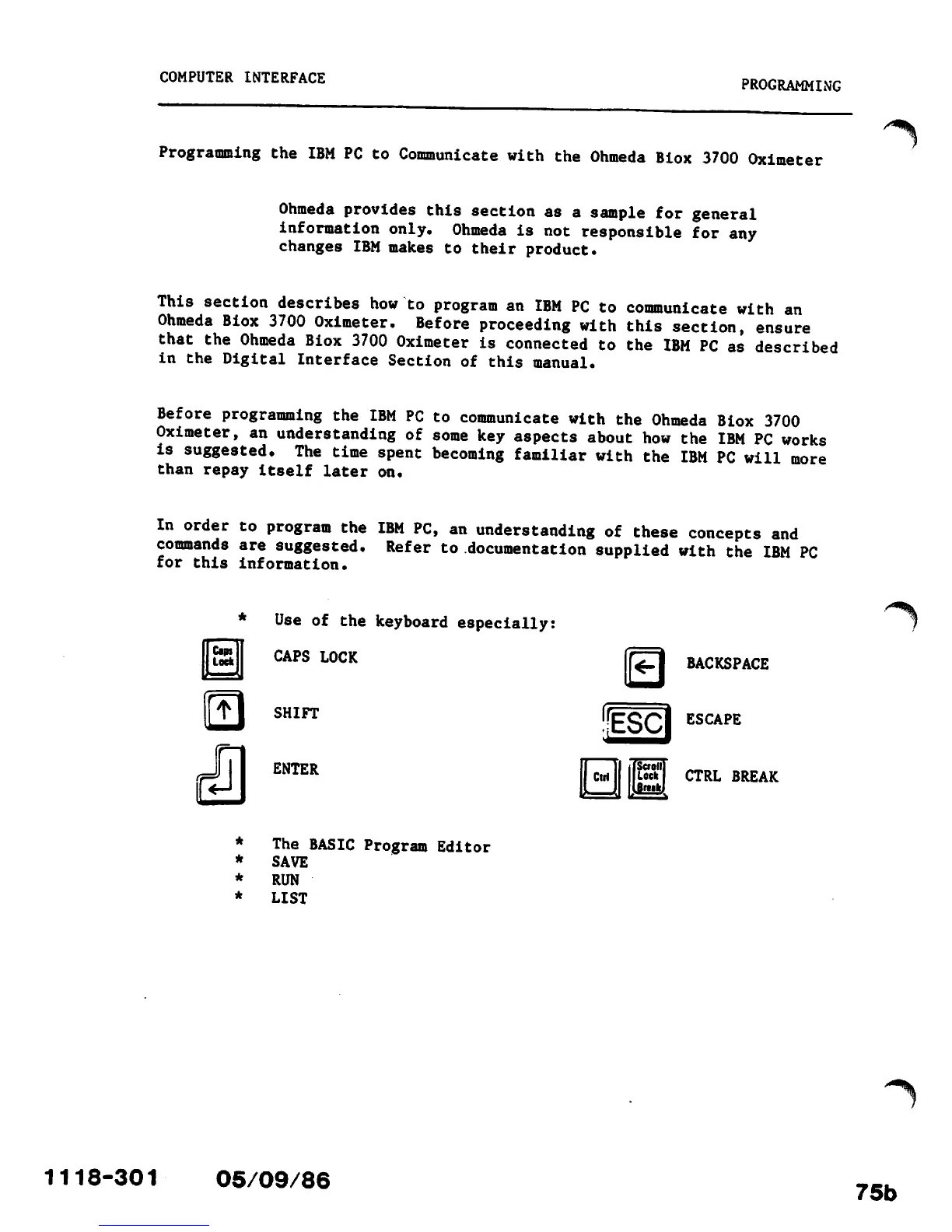
*
Use
of
the
keyboard
especially:
CAPS
LOCK
®
SHIFT
ENTER
The
BASIC
Program
Editor
SAVE
RUN
LIST
05/09/86
b
Scroti
Lock
Breik
BACKSPACE
ESCAPE
CTRL
BREAK
75b

Other manuals for Ohmeda Biox 3700

Related product manuals