EasyManua.ls Logo

Ohmeda Biox 3700 - Page 87

Default Icon
130 pages
Print Icon
To Next Page IconTo Next Page
To Previous Page IconTo Previous Page
Loading...
COMPUTER
INTERFACE
PROGRAMMING
Programming
the
IBM
PC
to
Communicate
with
the
Ohmeda
Biox
3700
Oximeter
The
following
program
enables
the
IBM
PC
and
the
Ohmeda
Biox
3700
Oximeter
to
communicate
with
one
another.
It
is
important
to
use
capital
letters
as
they
are
shown
in
this
procedure.
1.
Press
POWER/STANDBY
to
turn
the
Oximeter
on.
2.
Turn
the
IBM
PC on.
3.
A
prompt
should
appear
on
the
computer
screen
within
a
minute.
The
prompt
may
vary
due
to
which
default
drive
is
being
used.
The
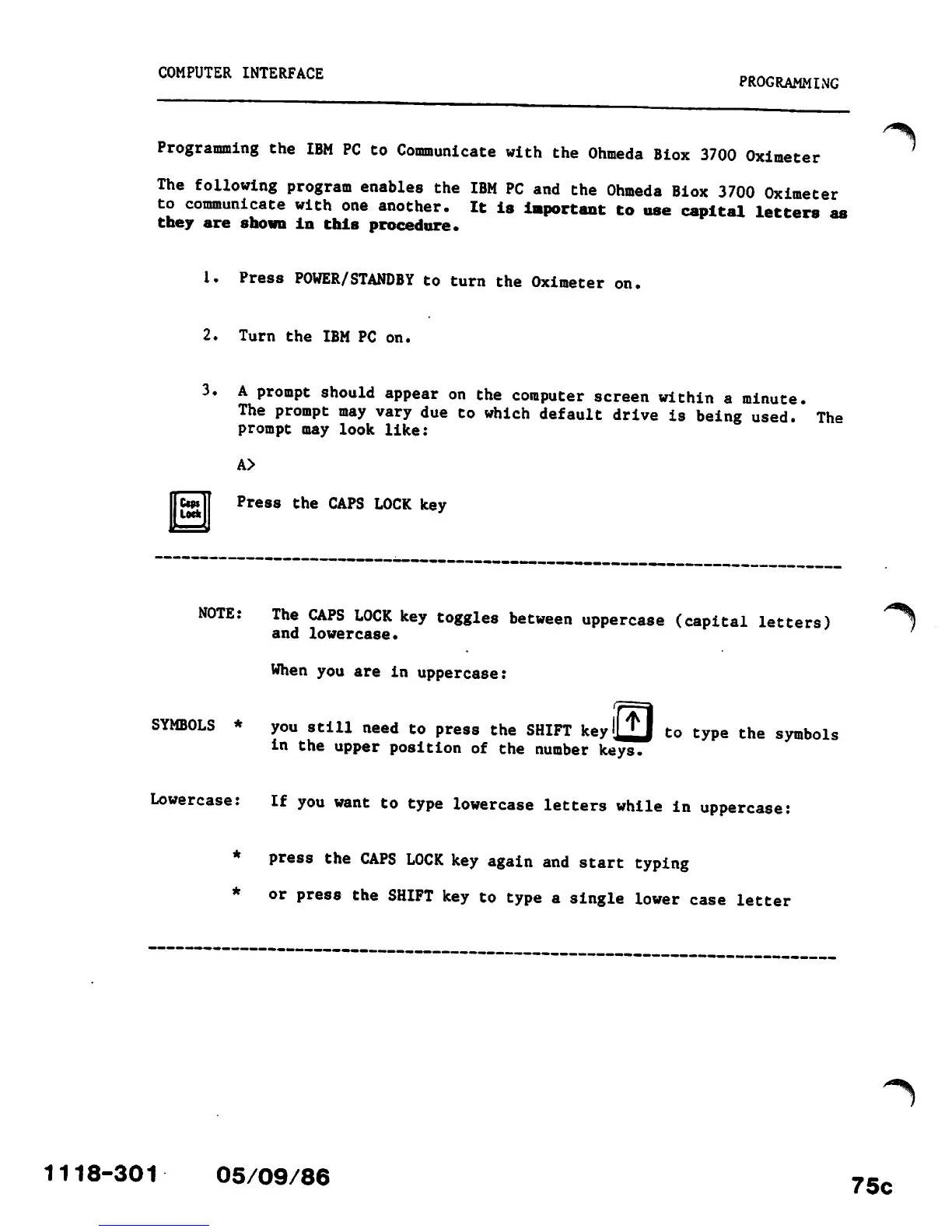
prompt may look like:
A>
Ctps
Lock
Press
the
CAPS
LOCK
key
NOTE:
The
CAPS
LOCK
key
toggles
between
uppercase
(capital
letters)
and
lowercase.
When
you
are
in
uppercase:
SYMBOLS
*
you
still
need
to
press
the
SHIFT
keyljj
to
type
the
symbols
in
the
upper
position
of
the
number
keys.
Lowercase:
If
you
want
to
type
lowercase
letters
while
in
uppercase:
*
press
the
CAPS
LOCK
key
again
and
start
typing
or
press
the
SHIFT
key
to
type
a
single
lower
case
letter
1118-301
05/09/86
75c

Other manuals for Ohmeda Biox 3700

Related product manuals