EasyManua.ls Logo

Ohmeda Biox 3700 - Restoring Previous Trend Data!^*!**^!65-66

Default Icon
130 pages
Print Icon
To Next Page IconTo Next Page
To Previous Page IconTo Previous Page
Loading...
1118-301
TREND
20/60
1
flfll
188
981
88-
.
-bMnin
-30min
-3
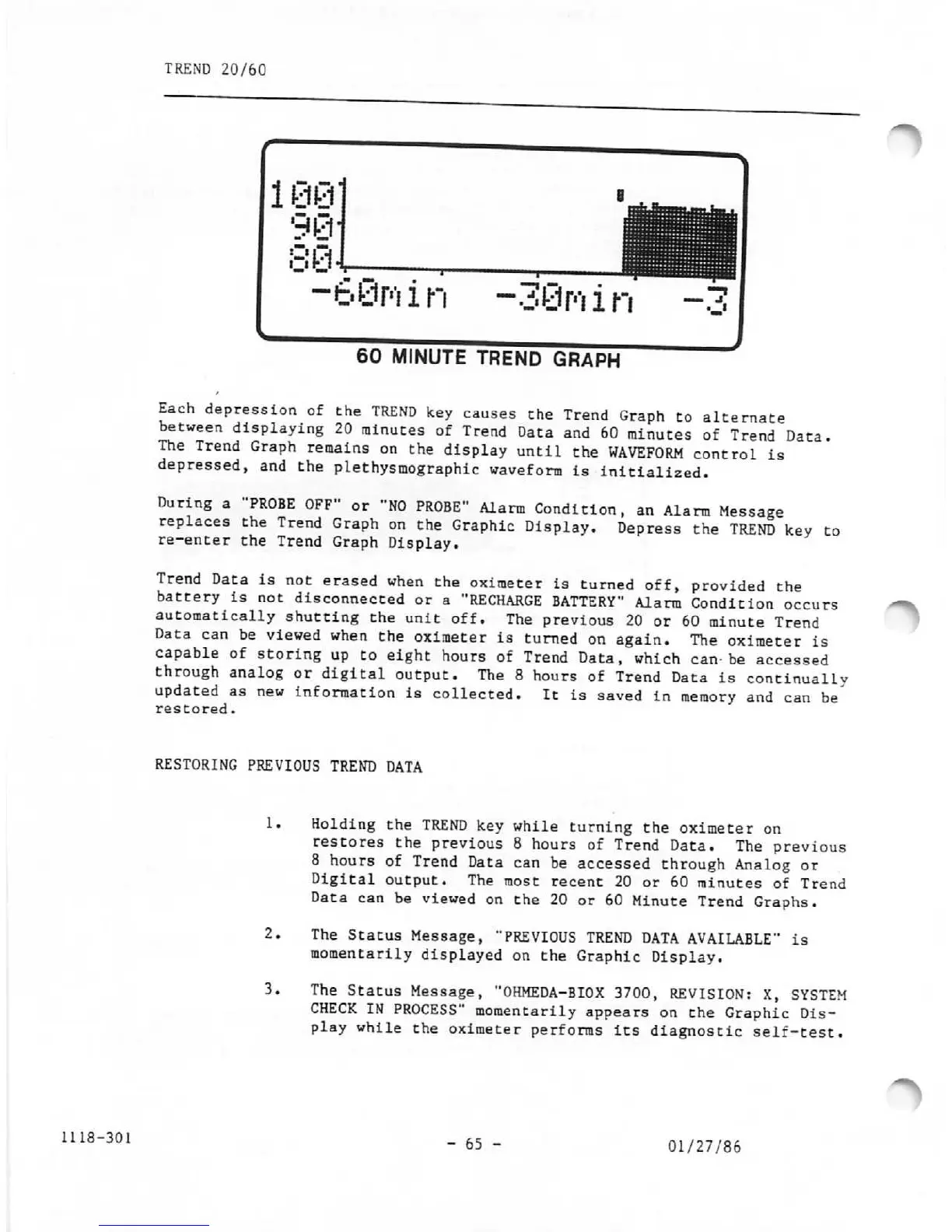
60 MINUTE TREND
GRAPH
Each
depression
of
the
TREND
key
causes
the
Trend
Graph
to
alternate
between
displaying
20
minutes
of
Trend
Data
and
60
minutes
of
Trend
Data.
The
Trend
Graph
remains
on
the
display
until
the
WAVEFORM
control
is
depressed,
and
the
plethysmographic
waveform
is
initialized.
During
a
"PROBE
OFF"
or
"NO
PROBE"
Alarm
Condition,
an
Alarm
Message
replaces
the
Trend
Graph
on
the
Graphic
Display.
Depress
the
TREND
key
to
re-enter
the
Trend
Graph
Display.
Trend
Data
is
not
erased
when
the
oximeter
is
turned
off,
provided
the
battery
is
not
disconnected
or
a
"RECHARGE
BATTERY"
Alarm
Condition
occurs
automatically
shutting
the
unit
off.
The
previous
20
or
60
minute
Trend
Data
can
be
viewed
when
the
oximeter
is
turned
on
again.
The
oximeter
is
capable
of
storing
up
to
eight
hours
of
Trend
Data,
which
can-be
accessed
through
analog
or
digital
output.
The
8
hours
of
Trend
Data
is
continually
updated
as
new
information
is
collected.
It
is
saved
in
memory
and
can
be
restored.
RESTORING
PREVIOUS
TREND
DATA
1,
2.
3.
Holding
the
TREND
key
while
turning
the
oximeter
on
restores
the
previous
8
hours
of
Trend
Data.
The
previous
8
hours
of
Trend
Data
can
be
accessed
through
Analog
or
Digital
output.
The
most
recent
20
or
60
minutes
of
Trend
Data
can
be
viewed
on
the
20
or
60
Minute
Trend
Graphs.
The
Status
Message,
"PREVIOUS
TREND
DATA
AVAILABLE"
is
momentarily
displayed
on
the
Graphic
Display.
The
Status
Message,
"OHMEDA-BIOX
3700,
REVISION:
X,
SYSTEM
CHECK
IN
PROCESS"
momentarily
appears
on
the
Graphic
Dis
play
while
the
oximeter
performs
its
diagnostic
self-test.
- 65 -
01/27/86

Other manuals for Ohmeda Biox 3700

Related product manuals