EasyManua.ls Logo

Ohmeda Biox 3700 - PC Programming for Communication

Default Icon
130 pages
Print Icon
To Next Page IconTo Next Page
To Previous Page IconTo Previous Page
Loading...
1118-301
COMPUTER
INTERFACE
source™,
of
m «
.„,
am
m
IM>
^^
^^
The
minimum
requirements
are:
* 256K RAM
*
Asynchronous
Communications
Adapter
(Serial
Port)
DOS
(Disk
Operating
System)
2.1
or
higher
program
which
should
contain
two disks:
1.
DOS
2.
DOS
Supplemental
Program
*
Upper
case
is
required
to
communicate
with
the
oximeter
The
3700
Oximeter
should
be
on
and
operational.
SET-UP
1.
*
Put
the
DOS
disk
into
the
disk
drive
and
close
the
drive
door.
*
Turn
on
the
computer.
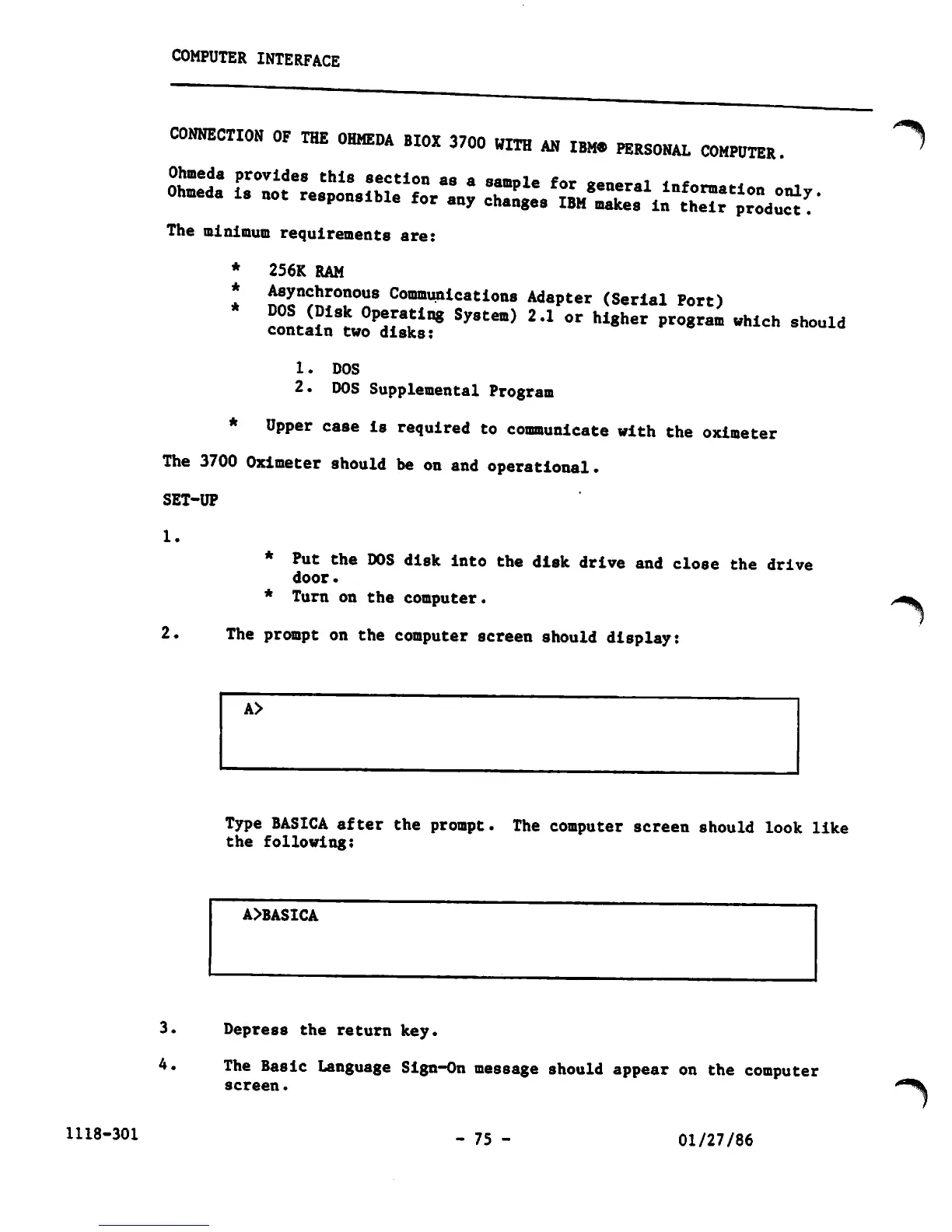
2.
The
prompt
on
the
computer
screen should
display:
Type
BASICA
after
the
prompt.
The
computer
screen
should
look
like
the
following:
A>BASICA
3.
Depress
the
return
key.
4.
The
Basic
Language
Sign-On
message
should
appear
on
the
computer
screen.
-
75
-
01/27/86
^%

Other manuals for Ohmeda Biox 3700

Related product manuals