EasyManua.ls Logo

Ohmeda Biox 3700 - Page 100

Default Icon
130 pages
Print Icon
To Next Page IconTo Next Page
To Previous Page IconTo Previous Page
Loading...
1118-301
COMPUTER
INTERFACE
TREND-DUMP
MODE
This
allows
for
eight
hours
of
Trend
Data
to
be
output
onto
a
printer
or
a
the™™
W
rM?°r!
M?
^^
the
ful1
Sight
h0urs
of
Trend
<£..
depress
the
TREND
key
while
turning
the
oximeter
on.
Hold
the
oximeter
TREND
key
down
for
three
seconds,
and
the
following
appears
on
the
CRT:
"OHMEDA
BIOX
3700
PULSE
OXIMETER
TREND DATA OUTPUT
12
SECONDS
PER
DATA
POINT"
When
the
TREND
key
is
depressed
a
second
time,
the
data
is
output
in
the
following
format:
"**
POWER
ON
**"
":SA02-XXX PR-XXX"
The
oximeter
outputs
approximately
one
hour
of
Trend
Data
each
minute.
SLAVE-MODE
Use
this
mode
with
either
computer
or
terminal
connection.
Specific
data
is
output
as
it is
requested.
By
using
a
computer
or
a
terminal
depress
tne
, ,
key
and
rn
in
succession
to
get
to
the
Slave
Mode.
ESCAPE
0
This
gets
you
out
of
the
Auto-Dump
Mode.
High
and
low
readings/limits
can
be
requested
by
depressing
, ,
and
in
succession!
ESCAPE
0
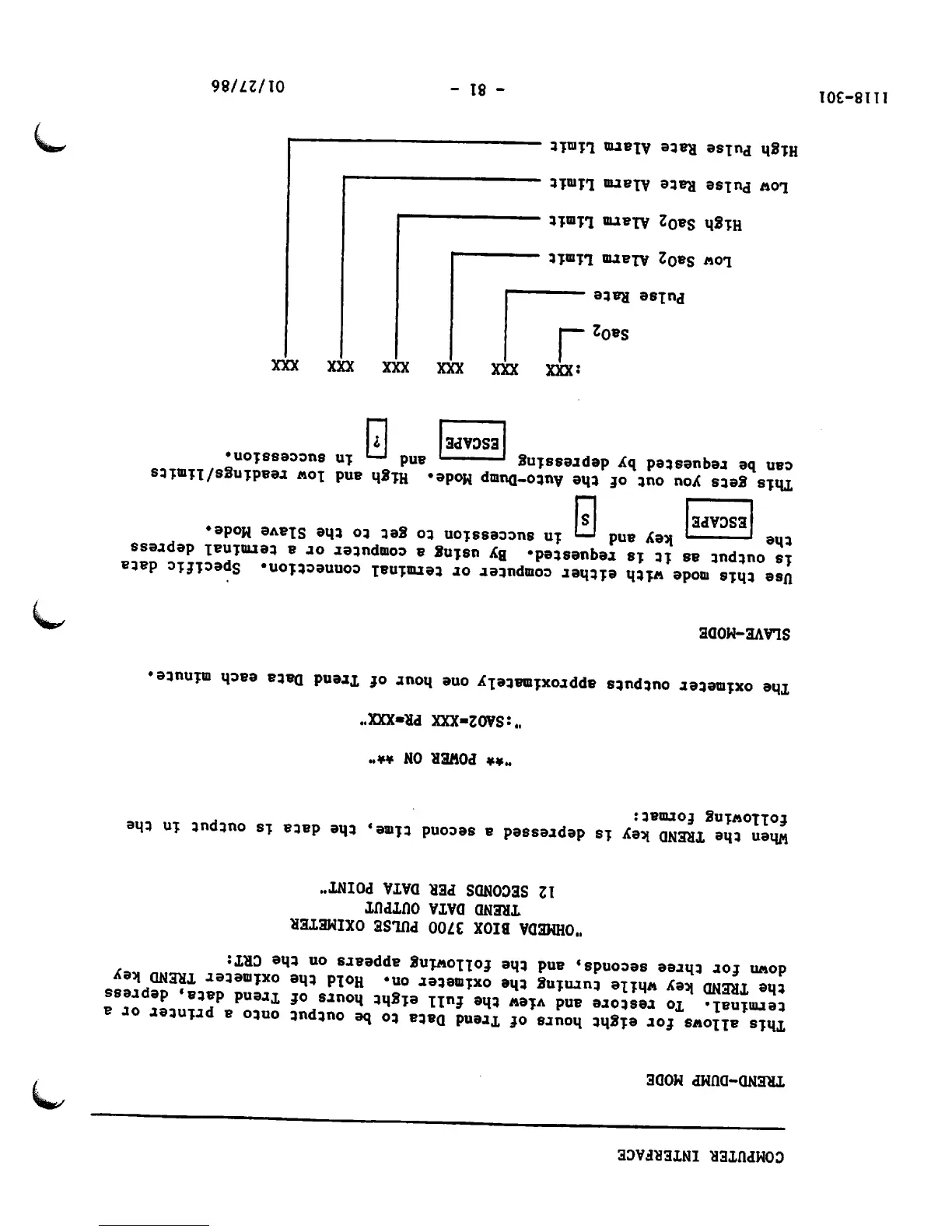
:XXX XXX XXX XXX XXX
Sa02
Pulse
Rate
Low Sa02 Alarm Limit
High
Sa02
Alarm
Limit
Low Pulse Rate Alarm Limit
High Pulse Rate Alarm Limit
- 81 -
XXX
01/27/86
/*^
/^k
*^k

Other manuals for Ohmeda Biox 3700

Related product manuals