EasyManua.ls Logo

Ohmeda Biox 3700 - Page 101

Default Icon
130 pages
Print Icon
To Next Page IconTo Next Page
To Previous Page IconTo Previous Page
Loading...
COMPUTER
INTERFACE
TREND-OUTPDT
MODE
Ohmeda
Biox
3700
Oximeter
Communication
with
Computers
TREND-OUTPUT
MODE
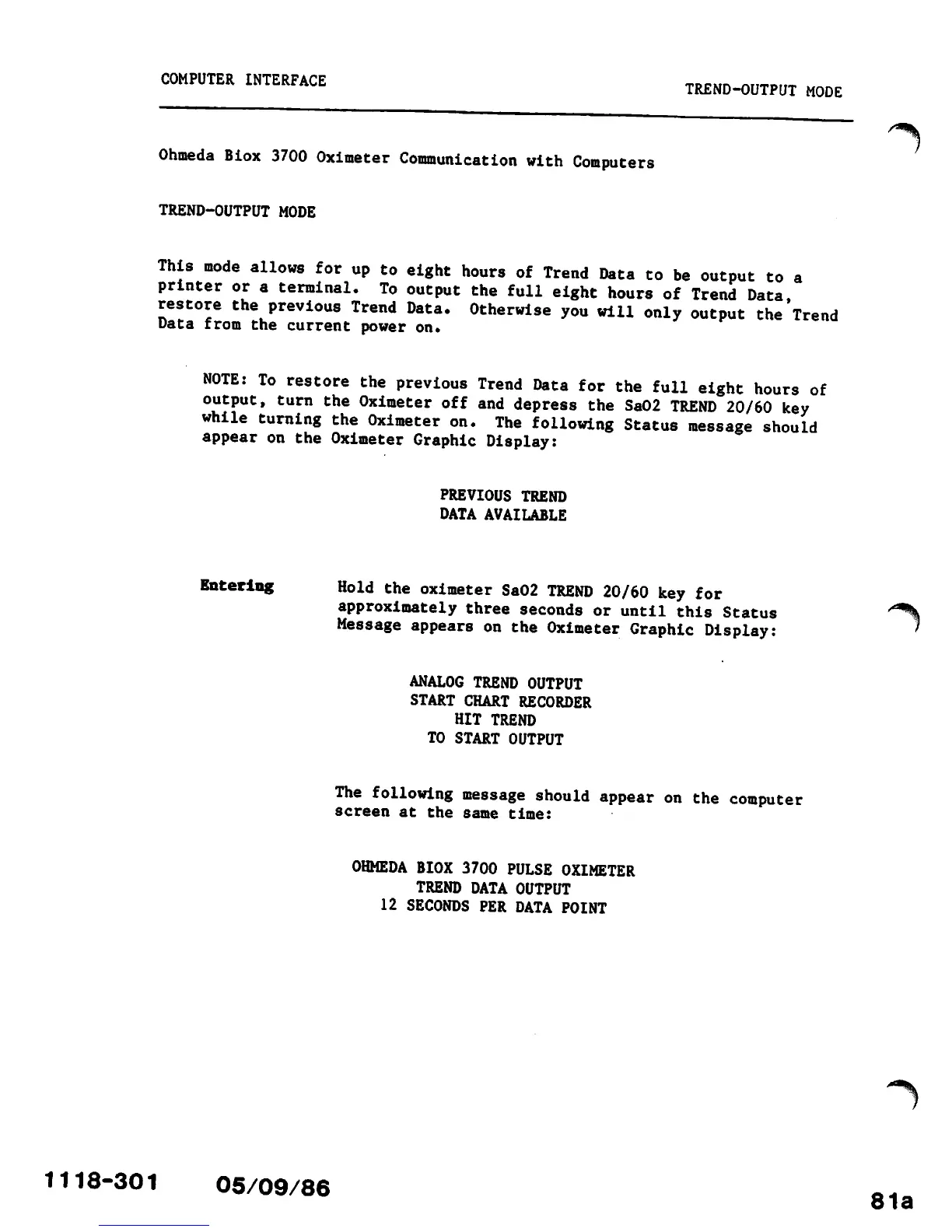
This
mode
allows
for
up
to
eight
hours
of
Trend
Data
to
be
output
to
a
printer
or
a
terminal.
To
output
the
full
eight
hours
of
Trend
Data
restore
the
previous
Trend
Data.
Otherwise
you
will
only
output
the
Trend
Data from the current power
on.
NOTE:
To
restore
the
previous
Trend
Data
for
the
full
eight
hours
of
output,
turn
the
Oximeter
off
and
depress
the
Sa02
TREND
20/60
key
while
turning
the
Oximeter
on.
The
following
Status
message
should
appear
on
the
Oximeter
Graphic
Display:
PREVIOUS
TREND
DATA
AVAILABLE
Entering
Hold
the
oximeter
Sa02
TREND
20/60
key
for
approximately
three
seconds
or
until
this
Status
/e^%
Message
appears
on
the
Oximeter
Graphic
Display:
'
ANALOG TREND
OUTPUT
START CHART RECORDER
HIT
TREND
TO
START
OUTPUT
The
following
message
should
appear
on
the
computer
screen
at the
same
time:
OHMEDA BIOX
3700
PULSE
OXIMETER
TREND
DATA
OUTPUT
12 SECONDS PER DATA POINT
^\
1118-301
05/09/86
81a

Other manuals for Ohmeda Biox 3700

Related product manuals