pro920WT User’s Guide> 80
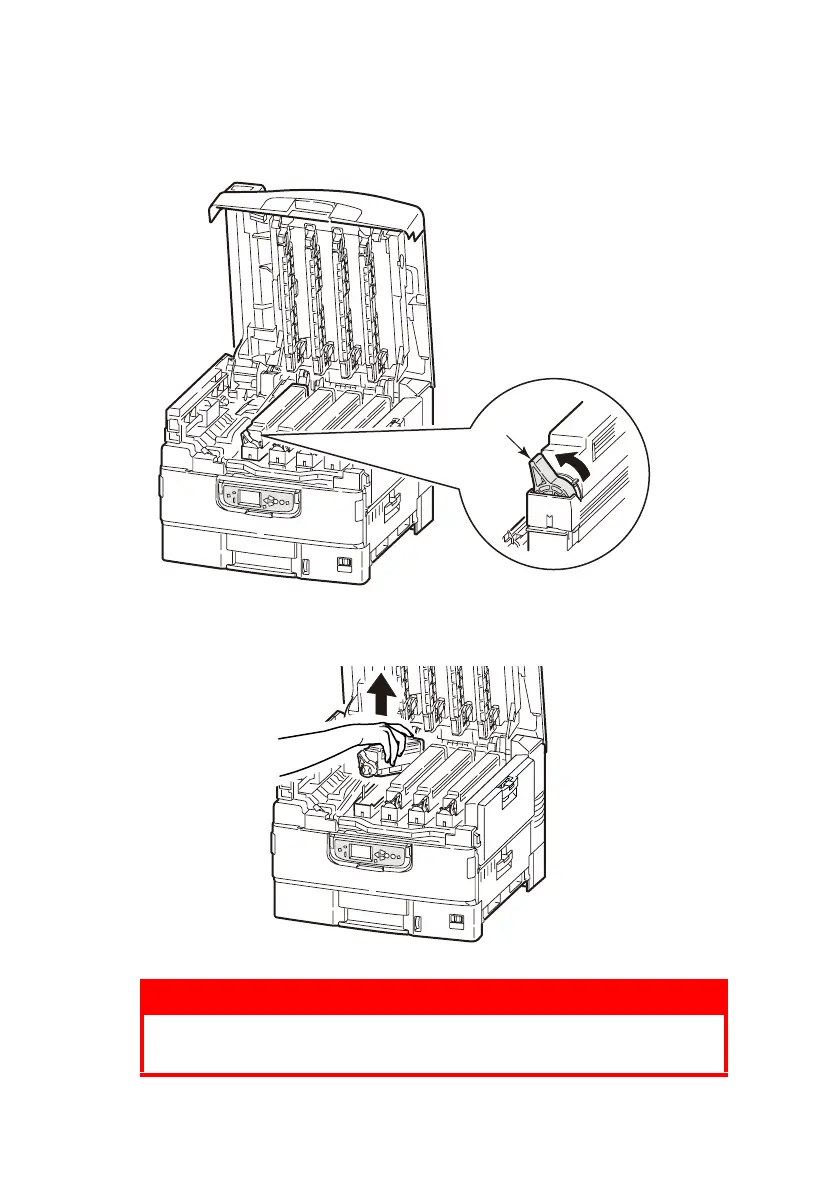
2. Check the color of the toner cartridge to be replaced, and
turn the blue lock lever (2) in the direction of the arrow until
it stops.
3. Lift the toner cartridge carefully and remove it from the
printer.
WARNING!
Do not throw toner cartridges into a fire as you may
receive burns from a dust explosion.
2








 To Next Page