pro920WT User’s Guide> 95
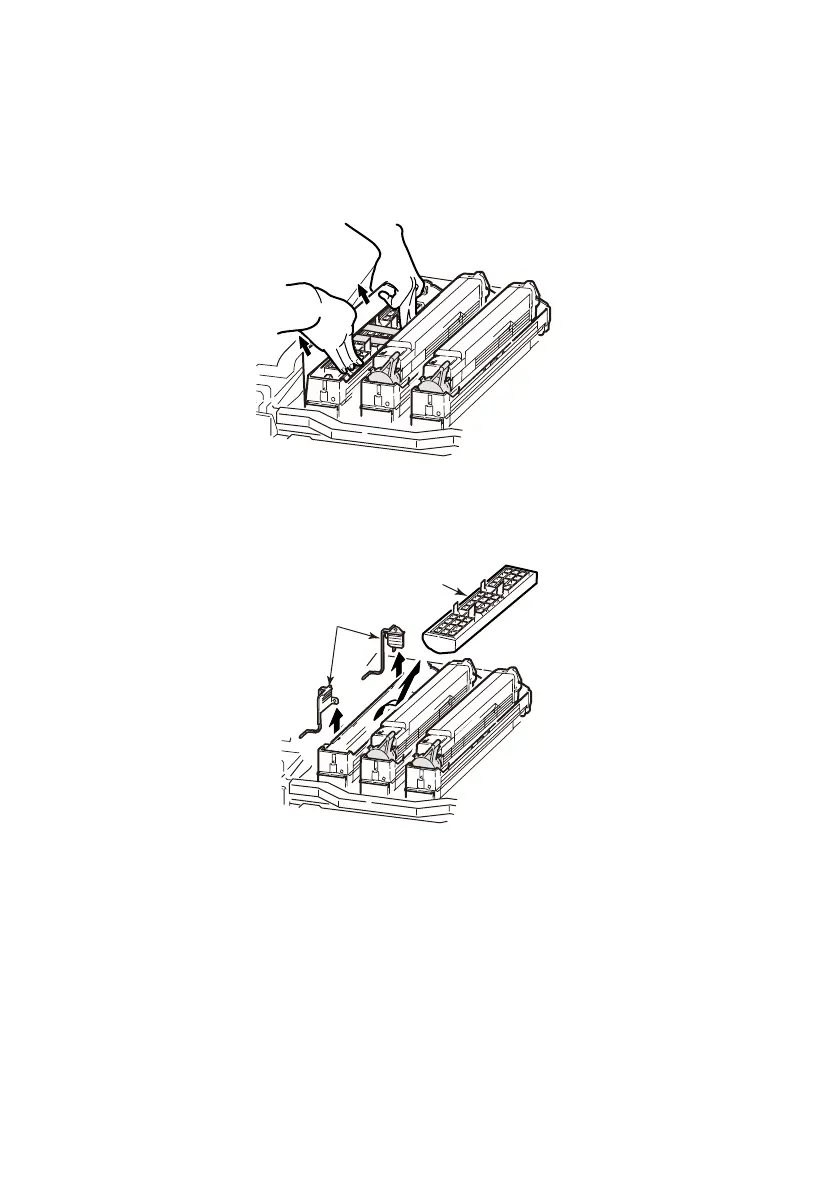
7. Pinch the both ends of the protective sheet with the thumb
and index finger while holding down the image drum
cartridge with other fingers, and pull out the protective sheet
to the direction of the arrow.
8. Remove the stoppers (3) (orange, eight pieces), toner cover
(4) (orange), and silica gel.
4
3








 To Next Page