1-11
Section 1 Basic Use of this Fax
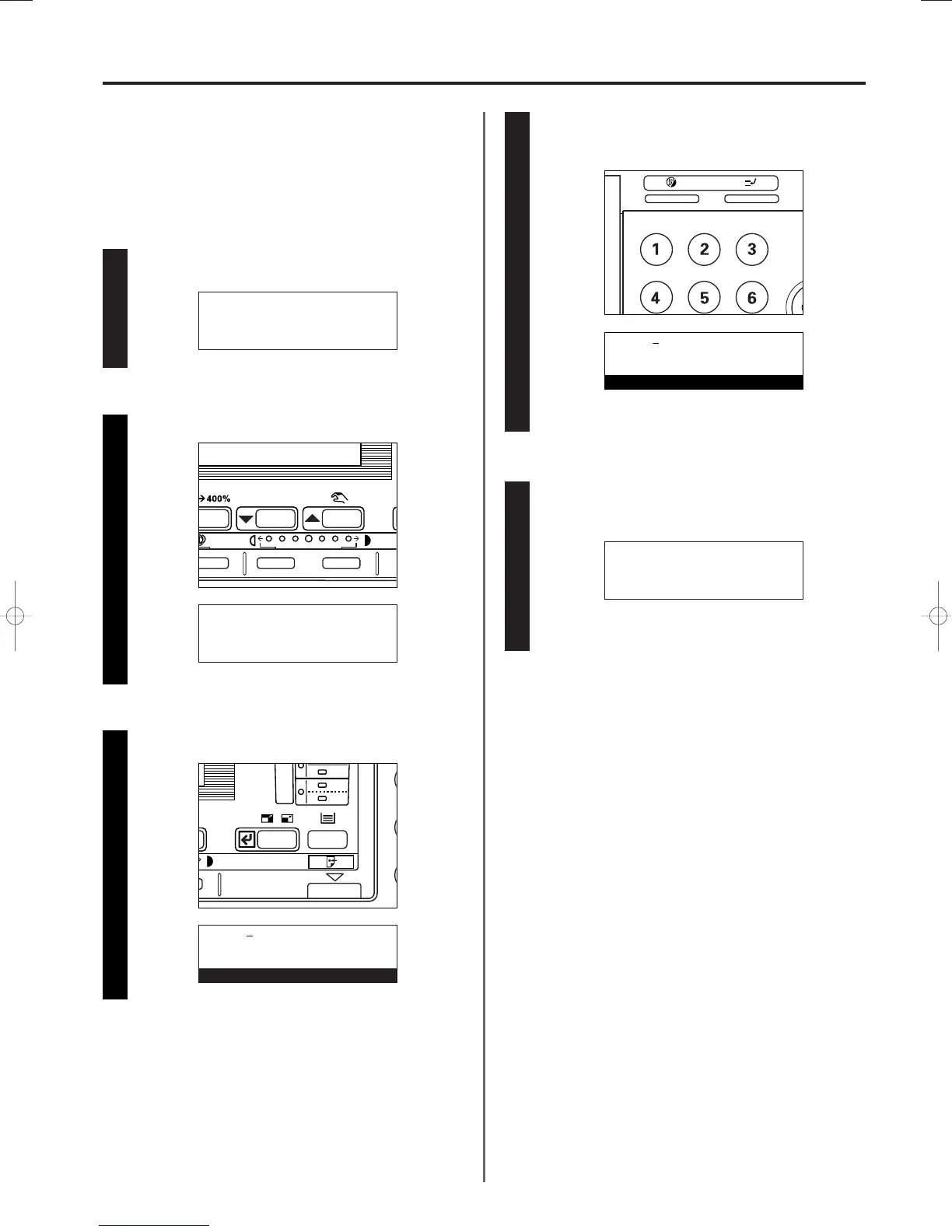
Press the Enter key.
3A180100A
3A1/FaxSystem(A)/MCE-Eng
/ 164
3 Registering your station ID
* Use the following procedure as well when you want to
change information that is already registered.
* If you want to cancel the procedure part way through,
press the Reset key. The operation panel will return to the
initial mode settings.
Perform steps 1 - 4 of “
1 Registering your fax number”,
page 1-9.
Use the cursor up or the cursor down key to select “Own ID”.
11
22
33
Use the keypad to enter the desired station ID (4 digits).
* If you want to reset the displayed number to “0000”,
simply press the Stop/Clear key.
44
Press the Enter key.
Registration of your station ID is complete.
* To return to the initial mode settings, press the Reset key.
55
Program fax parameter:
End
➪
v :
Own name :
Program fax parameter:
v :
Own name :
➪
Own ID :0000
Own ID:0000
Enter ID-code
Own ID:3324
Enter ID-code
Program fax parameter:
v :
Own name :
➪
Own ID :3324
01/Basic-1/3A1/MCE/Eng.q 23-12-1999 13:08 Page 1-11












 To Next Page