4-2
Section 4 Other Features of this Fax
● Preparation
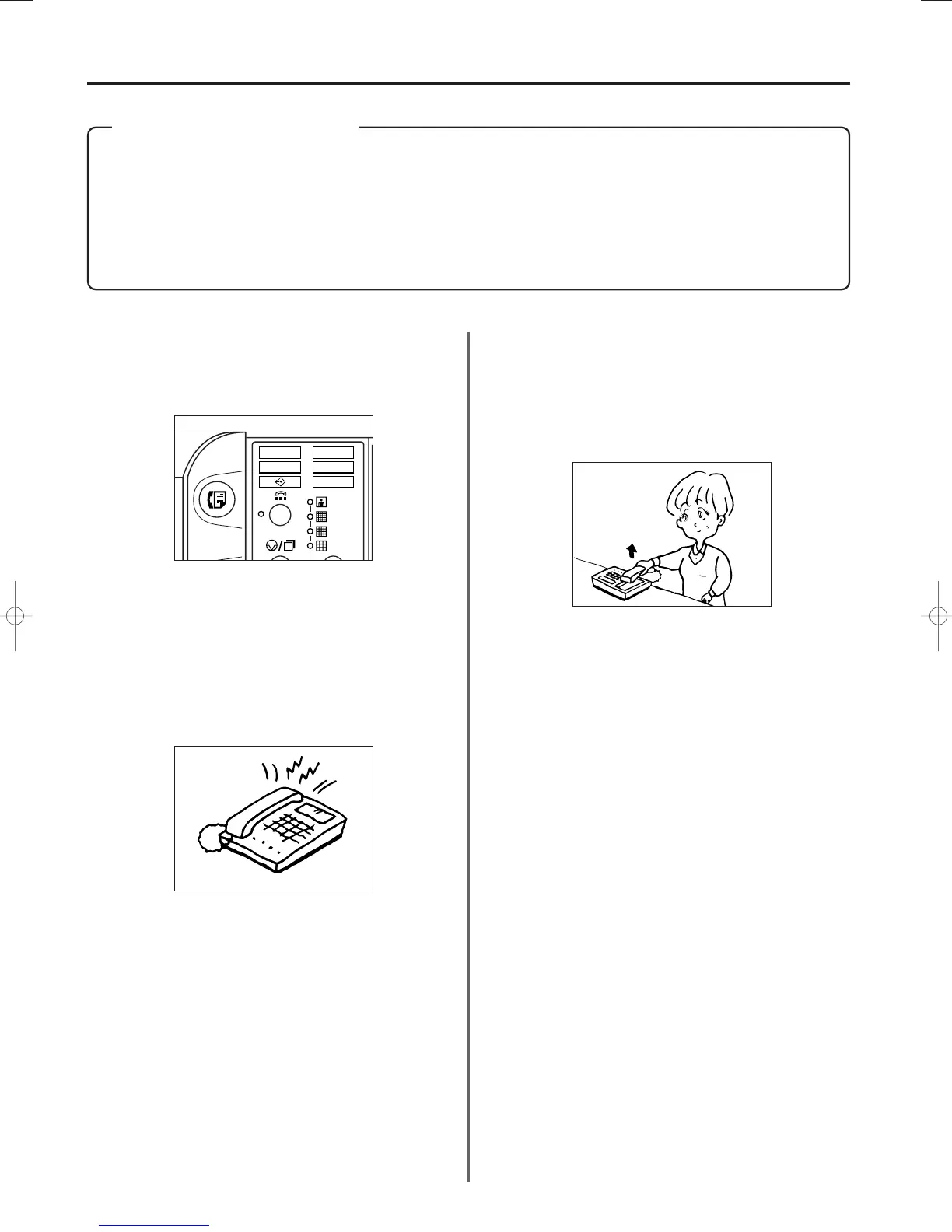
* Refer to “Selecting the Reception Mode”, page 6-7, and select the
Auto FAX/TEL Switching mode.
* Confirm that the MANUAL RX. indicator and the MESSAGE TEL.
indicator are both out.
3A180100A
3A1/FaxSystem(A)/MCE-Eng
/ 164
2. Answering the call...
> If the call is from a telephone…
1 The fax will ring to let you know that you should answer.
Pick up the telephone receiver within 30 seconds after the
ringing starts.
* If the telephone receiver is not picked up within 30 seconds,
the fax machine will switch to fax reception.
Auto FAX/TEL Switching
This reception mode is convenient for using a separately
purchased telephone together with this fax on a single telephone
line. If an incoming call is from a fax machine, fax reception will
start automatically. If the call is from a telephone, the fax will ring
to let you know that you should answer.
* Auto FAX/TEL switching is only possible if a separately
purchased telephone is connected to this fax machine.
* Even if you do not answer the telephone, the calling party will
incur telephone charges after the phone rings one time.
* If the MESSAGE TEL. indicator is not out, raise both cover plates
and press the MESSAGE TEL. key until it goes out.
1. When a call comes in, the telephone will ring once.
2 Speak with the other party.
* At the end of the conversation, fax reception can be initiated
manually. (Refer to “Manual Fax Reception”, page 2-16.)
> If the call is from a fax…
Fax reception will start automatically.
04/OtherF-1/3A1/MCE/Eng.q 23-12-1999 13:48 Page 4-2












 To Next Page