3A180100A
3A1/FaxSystem(A)/MCE-Eng
/ 164
1-18
Section 1 Basic Use of this Fax
Sending Documents
The following contains explanations on the standard method for transmitting
documents. Carefully read all the notes regarding acceptable documents, etc.,
to ensure correct operation.
11
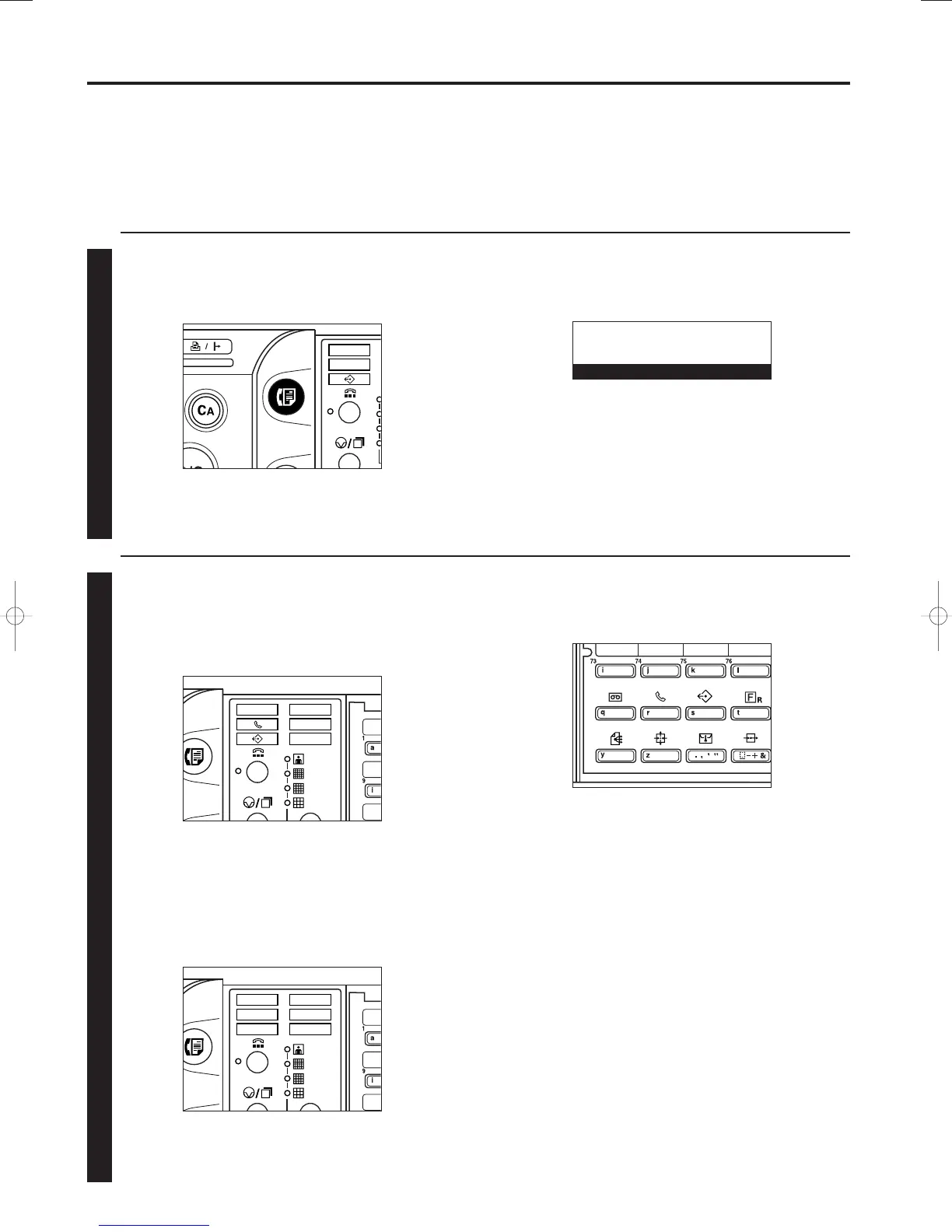
Switching to the Fax Operation mode
Press the FAX key to switch to the Fax Operation mode.
* When the lamp in the FAX key is lit, the machine is in the
Fax Operation mode.
* Check the message display to make sure that the operation panel
is in the initial mode for fax operation. If the operation panel is not
in the initial mode, press the Reset key.
22
Selecting the transmission mode
Select the desired transmission mode.
* There are two transmission modes available in this fax:
Memory Transmission and Direct Feed Transmission.
Memory Transmission is the default setting in this fax and,
in this case, the MEMORY TX. indicator will be lit.
* To switch between the Memory Transmission and Direct Feed
Transmission modes, raise both cover plates and press the
MEMORY TX. key.
* If the MEMORY TX. indicator is NOT lit, the fax is in the
Direct Feed Transmission mode.
01-DEC-1999 12:00
Set original
01/Basic-1/3A1/MCE/Eng.q 23-12-1999 13:08 Page 1-18












 To Next Page