3A180100A
3A1/FaxSystem(A)/MCE-Eng
/ 164
1-27
Section 1 Basic Use of this Fax
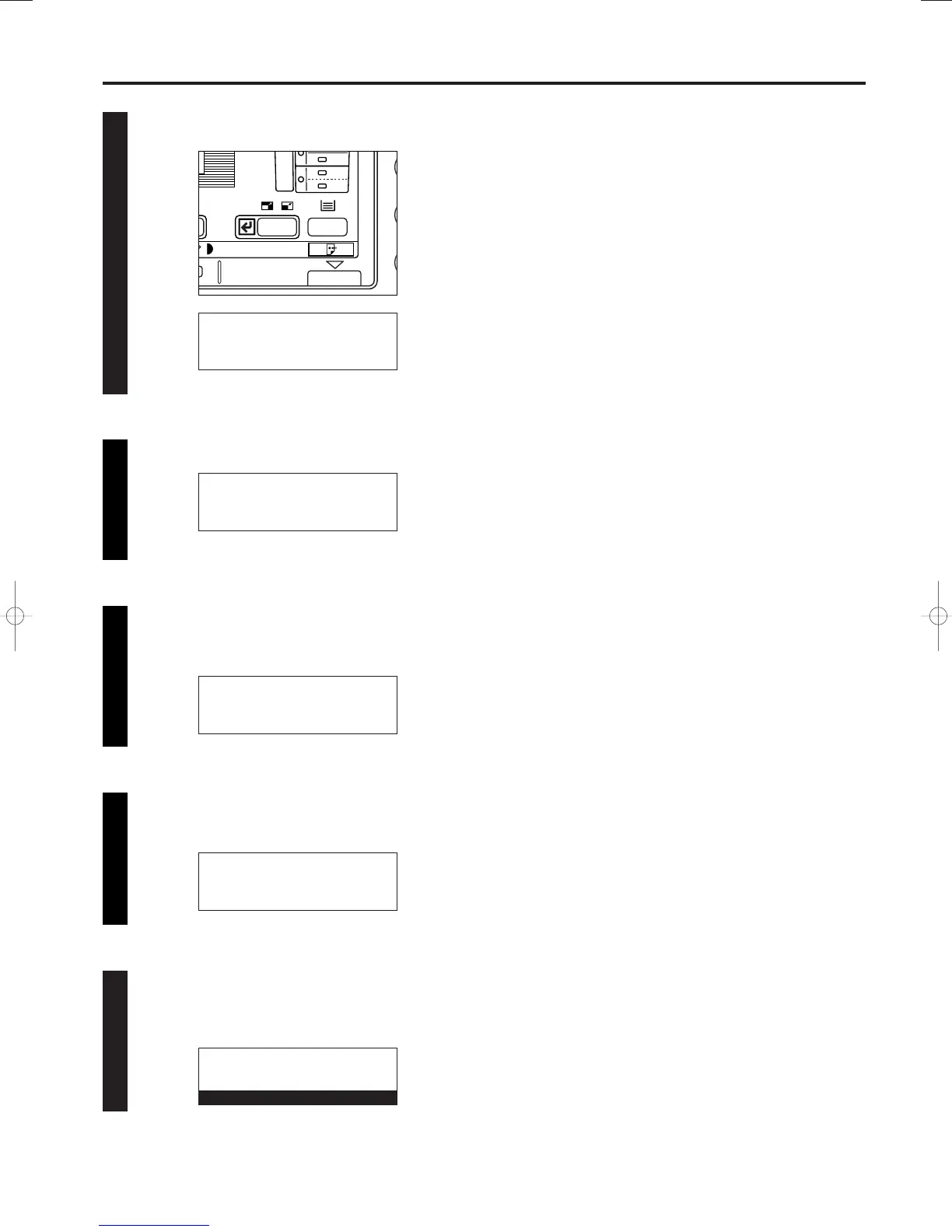
Press the Enter key.
Use the cursor up or the cursor down key to select “Delete”.
Press the Enter key.
* If there are no related communications in memory, an error
message will appear and then the message display will
return to the “Edit” menu.
Selecting the communication you want to cancel
Use the cursor up or the cursor down key to select the
communication you want to cancel.
33
44
55
66
Press the Enter key.
The selected communication will be cancelled.
* If there are any other scheduled communications still in
memory, a Confirmation Report will be printed out.
77
Edit:
➪
Print
Immediate transmission
Program/Change
Edit:
Immediate transmission
Program/Change
➪
Delete
Delete: list
➪
Doc. nr :005
v :
YDK P03
13:00 Send
Delete: list
➪
Doc. nr :026
v :YBS P04
15:00 Send
01-DEC-1999 12:00
Set original
01/Basic-1/3A1/MCE/Eng.q 23-12-1999 13:09 Page 1-27












 To Next Page