Getting Started 9
Loading Different Types of Paper
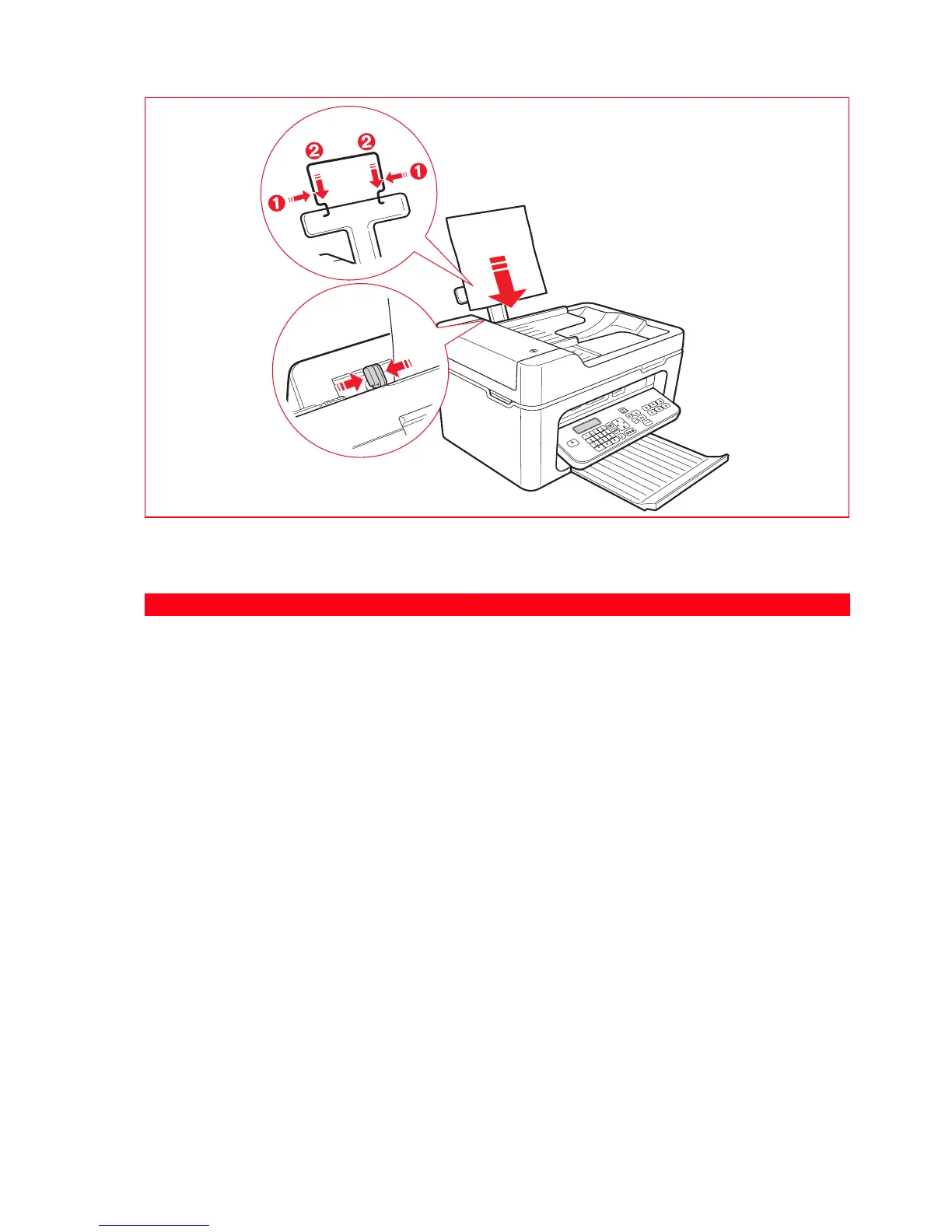
To load: Proceed as follows:
Plain paper, coated paper,
photo paper, greeting
cards, index cards or post
cards, envelopes, ink-jet
labels.
• Load the media vertically, against the right side of the automatic sheet feeder, and
with the print side facing up.
• Pressing the paper guide, slide it up against the left edge of the paper.
Note: Load letterhead paper with the top of the letterhead entering the printer first,
facing up.
Transparencies • Transparencies that can be used must have a white backing paper, or a removable
white stripe on the leading edge to be inserted first into the printer.
Note: Transparencies must be inserted into the printer without removing the
protection as indicated in the supplier’s instructions.
Banner paper • Remove all paper from the feeder.
•
Insert the leading edge of the banner paper vertically into the printer,
against the
right side of the automatic sheet feeder
, and with the print side facing up
.
Note: Do not use perforated fan-fold banner paper.
• Press the paper guide and slide it up against the left edge of the banner paper.
Iron-on transfers • Read the instructions supplied with the transfers.
• Load the sheets vertically against the right side of the automatic sheet feeder and
with the side to be printed facing towards the front of the machine.
• Press the paper guide and slide it up against the left edge of the transfer.














 To Next Page