EasyManua.ls Logo

Olivetti M15 Plus - THE AUTOMATIC REPEAT Function; Dead Key Symbols

Olivetti M15 Plus
118 pages
Print Icon
To Next Page IconTo Next Page
To Previous Page IconTo Previous Page
Loading...
THE
AUTOMATIC
REPEAT
fUNCTION
As
long
as
a key
is
pressed,
the
corresponding
letter
or
function
will
be
repeated.
This
feature
also
applies
to
combinations
of
keys.
All
keys
for
which
the
automatic
repeat
function
serves
a
purpose
possess
this
feature.
DEAD
KEY
SYMBOLS
On
the
various
national
keyboards,
there
are
keys marked
with
symbols which,
when
pressed,
do
not
appear
on
the
screen.
These
characters
are
used
only
in
conjunction
with
other
keys
to
produce
certain
seldom-used
characters
for
which
no
separate
key has been
provided
(for
example
accented
letters).
These keys
are
known
as
the
Dead
Keys.
For example,
the
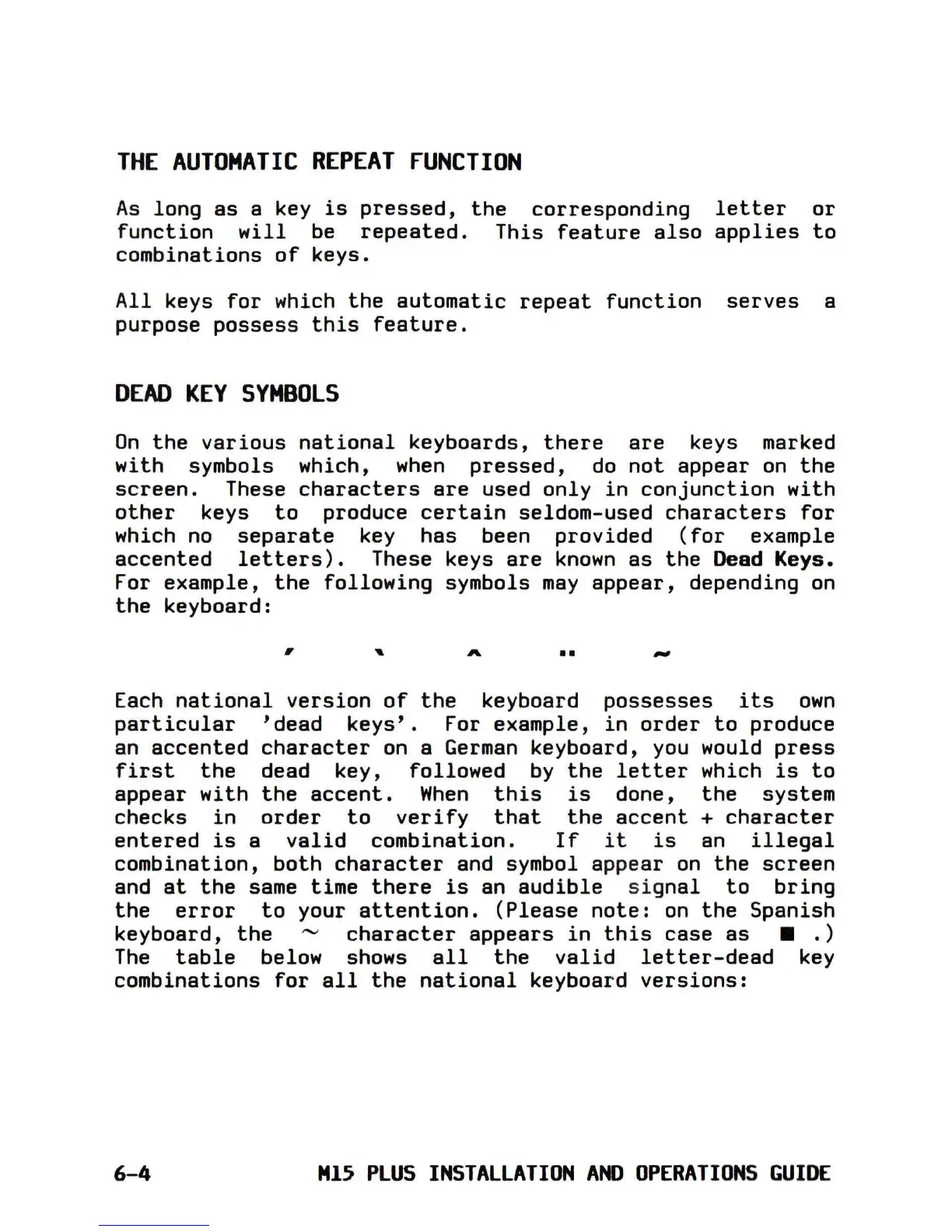
following
symbols
may
appear,
depending
on
the
keyboard:
,
"
••
-
Each
national
version
of
the
keyboard
possesses
its
own
particular
'dead
keys'.
For example,
in
order
to
produce
an
accented
character
on
a
German
keyboard, you would
press
first
the
dead key, followed
by
the
letter
which
is
to
appear
with
the
accent.
When
this
is
done,
the
system
checks
in
order
to
verify
that
the
accent
+
character
entered
is
a
valid
combination.
If
it
is
an
illegal
combination,
both
character
and symbol appear
on
the
screen
and
at
the
same time
there
is
an
audible
signal
to
bring
the
error
to
your
attention.
(Please
note:
on
the
Spanish
keyboard,
the
'"
character
appears
in
this
case
as
•.
)
The
table
below shows
all
the
valid
letter-dead
key
combinations
for
all
the
national
keyboard
versions:
6-4
M15
PLUS
INSTALLATION
AND
OPERATIONS
GUIDE

Table of Contents

Related product manuals