EasyManua.ls Logo

Olivetti M15 Plus - List of Figures

Olivetti M15 Plus
118 pages
Print Icon
To Next Page IconTo Next Page
To Previous Page IconTo Previous Page
Loading...
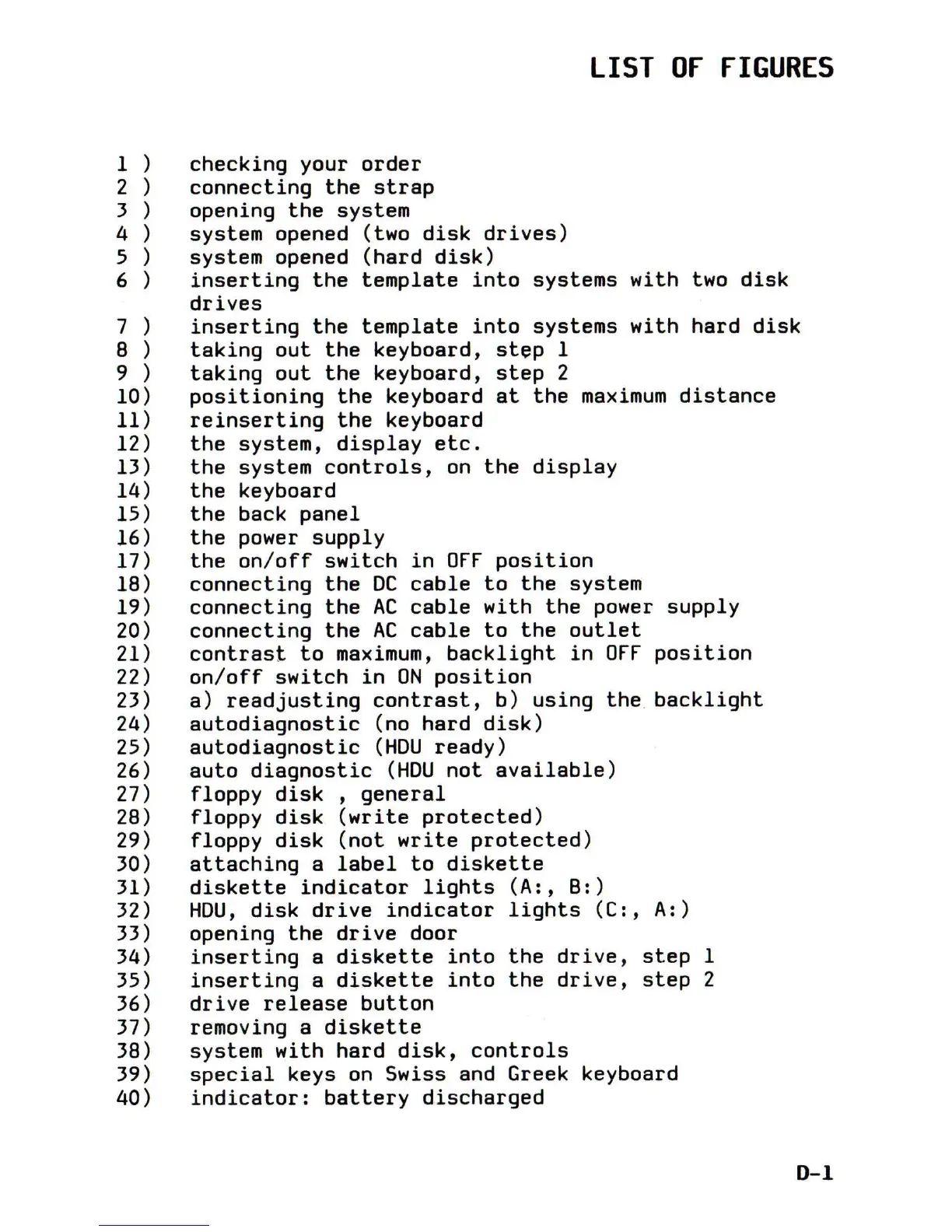
LIST
Of
fIGURES
1)
checking
your
order
2)
connecting
the
strap
3)
opening
the
system
4)
system
opened (two
disk
drives)
5)
system
opened
(hard
disk)
6)
inserting
the
template
into
systems
with
two
disk
drives
7)
inserting
the
template
into
systems
with
hard
disk
8)
taking
out
the
keyboard,
step
1
9)
taking
out
the
keyboard,
step
2
10)
positioning
the
keyboard
at
the
maximum
distance
11)
reinserting
the
keyboard
12)
the
system,
display
etc.
13)
the
system
controls,
on
the
display
14)
the
keyboard
15)
the
back
panel
16)
the
power
supply
17)
the
on/off
switch
in
OFF
position
18)
connecting
the
DC
cable
to
the
system
19)
connecting
the
AC
cable
with
the
power
supply
20)
connecting
the
AC
cable
to
the
outlet
21)
contrast
to
maximum,
backlight
in
OFF
position
22)
on/off
switch
in
ON
position
23)
a)
readjusting
contrast,
b)
using
the
backlight
24)
autodiagnostic
(no
hard
disk)
25)
autodiagnostic
(HDU
ready)
26)
auto
diagnostic
(HDU
not
available)
27)
floppy
disk
,
general
28)
floppy
disk
(write
protected)
29)
floppy
disk
(not
write
protected)
30)
attaching
a
label
to
diskette
31)
diskette
indicator
lights
(A:,
B:)
32)
HDU,
disk
drive
indicator
lights
(C:,
A:)
33) opening
the
drive
door
34)
inserting
a
diskette
into
the
drive,
step
1
35)
inserting
a
diskette
into
the
drive,
step
2
36)
drive
release
button
37) removing a
diskette
38) system
with
hard
disk,
controls
39)
special
keys
on
Swiss and Greek keyboard
40)
indicator:
battery
discharged
0-1

Table of Contents

Related product manuals