EasyManua.ls Logo

Olivetti M15 Plus - Page 64

Olivetti M15 Plus
118 pages
Print Icon
To Next Page IconTo Next Page
To Previous Page IconTo Previous Page
Loading...
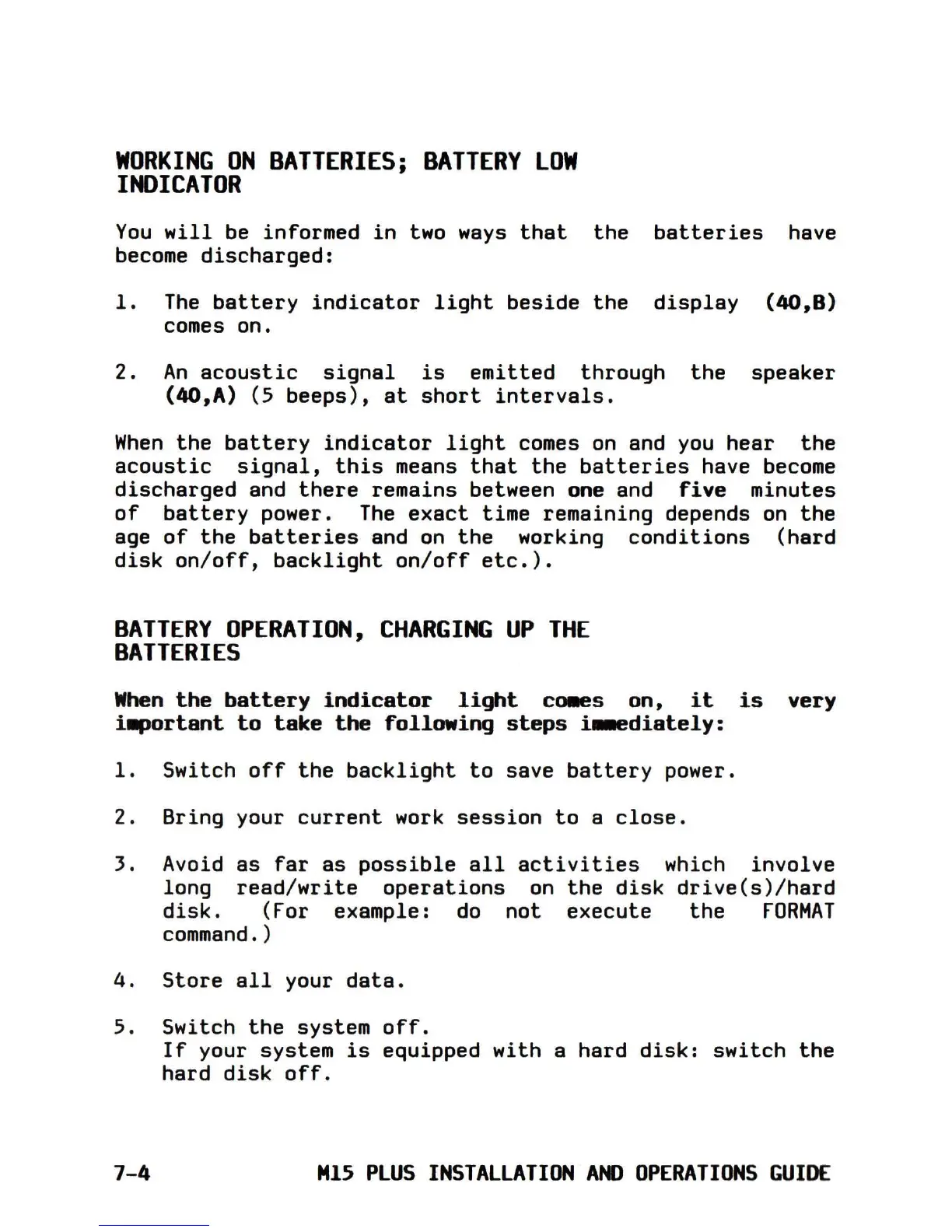
WORKING
ON
BATTERIES;
BATTERY
lOW
INDICATOR
You
will
be
informed
in
two
ways
that
the
batteries
have
become
discharged:
1.
The
battery
indicator
light
beside
the
display
(40,8)
comes on.
2.
An
acoustic
signal
is
emitted
through
the
speaker
(4O,A) (5
beeps),
at
short
intervals.
When
the
battery
indicator
light
comes
on
and
you
hear
the
acoustic
signal,
this
means
that
the
batteries
have
become
discharged
and
there
remains between one and
five
minutes
of
battery
power.
The
exact
time remaining depends
on
the
age
of
the
batteries
and
on
the
working
conditions
(hard
disk
on/off,
backlight
on/off
etc.).
BATTERY
OPERATION,
CHARGING
UP
THE
BATTERIES
When
the
battery
indicator
light
ca.es
on,
it
is
very
i~ortant
to
take
the
following
steps
i..ediately:
1.
Switch
off
the
backlight
to
save
battery
power.
2. Bring your
current
work
session
to
a
close.
3.
Avoid
as
far
as
possible
all
activities
which
involve
long
read/write
operations
on
the
disk
drive(s)/hard
disk.
(For example:
do
not
execute
the
FORMAT
command.)
4.
Store
all
your
data.
5.
Switch
the
system
off.
If
your system
is
equipped
with
a hard
disk:
switch
the
hard
disk
off.
7-4
M15
PLUS
INSTALLATION
AND
OPERATIONS
GUIDE

Table of Contents

Related product manuals