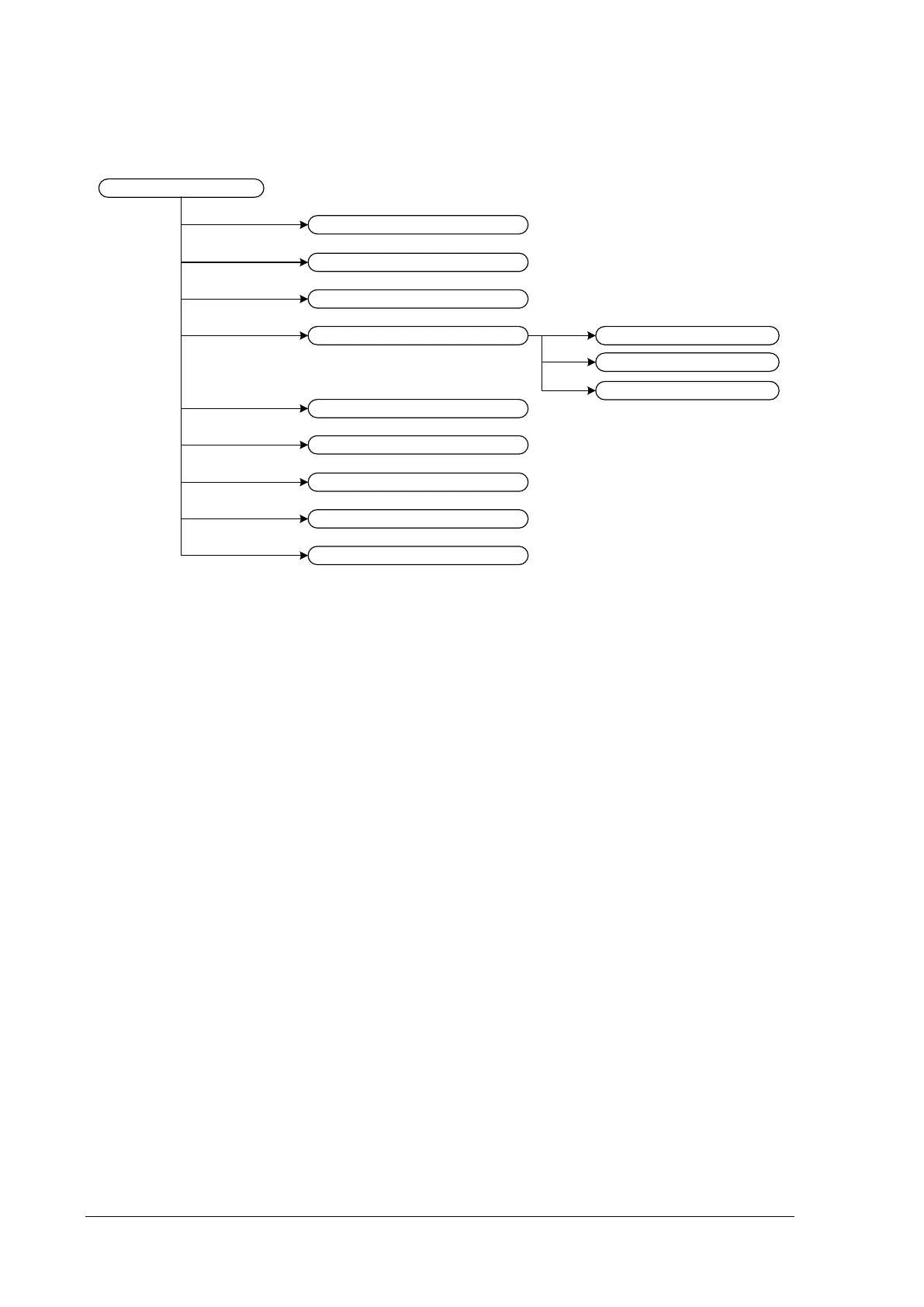
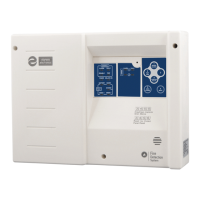
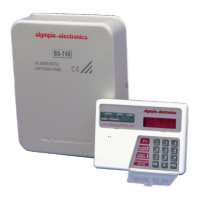
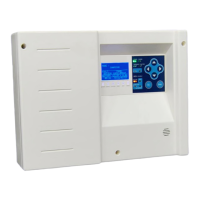
Figure 2-12
• “PANEL” shows information about mains power supply, battery and the charger
• “LOOP” shows information about loop points, voltage etc
• “LOOP OUTPUT” displays the voltage of the four outputs of the loop
• “ZONES” shows which zones are in emergency, disabled or have faults
• “POINT” shows the configuration of each address. With UP/DOWN keys you can scroll
between addresses
• “SHOW DISABLED” shows the points/luminaires that are disabled
• “NETWORK” shows information about the Ethernet module (IP and MAC address)
• “PANEL SOFT VERSION” shows the software version of the panel and the loop
• “TECHNICIAN INFO” shows information concerning the technician
2.3. Events menu
In this menu you can have access to the event log of the panel. The event log has capacity up to 250
events.


 To Next Page