24/02/2020 7 / 24 923650001_09_008.doc
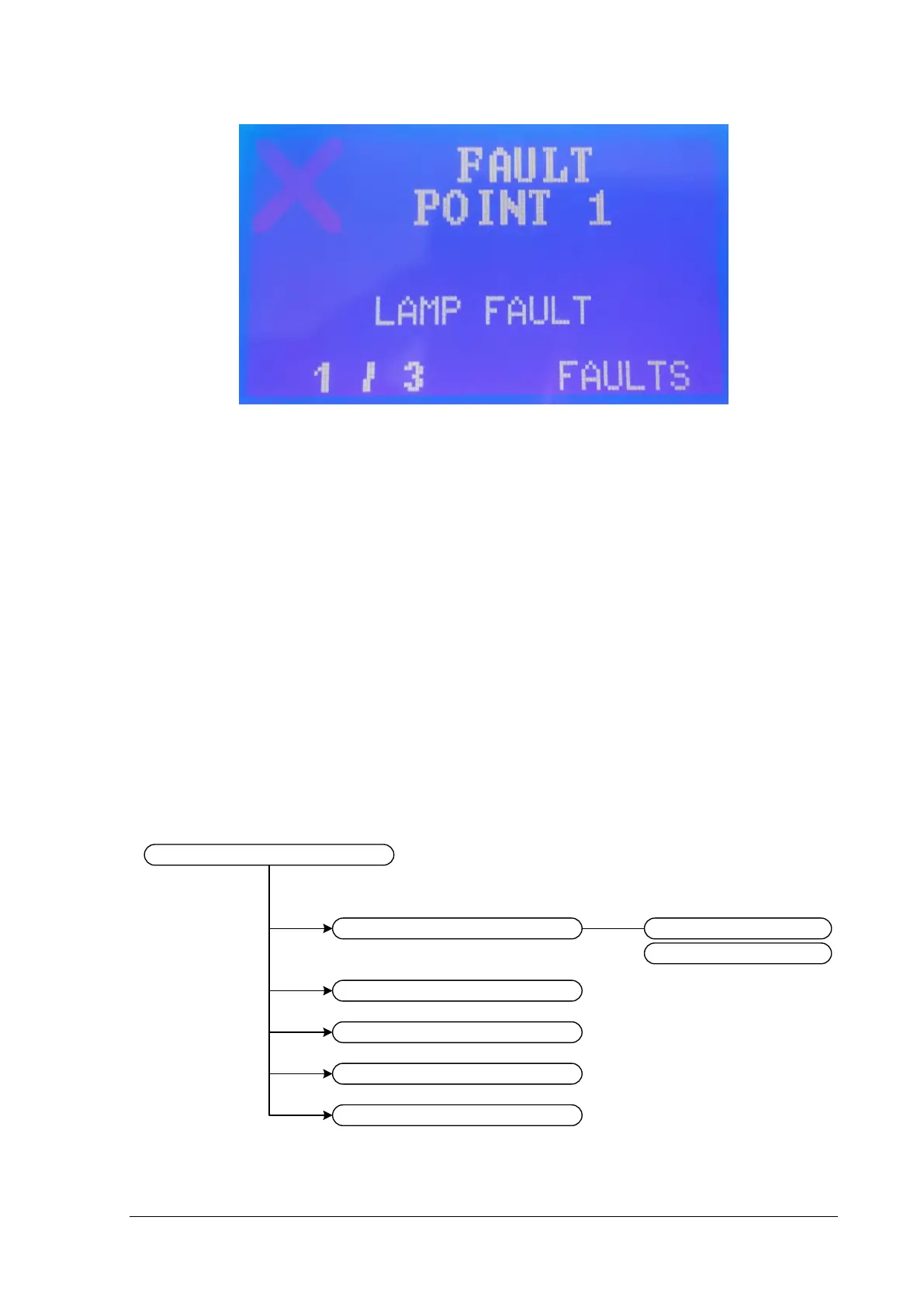
Figure 2-6
The last line shows the index of the fault and the number of all faults.
By pressing the “RESET FAULTS” the panel deletes and resets all faults.
The next option “LUMINAIRES” sends commands to the luminaires connected to the panel. The
option “MODE INHIBIT” enables/disables the inhibit function of all the luminaires connected to the
panel. If inhibit function is enabled the luminaires will not light when the mains power fails.
During emergency mode the option “OFF IN EMERGENCY” appears. This option turns off all
emergency luminaires but only for that time. At the next time mains power fail the luminaires will light
normally.
In order to enter “TECHNICIAN MENU” you need to know the “tech code” (password). There will be
more information about this menu in the next chapter.
2.1. Test menu
The option “TEST” shows the submenu below:


 To Next Page