24/02/2020 6 / 24 923650001_09_008.doc
2. User Menu
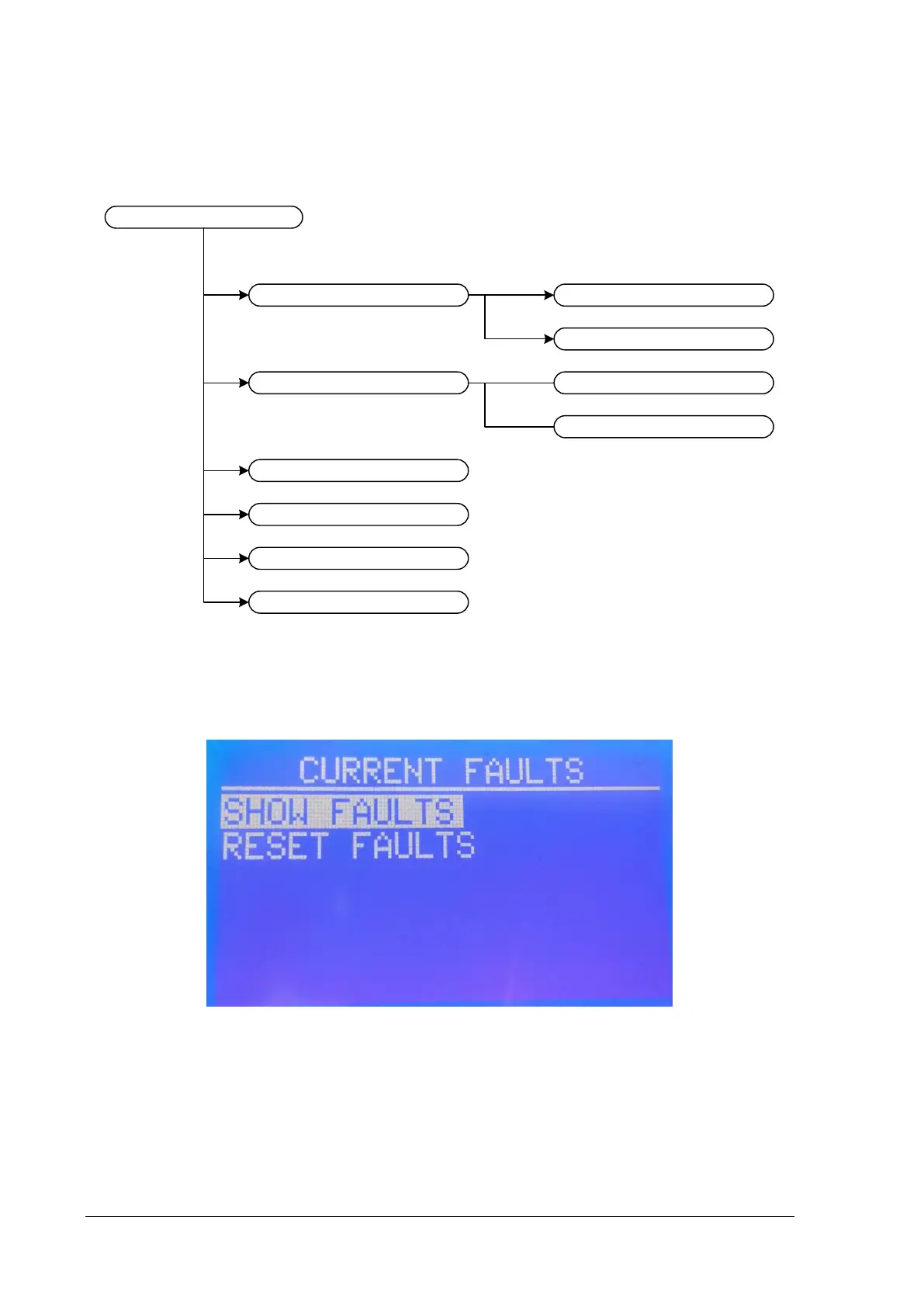
By pressing “Enter” you have access to the user menu of the panel. There is a general diagram of the
user menu options below.
Figure 2-4
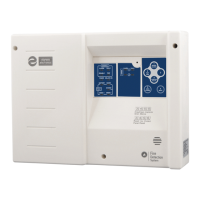
The first option “CURRENT FAULTS” appears only if there are faults in the panel. By pressing
“ENTER” you have two options, “SHOW FAULTS” and “RESET FAULTS” (see figure below).
Figure 2-5
With keys “UP” and “DOWN” you can move to the option you want to choose. Press “ENTER” to enter
menu or “ESC” to go to previous.
By selecting “SHOW FAULTS” you can see all the faults on the panel at this moment. With Up and
down you can move among faults. An example is shown in figure 2-3.


 To Next Page