54
EN
Flash shooting
3
3
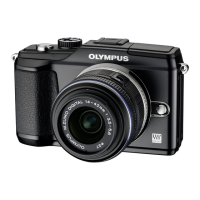
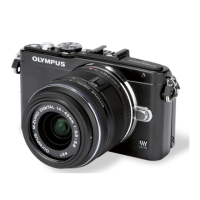
To raise the built-in fl ash for use, slide the fl ash switch. The built-in fl ash can be
used for fl ash photography in a variety of shooting conditions.
Using a fl ash (fl ash photography)
1
Raise the fl ash.
2
Press the # button (I) to display the current fl ash mode.
3
Use HI to choose a fl ash mode and press i.
The options available and the order in which they are displayed vary depending on
the shooting mode. g “Flash modes that can be set by shooting mode” (P. 102)
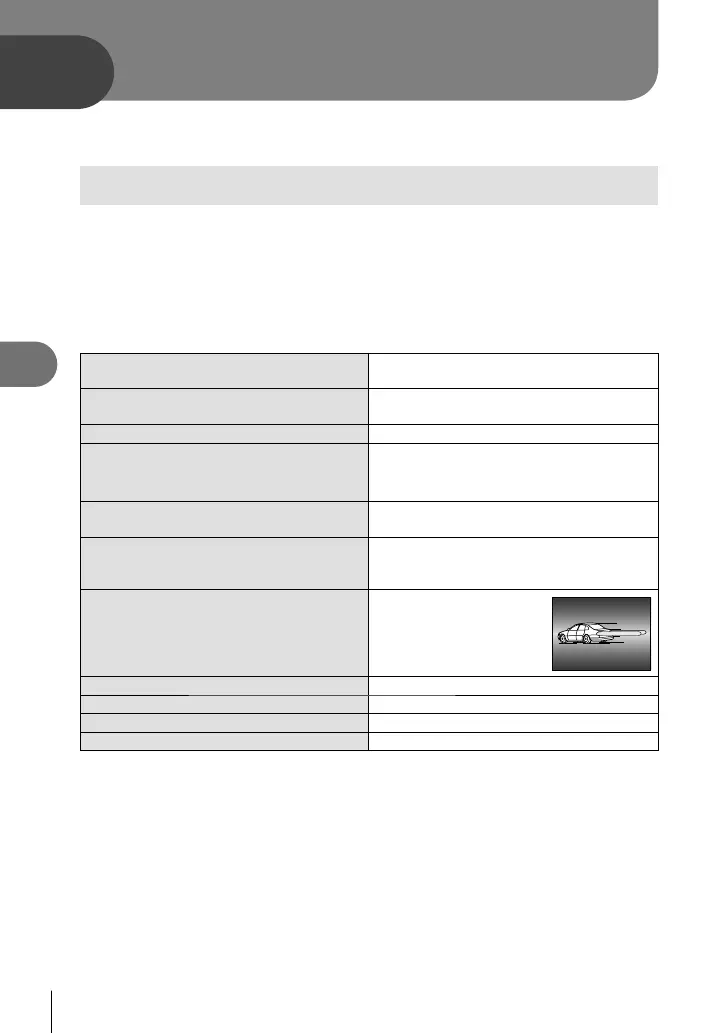
AUTO Auto fl ash
The fl ash fi res automatically in low light or
backlight conditions.
#
Fill-in fl ash
The fl ash fi res regardless of the light
conditions.
$
Flash off
The fl ash does not fi re.
*1
!/H
Red-eye reduction
fl ash
This function allows you to reduce the
red-eye phenomenon. In S and M mode,
the fl ash always fi res.
#SLOW
Slow synchronization
(1st curtain)
Slow shutter speeds are used to brighten
dimly-lit backgrounds.
!SLOW
Slow synchronization
(1st curtain)/Red-eye
reduction fl ash
Combines slow synchronization with red-
eye reduction.
#SLOW2/
2nd CURTAIN
Slow synchronization
(2nd curtain)
The fl ash fi res just
before the shutter closes
to create trails of light
behind moving light
sources.
#FULL Manual (FULL)
*2
The fl ash fi res at full power.
#1/4 Manual (1/4)
*2
The fl ash fi res at 1/4 power.
#1/16 Manual (1/16)
*2
The fl ash fi res at 1/16 power.
#1/64 Manual (1/64)
*2
The fl ash fi res at 1/64 power.
*1 Both the built-in fl ash and optional external fl ash units turn off.
*2 Built-in fl ash only.
4
Press the shutter button all the way.
# Caution
In [!/H(Red-eye reduction fl ash)], after the pre-fl ashes, it takes about 1
second before the shutter is released. Hold the camera fi rmly to avoid camera shake.
[!/H(Red-eye reduction fl ash)] may not work effectively under some shooting
conditions.
When the fl ash fi res, the shutter speed is set to 1/160 sec. or slower. When shooting
a subject against a bright background with the fi ll-in fl ash, the background may be
overexposed.
•
•
•
•
Flash shooting
S0027E.indb54S0027E.indb54 2009/12/2114:52:572009/12/2114:52:57



 To Next Page