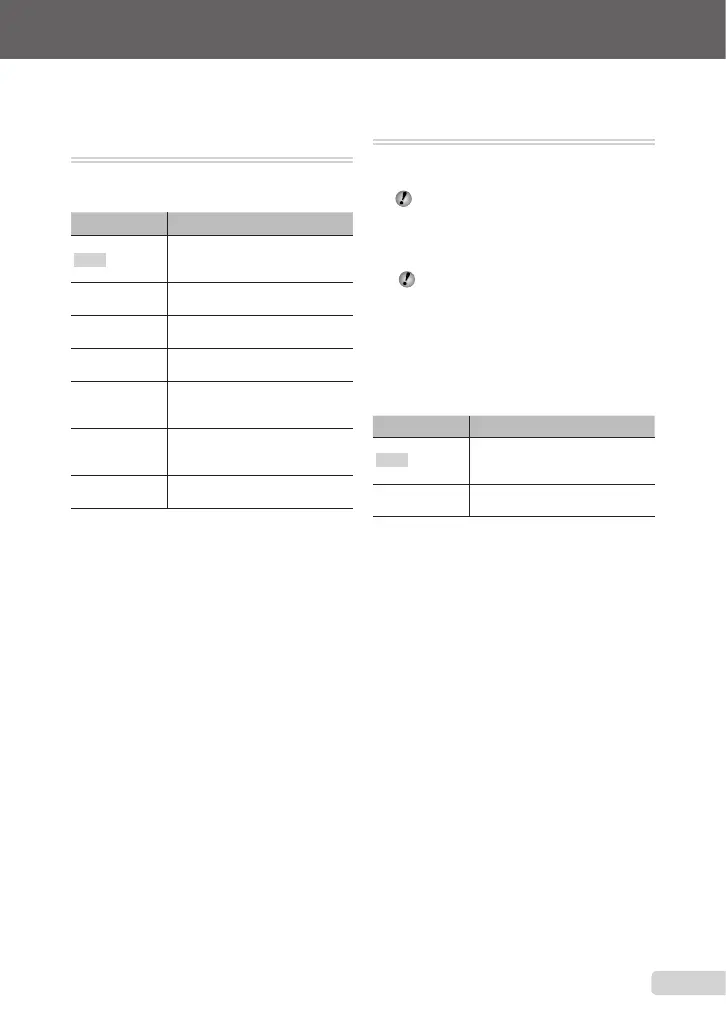
Adjusting to a natural color scheme
[WB]
B
CAMERAMENU
WB
K:PhsA
Submenu 2 Application
AUTO
Thecameraautomaticallyadjusts
thewhitebalanceaccordingtothe
shootingscene.
5
Forshootingoutdoorsundera
clearsky
3
Forshootingoutdoorsundera
cloudysky
1
Forshootingundertungsten
lighting
w
Forshootingunderdaylight
uorescentlighting(household
lighting,etc.)
x
Forshootingunderneutral
uorescentlighting(desklamps,
etc.)
y
Forshootingunderwhite
uorescentlighting(ofces,etc.)
Selecting the ISO sensitivity [ISO]
B
CAMERAMENU
ISO
K:P
AbbreviationfortheInternational
OrganizationforStandardization.ISO
standardsspecifythesensitivityfordigital
camerasandlm,thuscodessuchas
“ISO100”areusedtorepresentsensitivity.
IntheISOsetting,althoughsmallervalues
resultinlesssensitivity,sharpimagescan
betakenunderfullylitconditions.Larger
valuesresultinhighersensitivity,and
imagescanbetakenatfastshutterspeeds
evenunderdimlylitconditions.
Highsensitivityintroduceselectrostatic
noiseintotheresultingpicture,whichmay
giveitagrainyappearance.
Submenu 2 Application
AUTO
Thecameraautomaticallyadjusts
thesensitivityaccordingtothe
shootingscene.
80/100/200/400/
800/1600
ThevalueoftheISOsensitivity
isxed.
25
EN
Make the settings for the functions while referring to “Using the Menu” (p. 3).









 To Next Page