3-6 Drawers
Pharmacy Drawer Installation
OmniRx Service Guide/67-2023 Rev D © 2010 Omnicell, Inc.
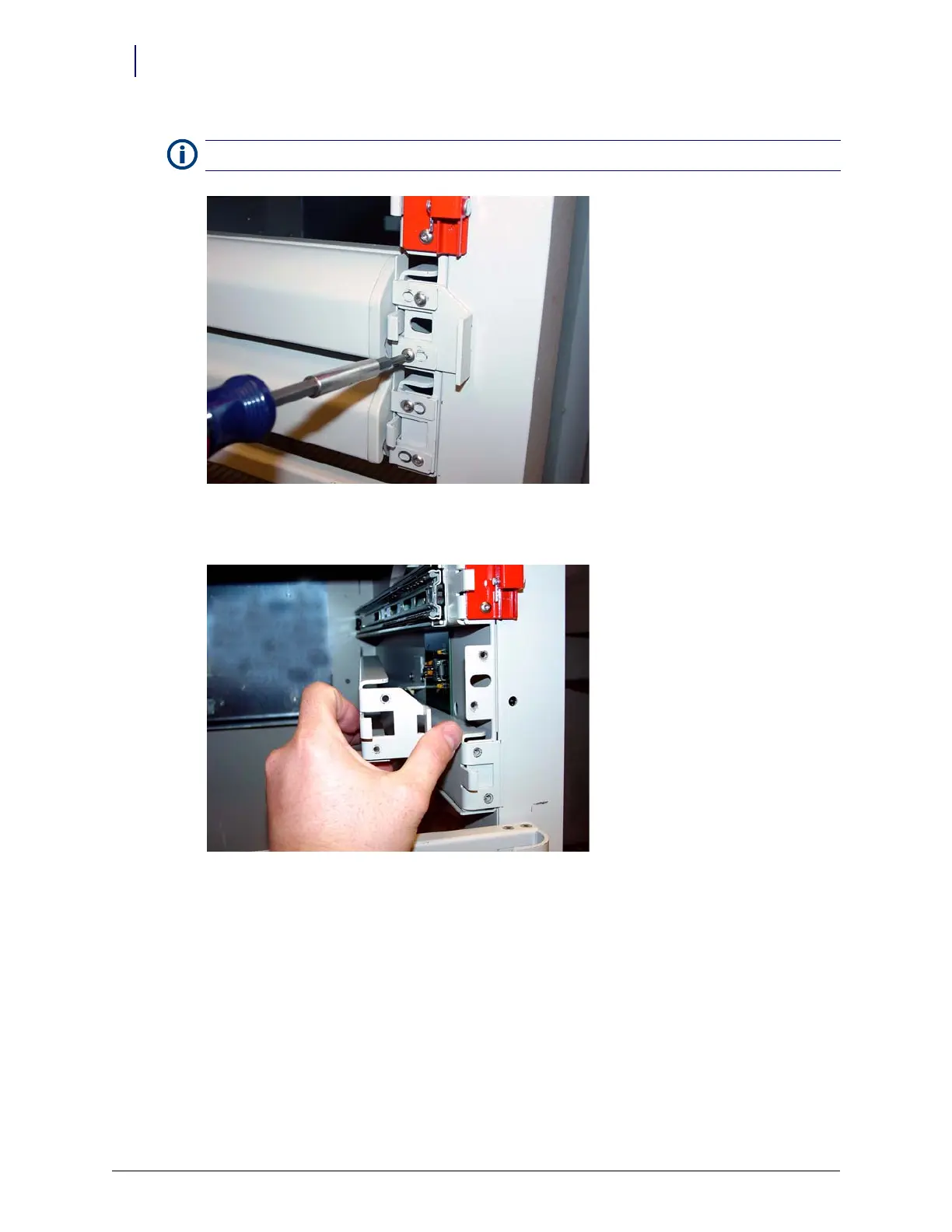
Figure 3-4. Remove the screws securing the false drawer front
4. Remove the slide mounting bracket.
Figure 3-5. Remove the slide support bracket
5. Connect the drawer cable to the drawer connect board.
6. Use a piece of double-sided tape to attach the cable clamp to the drawer cable.
7. Line up the tape to the edges of the clamp and secure the clamp to the carrier with two screws
using a Torx T15 screwdriver.
8. Connect a slide to the left side of the carrier with the three screws provided using a Torx T15
screwdriver.
9. Connect the drawer controller cable to the drawer controller board at the rear end of the
drawer.
10. Replace the slide to the slide mounting bracket with three screws using a Torx T15 screwdriver.
Note:
Keep the screws securing the false drawer front. They will be used later in the procedure.



 To Next Page