EN
30
Electronic version
Connecting Omnicomm Terminal Optim
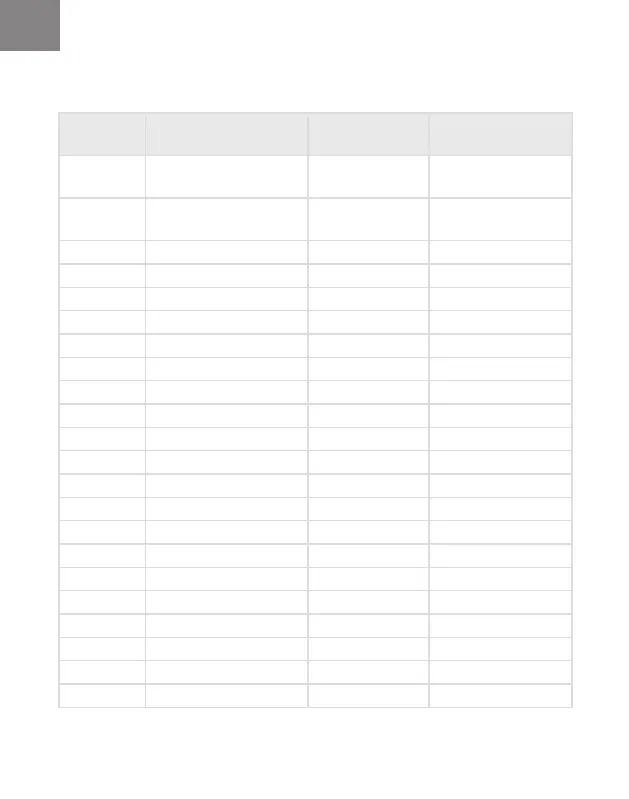
Table 4. Connector Х1
No. of the
contact
Name of the signal Designation Color of wire in
the cable
1 Ground (minus) for
power supply
Ground
(signal)
White
2 Ground (minus) for
power supply
Ground
(supply)
White
3 Panic button Panic button White-Red
4 Universal input 2 Input 2 Black-White
5 Universal input 4 Input 4 Black -Yellow
6 Input «RPM» Tachometer Blue
7 Discrete output 2 Output 2 Yellow-Dark Blue
8 Line RX RS-232 RS-232 RX Pink
9 Line B RS-485 №2 B RS-485 №2 Black-Blue
10 Line B RS-485 №1 B RS-485 №1 Blue-White
11 CAN L CAN L Violet-White
12 Supply voltage Supply Red
13 Ignition key IGN Yellow
14 GSM call button GSM Green-Black
15 Universal input 1 Input 1 Black
16 Universal input 3 Input 3 Black-Red
17 1wire / Ibutton Ibutton+ Pink-Red
18 Discrete output 1 Output 1 Yellow-Red
19 Line TX RS-232 RS-232 TX Grey
20 Line A RS-485 №2 A RS-485 №2 White-Green
21 Line A RS-485 №1 A RS-485 №1 Orange-White
22 CAN Н CAN Н Violet-Orange



 To Next Page