69
2-5. Stress Mode
11. Make sure that "ECG: OK" and "PCG: OK" are
displayed.
12.Press the [START] button on the device.
Measurement begins.
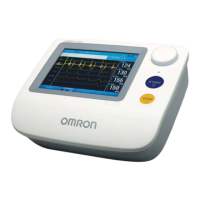
• During measurement the waveform appears. To view
numerical values during measurement, press the
[SWITCH VIEW] button and select the desired screen
from the three screen types.
Refer to "Checking Numerical Values During Stress
Test" (page 71).
BP-203RPE3(A).fm 69 ページ 9年月6日 土曜日 午後5時4分



 To Next Page
 Loading...